ZZE · Equipment guide
Choose the version for what you print.
The UV version prints on items. The food version uses food-grade ink without curing. Select the configuration for the intended use.
What will you print?
Choose an option to update the machine and workflow below.
See how this machine works.
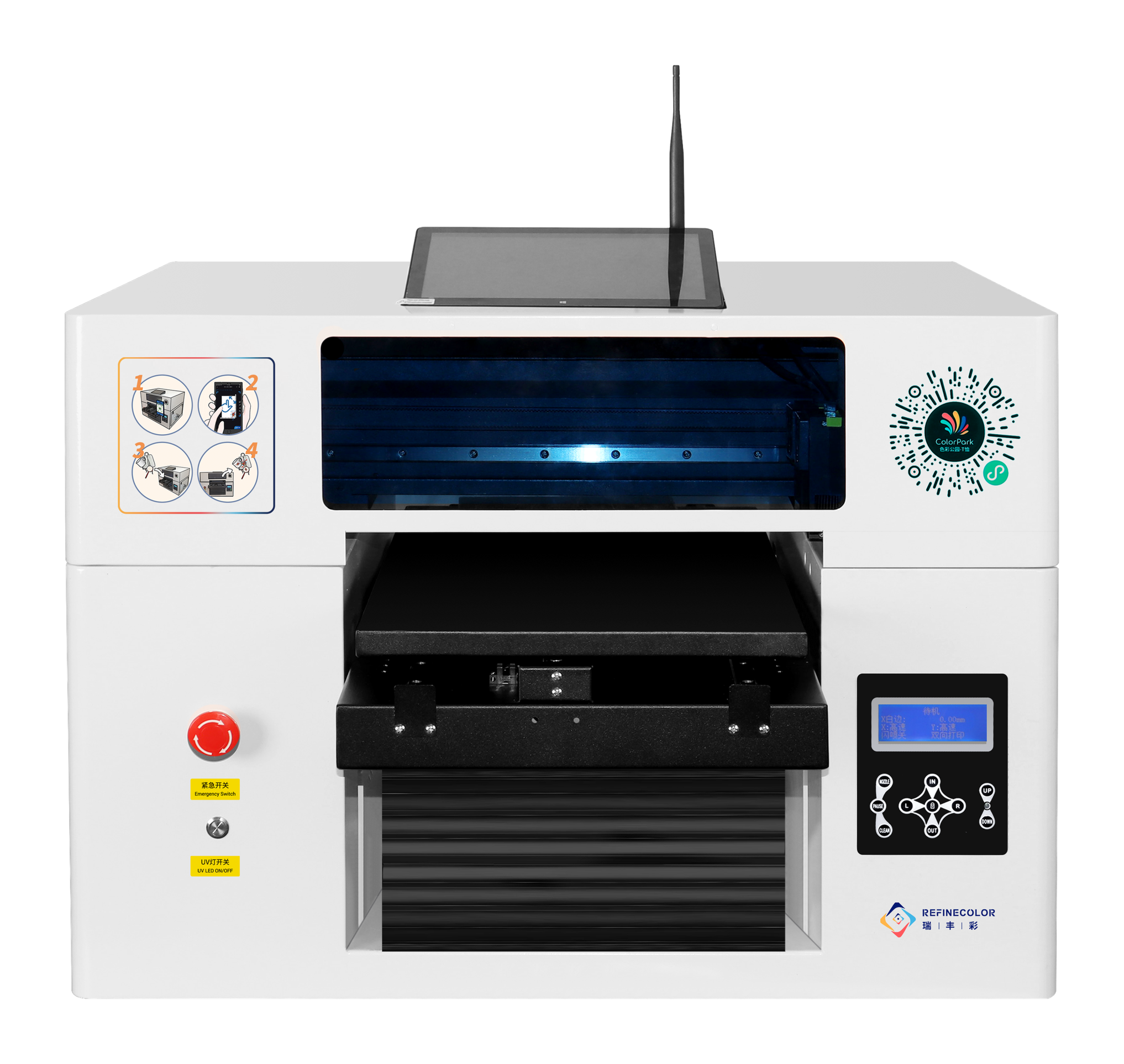
Print designs on ordinary items.
For flat items such as phone cases, acrylic panels and nameplates. Test materials and artwork dimensions first; cylinders require dedicated fixtures.
- Print area
- 310×500 mm
- Ink
- UV ink, color and white
- Drying
- UV curing
- Computer
- Optional; external Windows PC without the integrated computer
- Loading & pickup
- Manual
- Scan-based customization
- Choose software, then measure and test item and artwork dimensions
Compare the differences side by side.
Test actual items to confirm suitability and results.
RF-ZZE UV version
For flat items such as phone cases, acrylic panels and nameplates. Test materials and artwork dimensions first; cylinders require dedicated fixtures.
View machine details →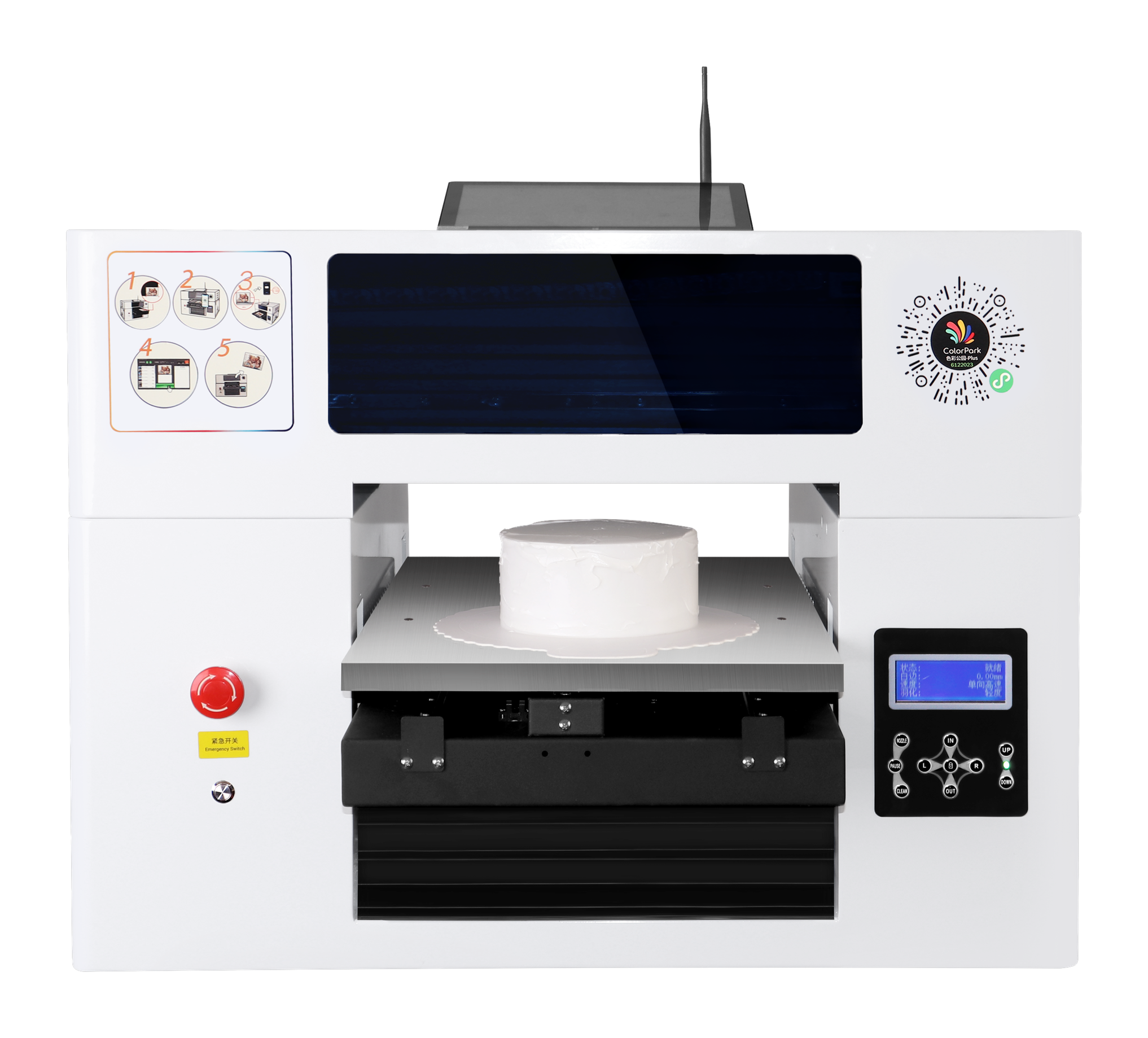
RF-ZZE food version
Food-grade ink with no curing. Test actual cookies, macarons or other food items for dimensions, loading and results.
View machine details →How do you get from setup to a finished item?
RF-ZZE UV version · Workflow reference
- 01
Test actual items
Check materials, dimensions, fixtures and results.
- 02
Design, preview and order
Prepare artwork using tested dimensions. If payment is needed, complete it after preview confirmation and before printing.
- 03
Staff load and print
Load the item, confirm artwork and the order, then print.
- 04
Check and unload
Check the result before handing it to the customer.
Test your own items before deciding on a setup.
Items and artwork
Share actual items and artwork. Check dimensions, print placement and how to hold the item.
Printing and operation
Test results along with loading, pickup, cleaning and maintenance space.
Software and costs
Confirm software and services per project. Samples are free, with customer-paid shipping; assess special materials and custom fixtures separately.
Start with these details.
- Actual items, materials and dimensions
- Artwork and intended finish
- Computer, software and operating workflow
- Scan-based ordering, payment or system integration needs