inkit · Development & customization
Equipment and workflows.Shaped around your needs.
Start with the items you want to print. Bring equipment, software and operating steps together.
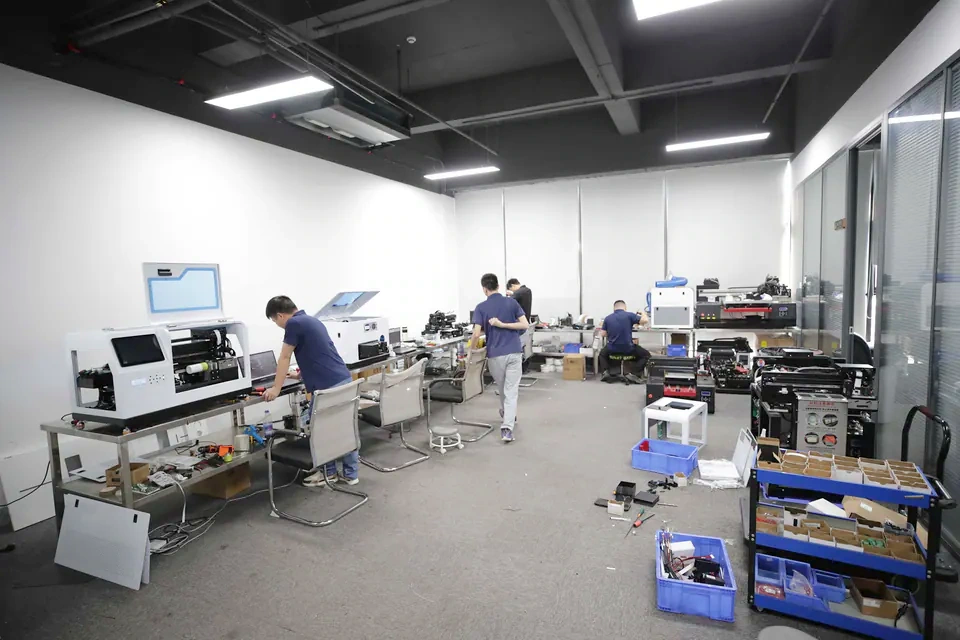
Start with your needs
What do you need to solve?
Explore existing options first, then assess the changes you need.
01 / Items & equipment
How can I print my items?
Start with the material, size and artwork, then choose the printer and how to hold and position the item.
02 / Software & ordering
How can customers place orders?
Connect item selection, image upload, preview and ordering. Match software to the equipment.
03 / Systems & interfaces
How can I connect my system?
Tell us where orders come from and how artwork is sent, then agree how the software connects to the printer.
Items & printing
Test the actual item first.
A change in material, size or placement needs a fresh assessment of the result.
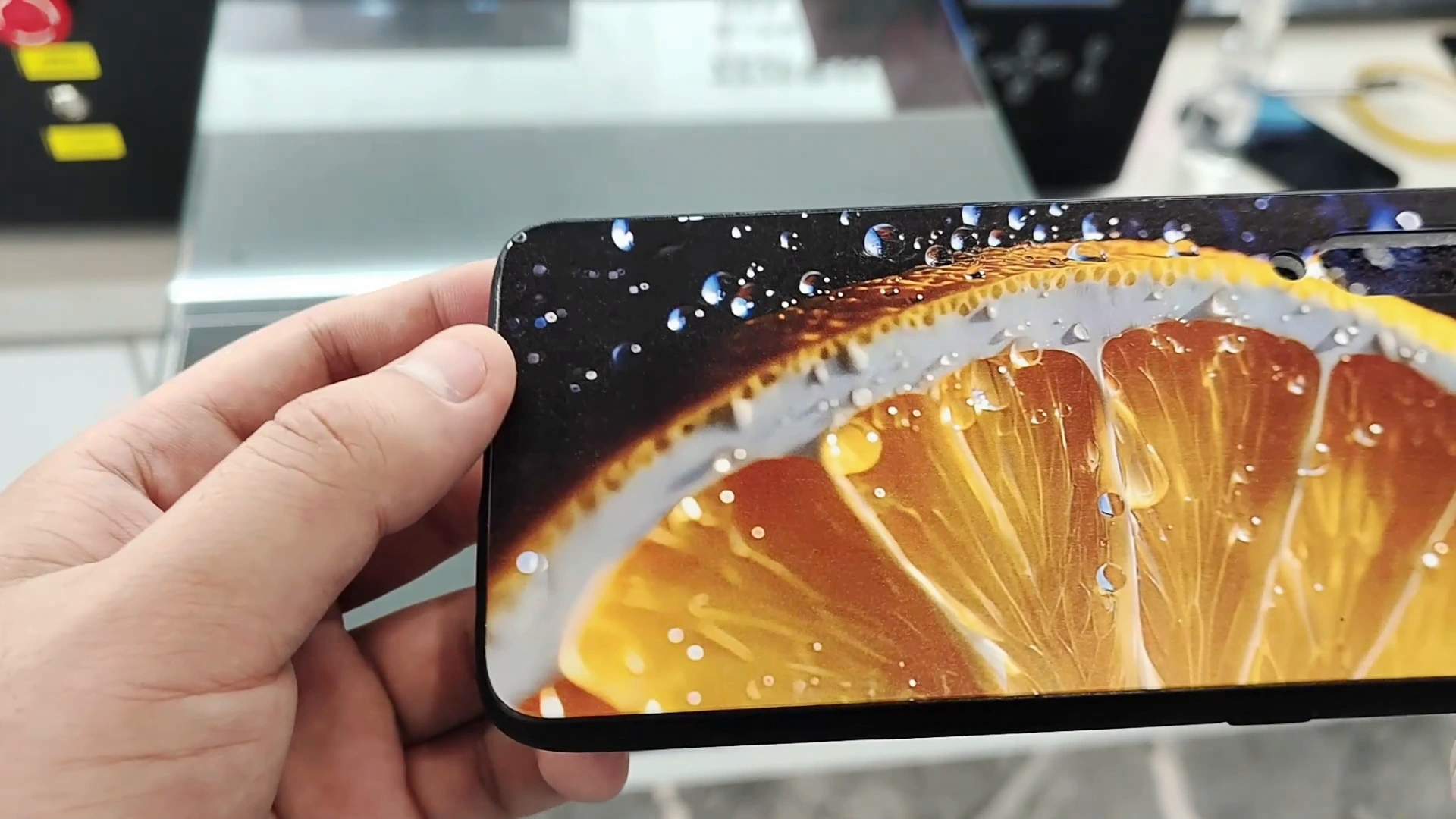
Place the artwork correctly
Assess holding methods, fixtures and artwork placement for the shape of your item.
Check the result
Use your actual items and artwork to review color, placement and results.
Sample printing is free; customers cover shipping. Charges for special materials or custom fixtures are confirmed after assessment.
Learn about sample printing →Software & systems
Connect ordering to printing.
Confirm design, order handling and loading steps for the actual equipment.
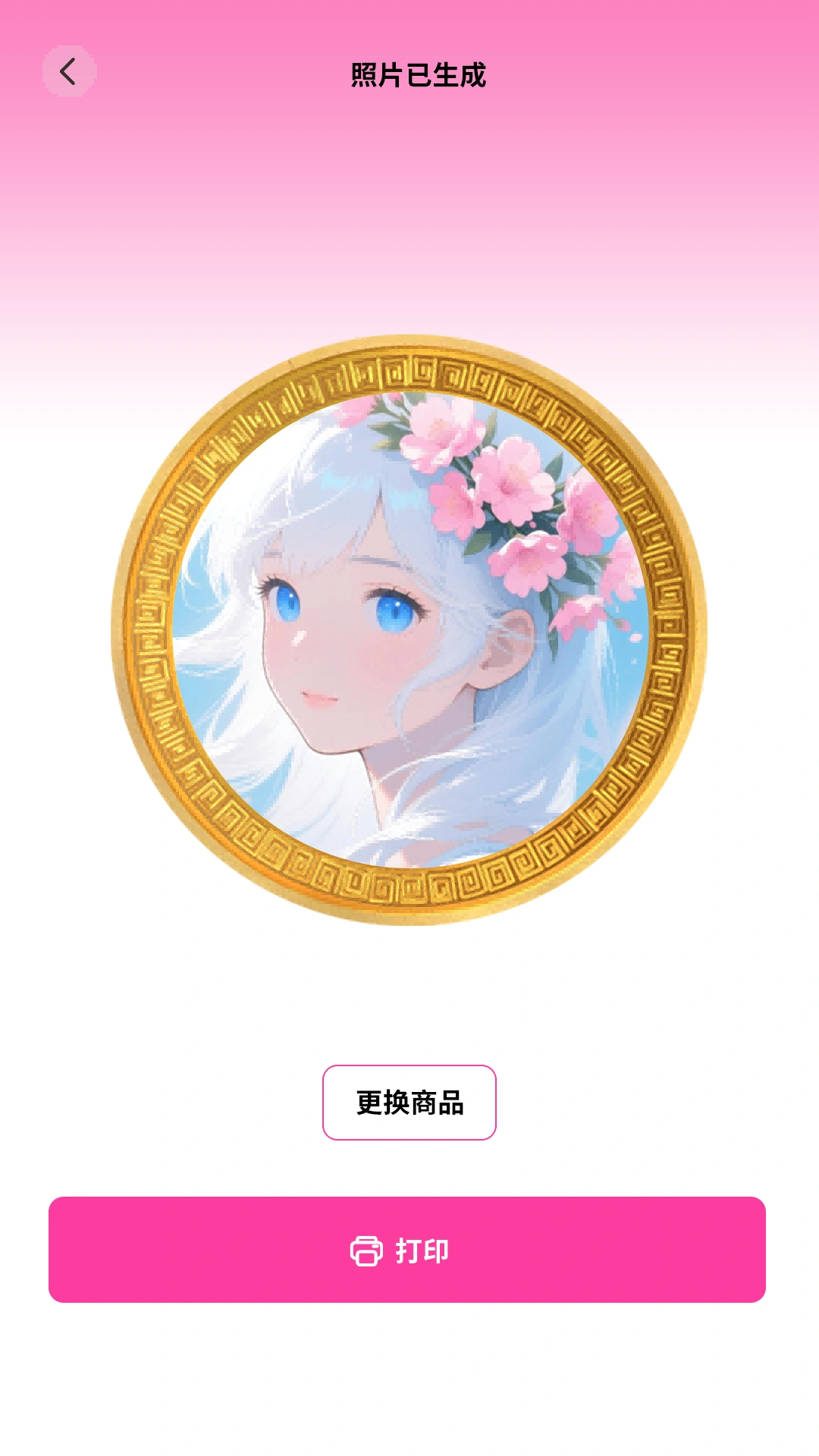
Customers design and order
Assess item selection, uploads, previews and payment. Manual loading or automatic dispensing depends on the machine.
Explore cloud printing →Connect an existing order system
Tell us the order source, artwork files and print progress you need to see. Then check whether the software, network and printer can work together.
Explore integration →Software and interface scope is agreed for each project. Workflows can differ between machines.
Project steps
Agree first. Build step by step.
- 01
Describe your needs
Share items, artwork and the actual workflow.
- 02
Assess and test
Check the printer, item holders and software. Test actual items when needed.
- 03
Agree on the setup
Agree on features, cost, delivery date and how the finished work will be checked.
- 04
Implement and deliver
Implement and validate the agreed scope, then arrange training and support.
Customization scope, costs and timing depend on requirements. The proposal distinguishes existing functions from new development.
Before contacting us
Start with these details.
Choose a topic, copy the checklist and add your details.
- Item photos, material and dimensions
- Artwork, print placement and intended result
- Application and expected quantity
- Target date