Applications · Start with your business
What kind of custom printing will you offer?
Start with the items you want to offer. See how to make them, which equipment fits and what marketing resources are ready.
Equipment sales · Free sample printing · Technical support
Download a marketing kit or make your artwork ↓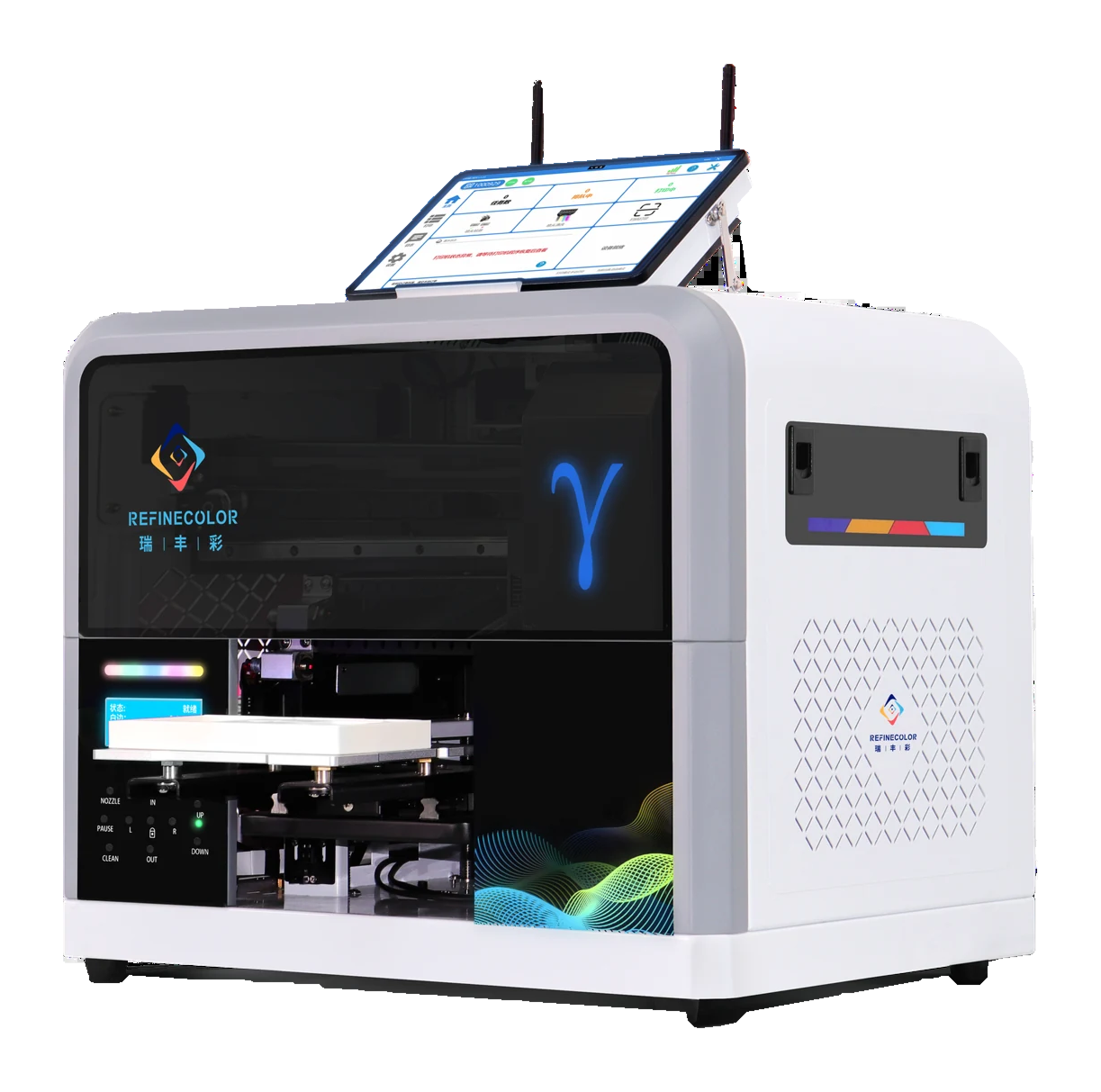
Choose an application
Which products will you offer?
01 / Retail customization
Give a small item a personal touch.
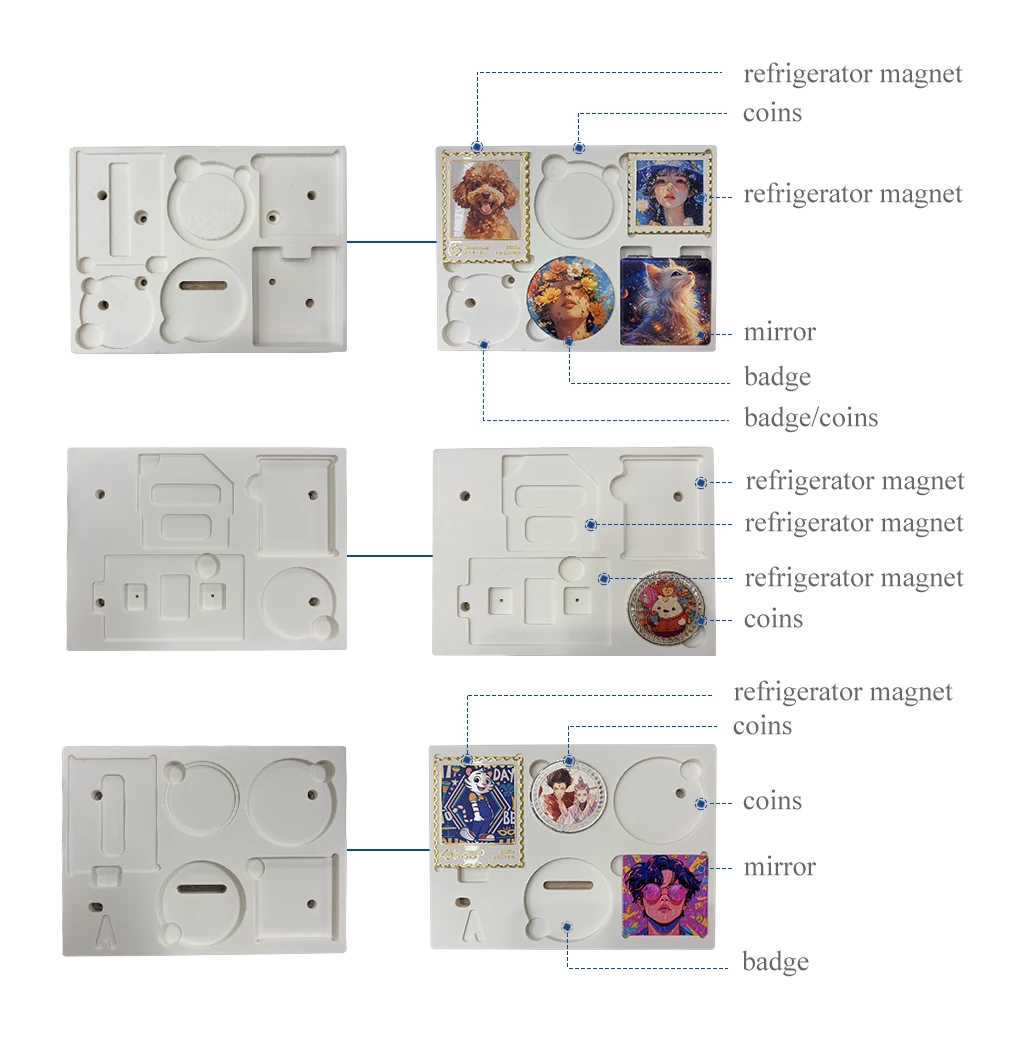
A customer brings a favorite design. Staff check the item, material and print position before production. Start with the products you plan to offer.
- 1Choose the item and artwork
- 2Check holding and placement
- 3Review the sample and operation
Check who will operate it, how items are held and where the machine will go.
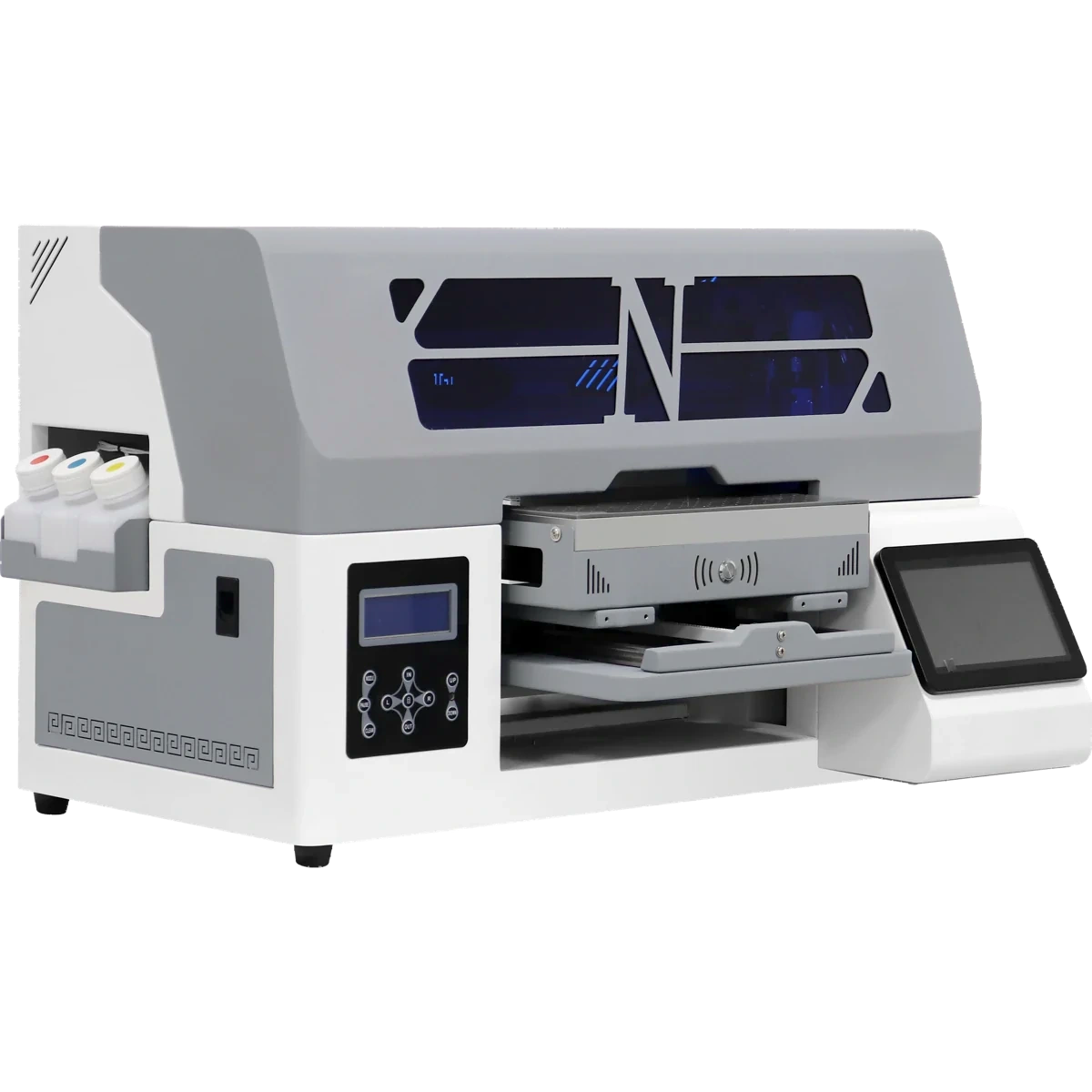
Download this marketing kit ↓Related equipment / ZP1A
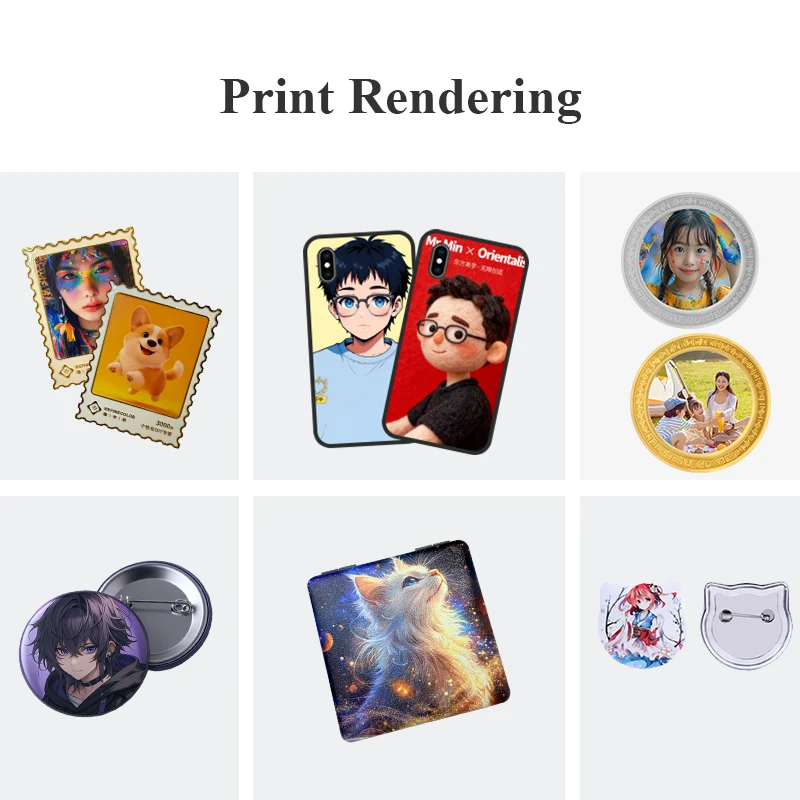
02 / Personalized souvenirs
Turn a local memory into a keepsake.
Start with local landscapes, architecture or an event theme. Prepare artwork and actual souvenir items, then assess equipment and the on-site workflow.
- 1Prepare local-themed artwork
- 2Test actual souvenir items
- 3Assess on-site production
Test actual items to confirm the material, holding method and software needed.
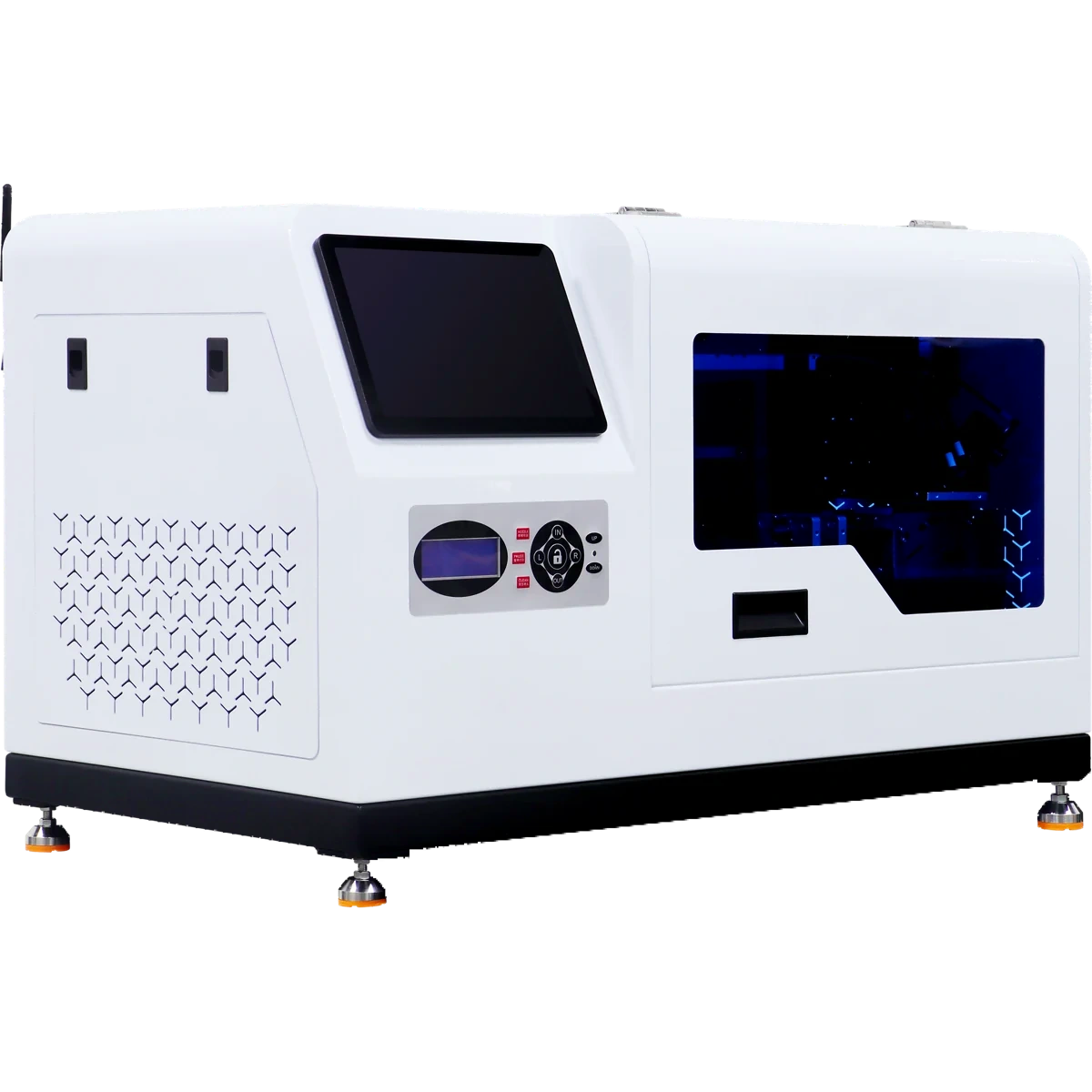
Download this marketing kit ↓Related equipment / ZP1B
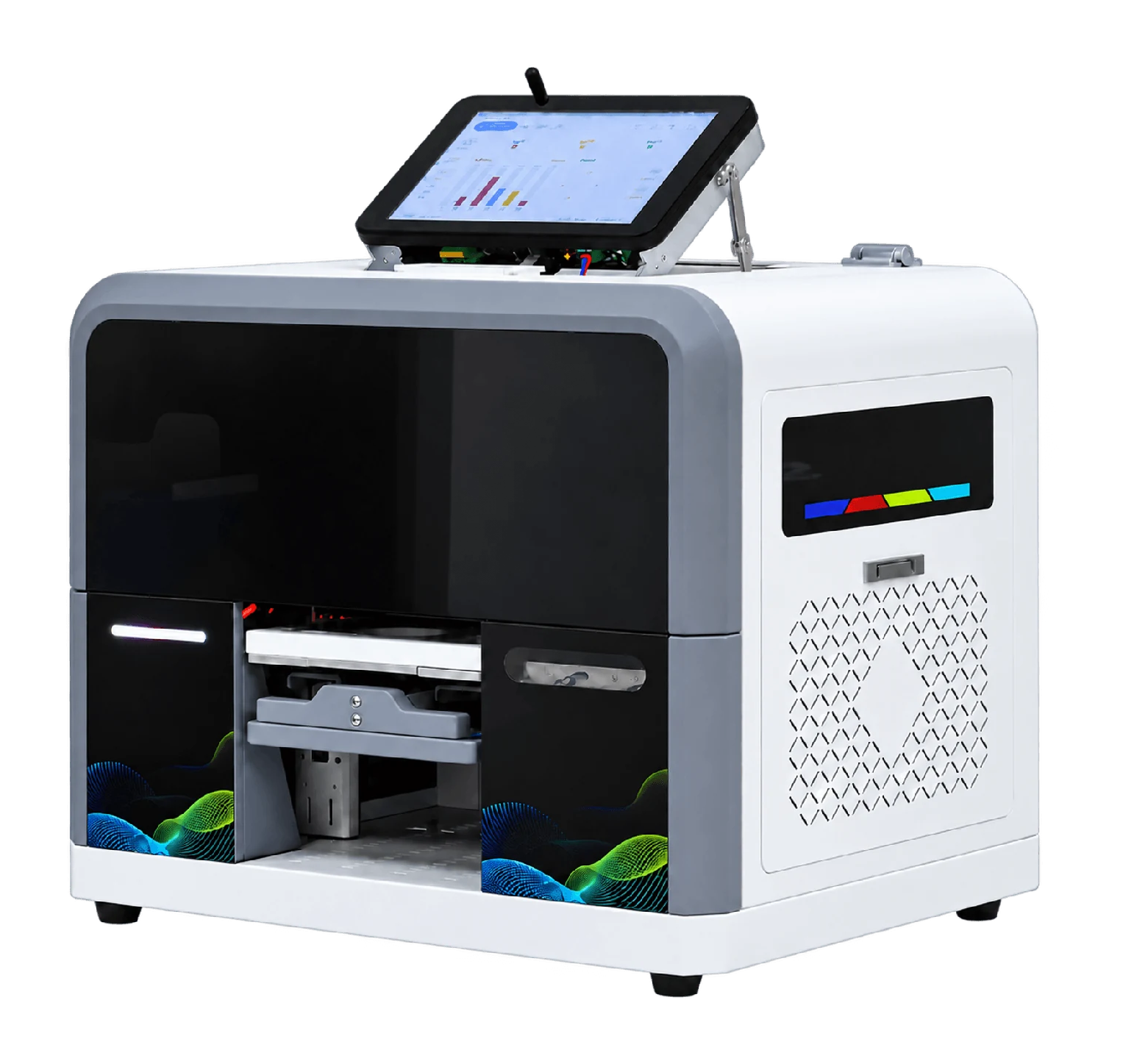
03 / Custom gifts
Make a gift feel personal.
Prepare artwork for an event, brand or team. Review actual gifts, materials, dimensions and placement before discussing the workflow and equipment configuration.
- 1Share the gift and design
- 2Assess dimensions and fixtures
- 3Review results and configuration
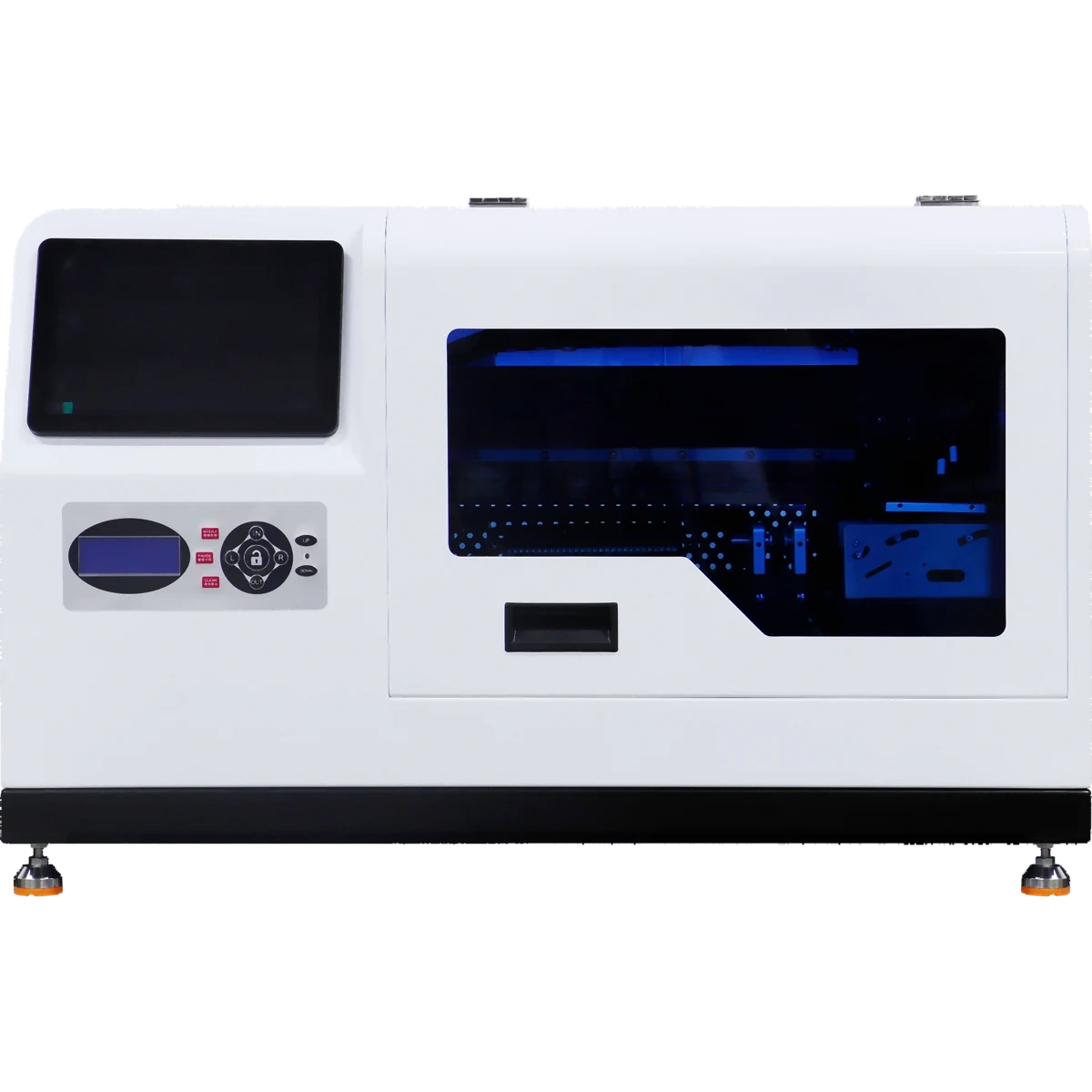
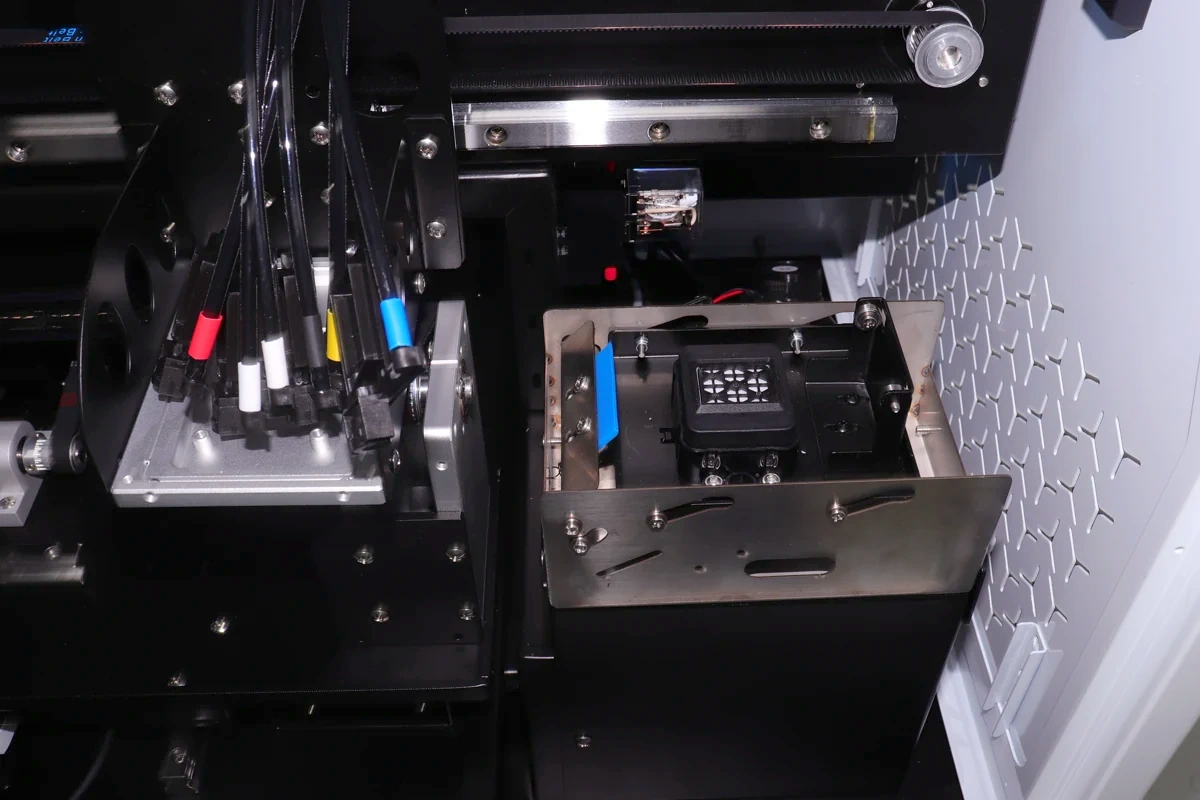
GP1 supports cylindrical items only: item length under 200 mm, listed diameter Ø55–80 mm.
Download this marketing kit ↓Related equipment / GP1
More applications
Know how you will operate?
Follow your operating model to find the right equipment and preparation steps.
Give your idea a starting point
A different design.
A different feeling.
Landscapes, botanicals or orbits: artwork can reflect a local theme, an event or a personal favorite. Assess materials and results using actual items before production.
Artwork illustration, not a device print sample.Launch & marketing tools
Take useful materials with you.
Download a kit for your application, or add your business name and contact details to create a promotional image. No registration required.
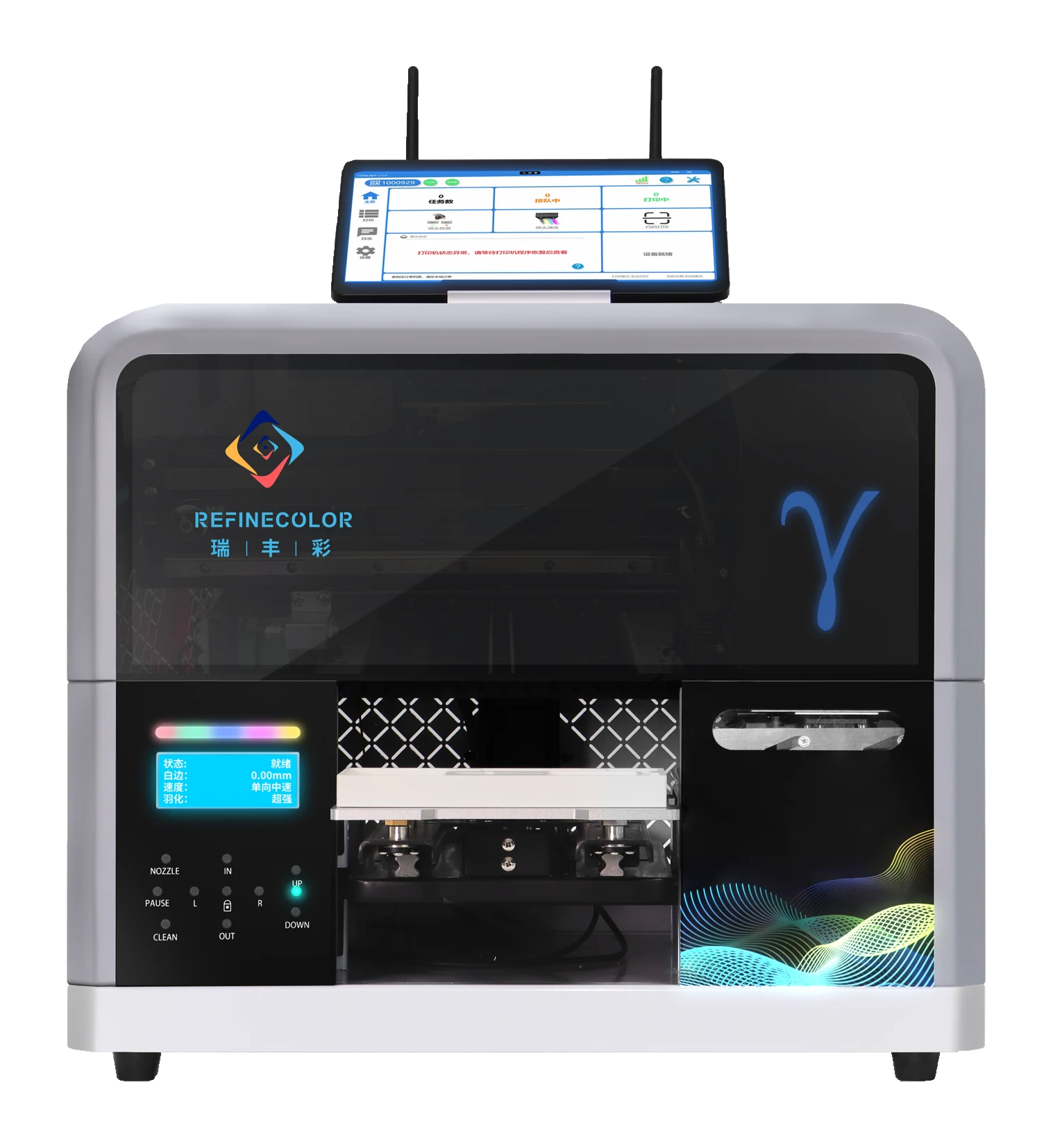 ZP1A
ZP1A12 files · Chinese & English
Retail marketing kit
Prepare retail promotion around actual items, fixtures and sample assessment.
- Original machine images and confirmed PDF specifications
- Equipment leaflet and editable promotional artwork
- Marketing copy, getting-started guide and source records
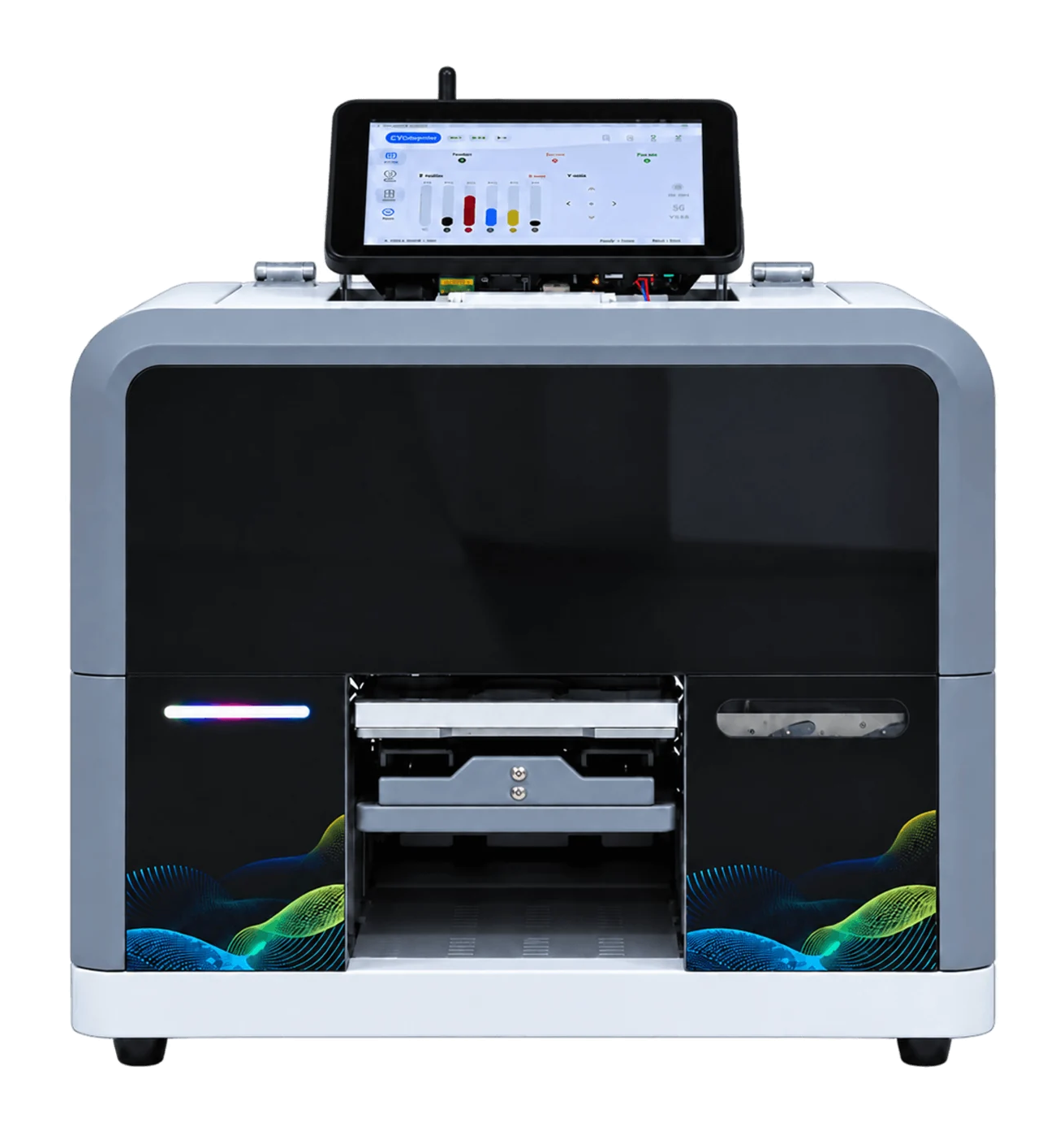 ZP1B
ZP1B12 files · Chinese & English
Souvenir marketing kit
Prepare themed artwork, equipment information and samples for souvenir promotion.
- Original machine images and confirmed PDF specifications
- Equipment leaflet and editable promotional artwork
- Marketing copy, getting-started guide and source records
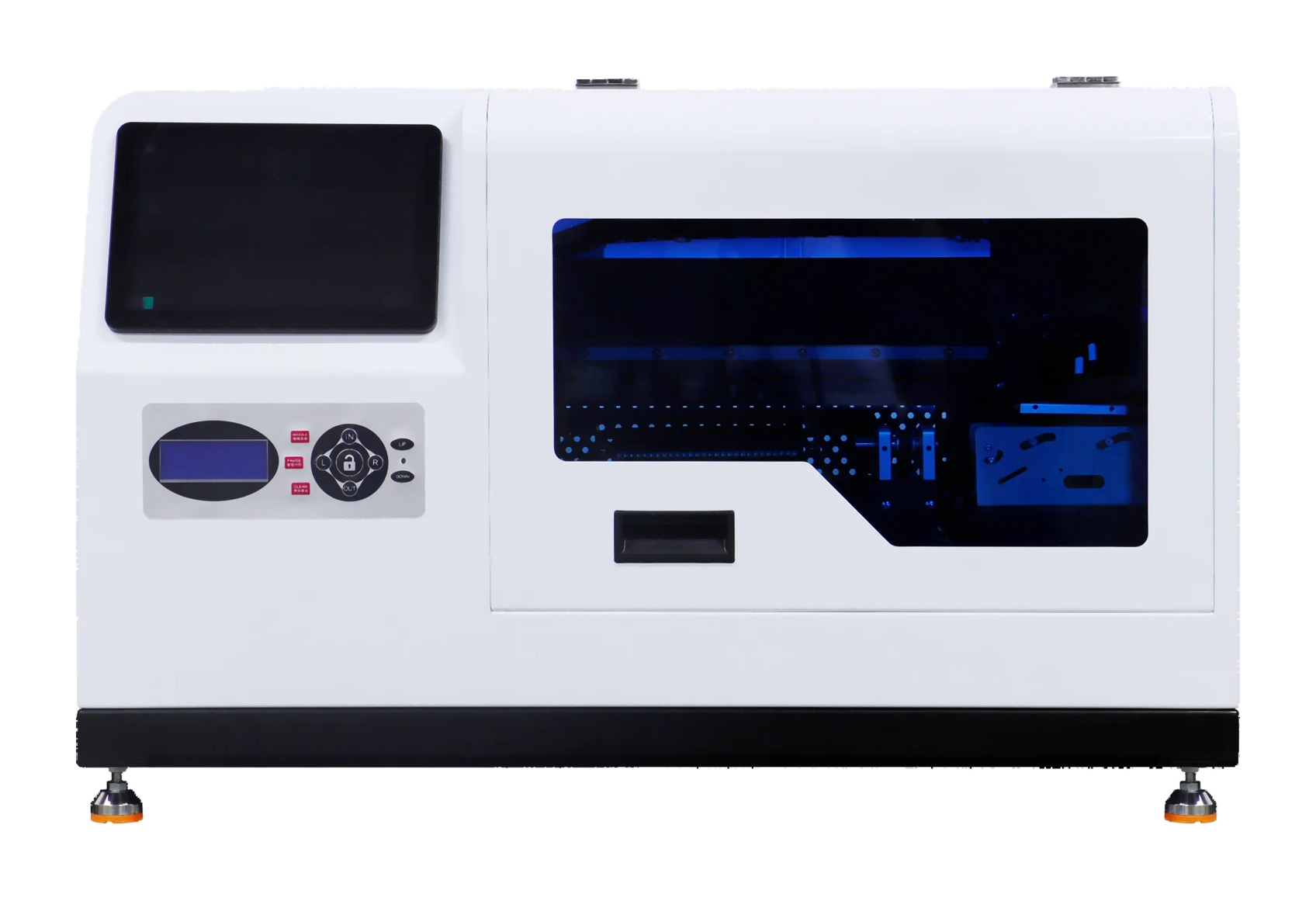 GP1
GP111 files · Chinese & English
Gift marketing kit
Prepare cylindrical-drinkware promotion using machine images, structure and confirmed specifications.
- Original machine images and confirmed PDF specifications
- Equipment leaflet and editable promotional artwork
- Marketing copy, getting-started guide and source records
Make your own promotional artwork
Add your name. Make it yours.
Add your business name and contact details to create a PNG poster. Download the editable SVG if a designer needs to change it.
Details stay in your browser. Customize the artwork for your actual services before publishing.Your creative studio
Make your favorite item personal.
How to use the kits and download on mobile
Use the equipment images, specifications and templates for your business. Sample photos are shared ZP1A/B references; the GP1 gift kit does not yet include photos of printed items.
Unzip the kit on a computer. On mobile, preview the PDFs or generate a PNG above. If WeChat blocks downloading, use its menu to open the page in a browser. You can also open the generated image and save it.
Let an actual sample guide the decision
Bring your idea and an actual sample.
Sample printing is free with no quantity limit. Agree on artwork and materials before sending samples or arranging a factory visit. Contact technical service team for equipment configuration and quotations.