Guangdong inkit Technology Co., Ltd.
Start your shop’s printing service with one item.
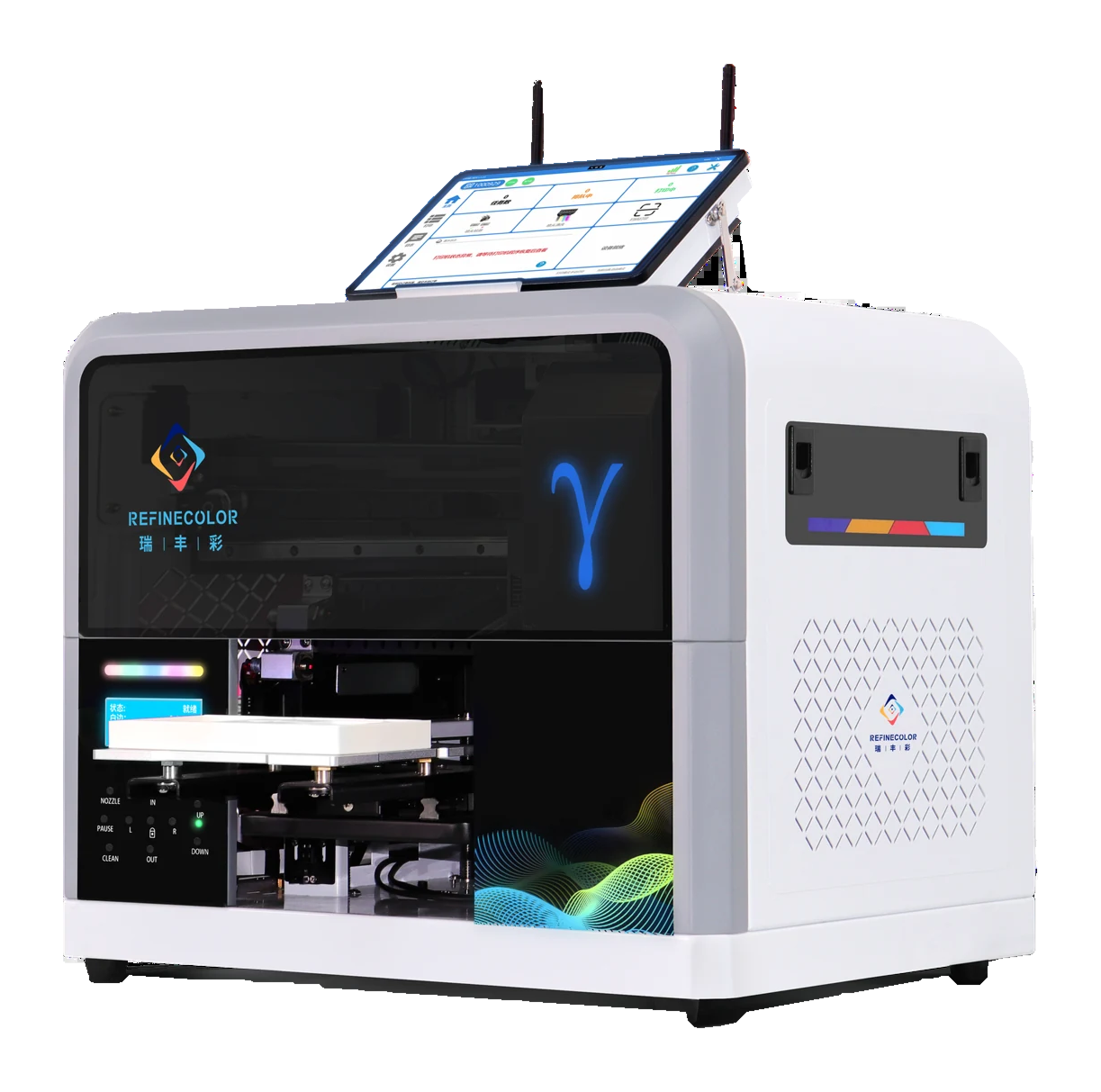
Choose the item and artwork, test a real sample, then plan the equipment and staff workflow.
Guangdong inkit Technology Co., Ltd.
Questions to consider first.
What will you print?
Consider the material, dimensions and surface.
Who will operate it?
Consider available space, operation and maintenance.
How will orders work?
Consider quantities, changeovers and any system integration.
Guangdong inkit Technology Co., Ltd.
Start with the item, then check the print.
Below are shared ZP1A/B artwork references and unprinted items. Test your own material before production.
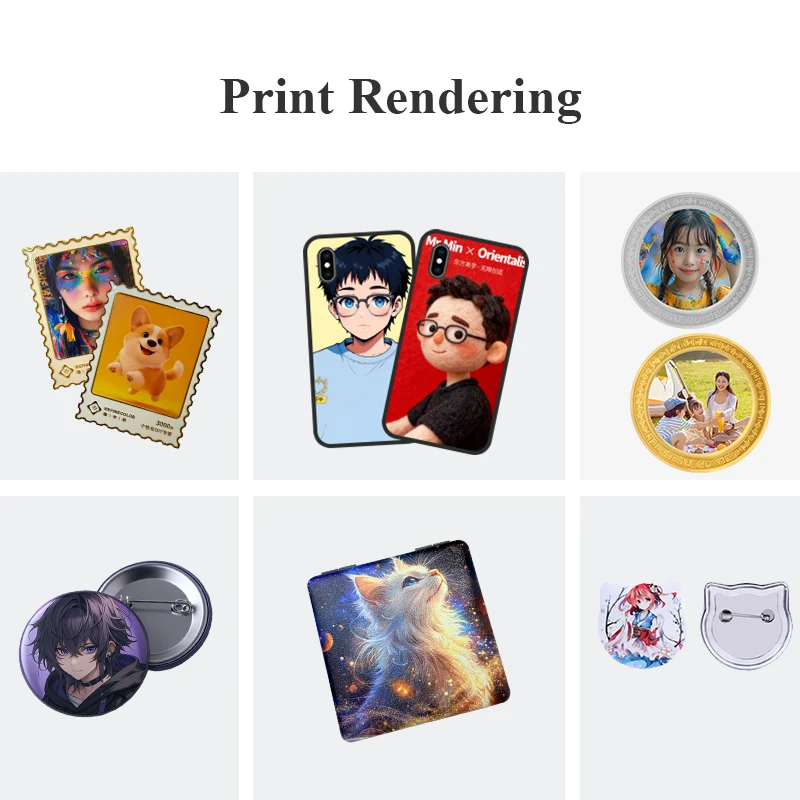
Shared ZP1A/B visual reference
See how artwork may appear, then test your own item.
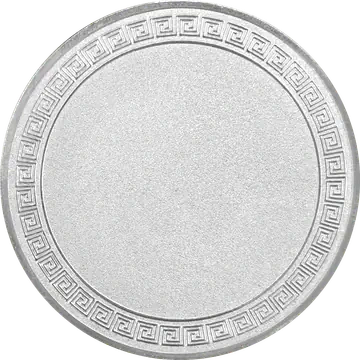
Blank souvenir coin
An unprinted item. Check its material and holding method.
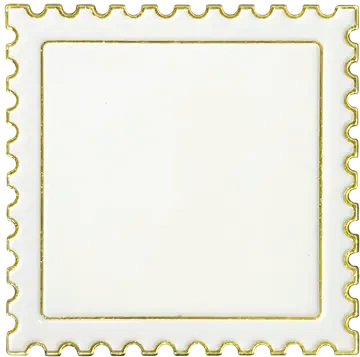
Blank fridge magnet
An unprinted item. Confirm artwork and placement on a sample.
Guangdong inkit Technology Co., Ltd.
A typical shop workflow.
This is an example. Steps depend on equipment and configuration; ordering, payment and automatic collection are not included with every machine.
- 01
Select item and artwork
- 02
Check placement and material
- 03
Secure the item and print
- 04
Inspect and hand over
Guangdong inkit Technology Co., Ltd.
Choose equipment around your items.
Compare dedicated equipment for phone cases, ZP1A for creative items, and specialist options for cylindrical items or golf balls.
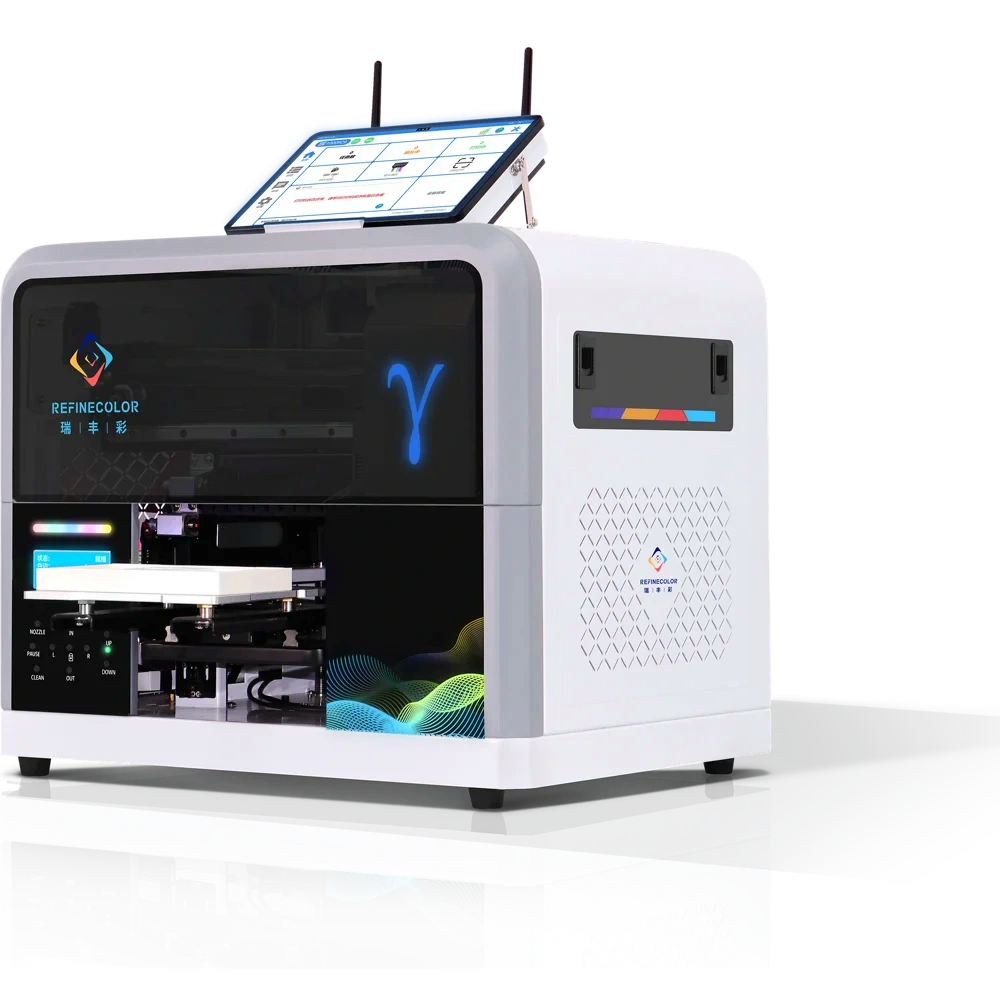
Guangdong inkit Technology Co., Ltd.
Tell us about your product.
Sample printing is free, with no quantity limit. Customers cover shipping costs. Charges for special materials and custom fixtures are confirmed after assessment.
- 01
Discuss requirements
Share item photos, material, dimensions and artwork.
- 02
Send or bring samples
Agree on requirements before sending samples or arranging a visit.
- 03
Print and review
Review results using your actual items and artwork.
- 04
Solution and quotation
Discuss equipment and a quotation with our technical service team.
Marketing resources
Take a ready-to-edit kit with you.
The kit includes ZP1A machine images, confirmed specifications, a leaflet and editable artwork. Add your own shop name and actual product photos before posting.
Start with your requirements
Tell us what you want to print.
Share your items and artwork. We will assess equipment and sample requirements with you.