Jianyin · ColorPark self-service printing
Create, order and collect in one place
Choose a complete kiosk, or a print module for your own enclosure. Payment, pickup and daily maintenance need to be planned too.
Three priority directions
A complete kiosk or a print module?
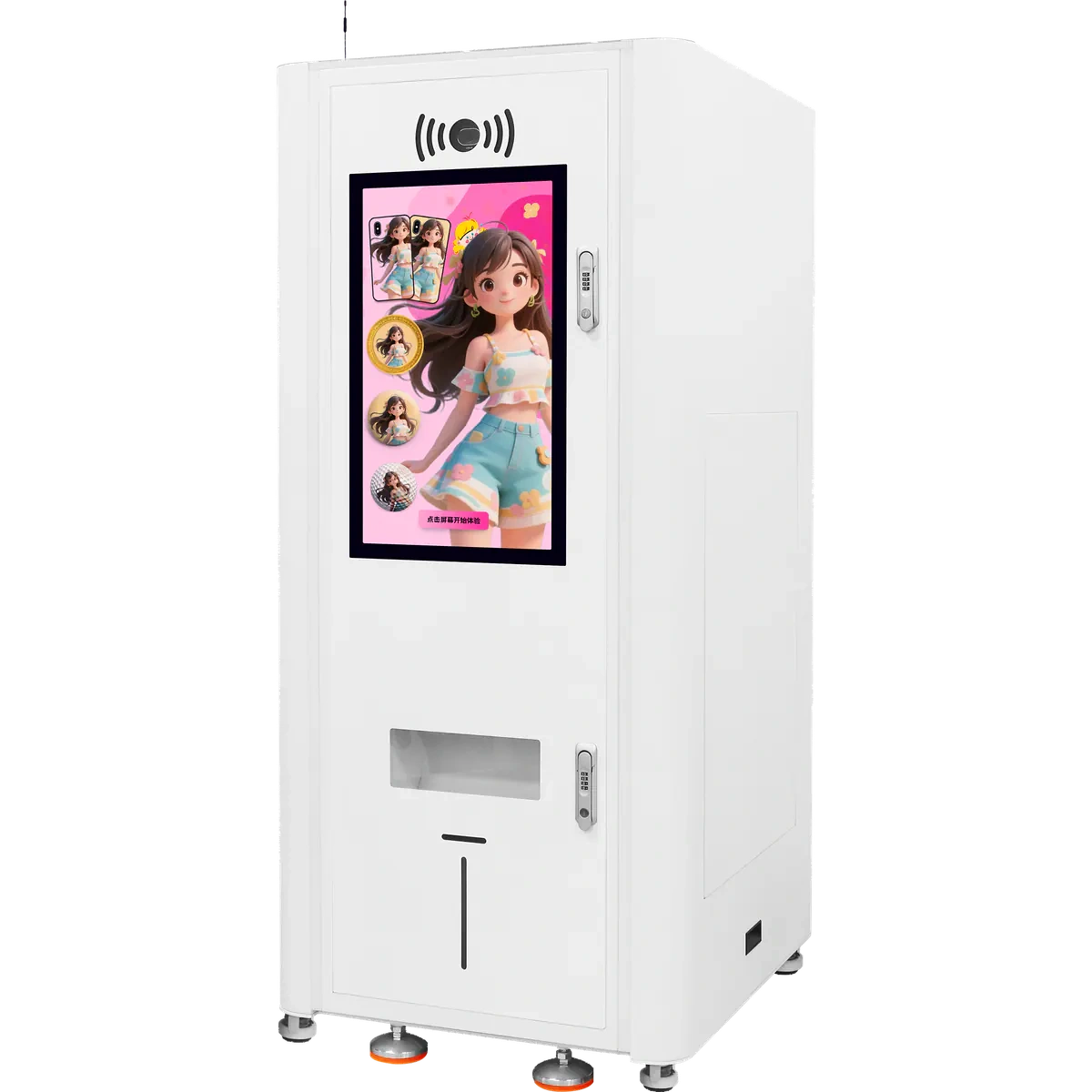
Complete terminal
AI three-in-one self-service kiosk
For projects that combine customer interaction, online payment, cloud jobs and three product lanes in one terminal.
What needs confirming?
Confirm the product-to-lane mapping, AI service, payment, replenishment and site conditions.
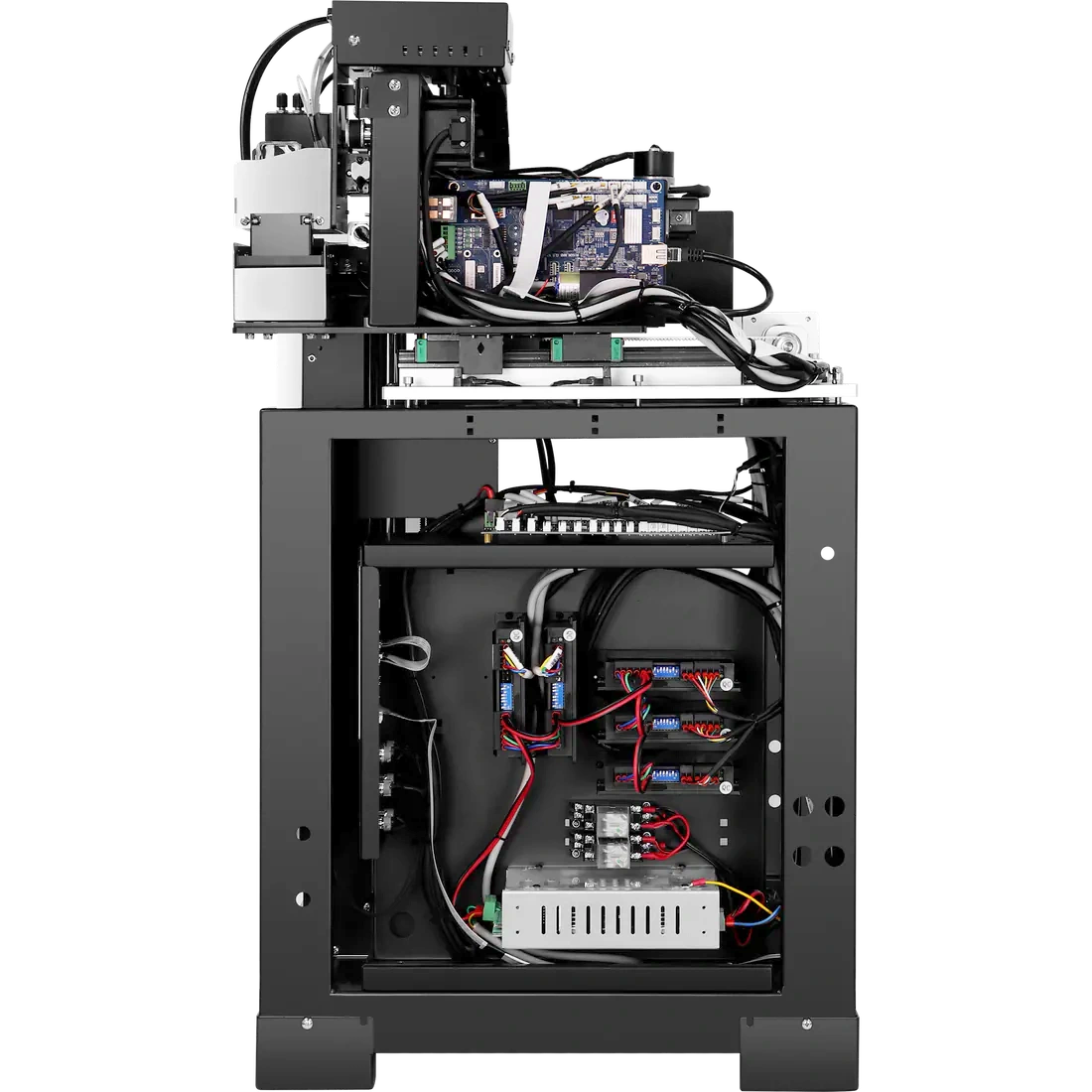
Embedded core module
Three-channel print module
For teams that already provide the enclosure, screen, PC, payment and cloud workflow, and need a three-lane print core.
What needs confirming?
Confirm lane-to-product mapping, external controls, enclosure, pickup and tested throughput.
Cloud-connected module
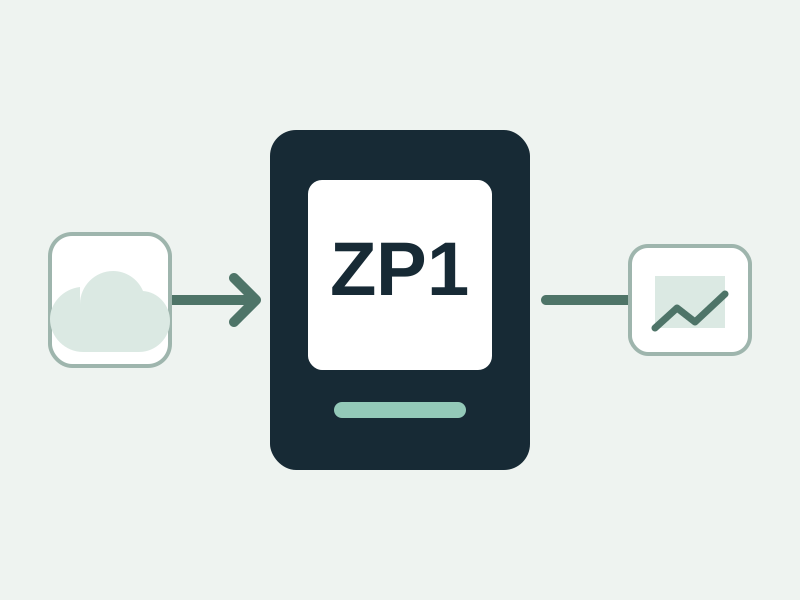
ZP1 embedded print module
The module has ordering software but no built-in computer. Plan the cabinet, PC and pickup workflow for the project.
Module schematic, not a product photo.
What needs confirming?
Confirm product compatibility, loading, interface, enclosure and maintenance access; dimensions remain pending.
What the customer experiences
From a picture to pickup
This is a typical order. The exact steps depend on the product, enclosure and how the location is operated.
See a typical order
- 1
Choose a product
- 2
Upload or create artwork
- 3
Preview and place the order
- 4
Route the job to a print channel
- 5
Print and confirm completion
- 6
Collect the item and record device status
Before the equipment arrives
Who supplies and maintains each part?
See supply and maintenance responsibilities
Jianyin can provide
- Confirmed printer or embedded module
- Applicable cloud workflow and device control
- Sample testing, setup and agreed training
Defined per project
- Enclosure and customer interface
- Payment and third-party system integration
- Remote operations and exception handling
Site operator prepares
- Location, power and network
- Product and consumable replenishment
- Cleaning, inspection and local response
Before selecting equipment
Plan the location
See the location checklist
- 01Product to be sold
- 02Peak visitor flow
- 03Staffed or unattended
- 04Available floor space
- 05Power and network
- 06Payment method
- 07Replenishment frequency
- 08Exception response
Tell us about your location
Share the product, location, opening hours and maintenance plan.