inkit · RefineColor cloud printing equipment
Print your designs on the products you sell
Choose the product first, then define ordering, operation and pickup.
Choose by use
Find a printer by product
Start with the product, then test a real sample.
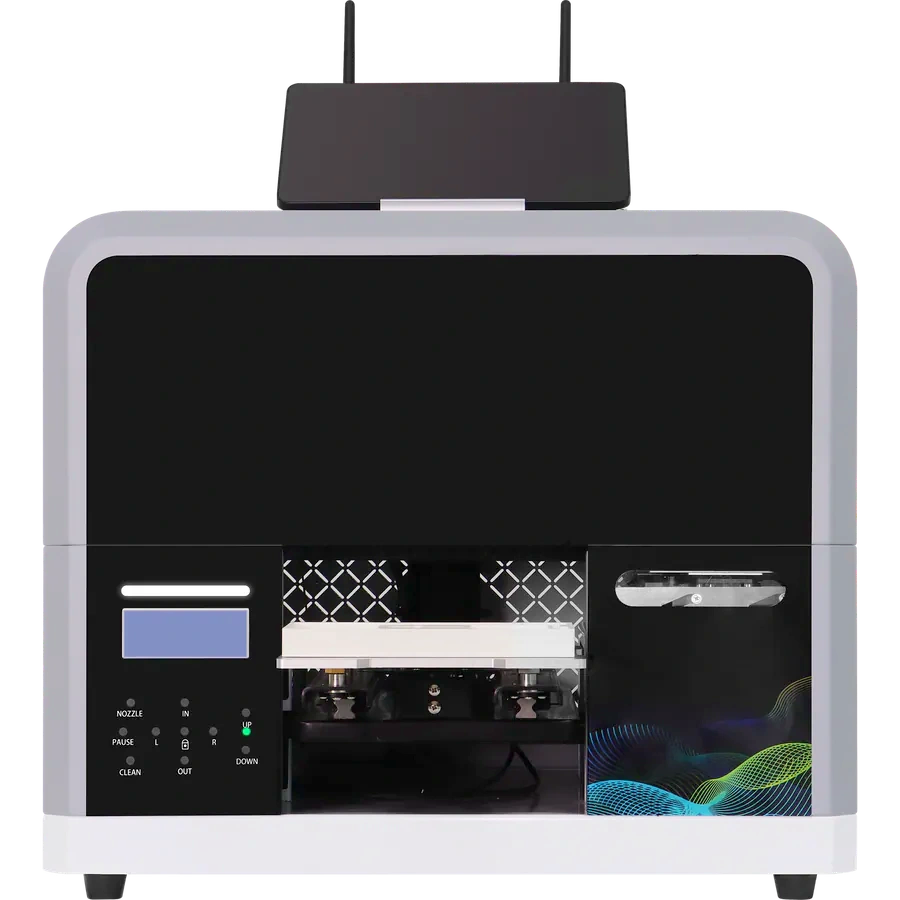
ZP1 creative printers
For coins, badges, fridge magnets and other creative items. Staff operate A and B; P is a print module for a host cabinet.
Is it right for my product?
- Fits
- Creative shops, tourist sites and projects building their own cabinet.
- Confirm
- Actual item dimensions, holding fixtures, computer and software.
ZZE UV and food versions
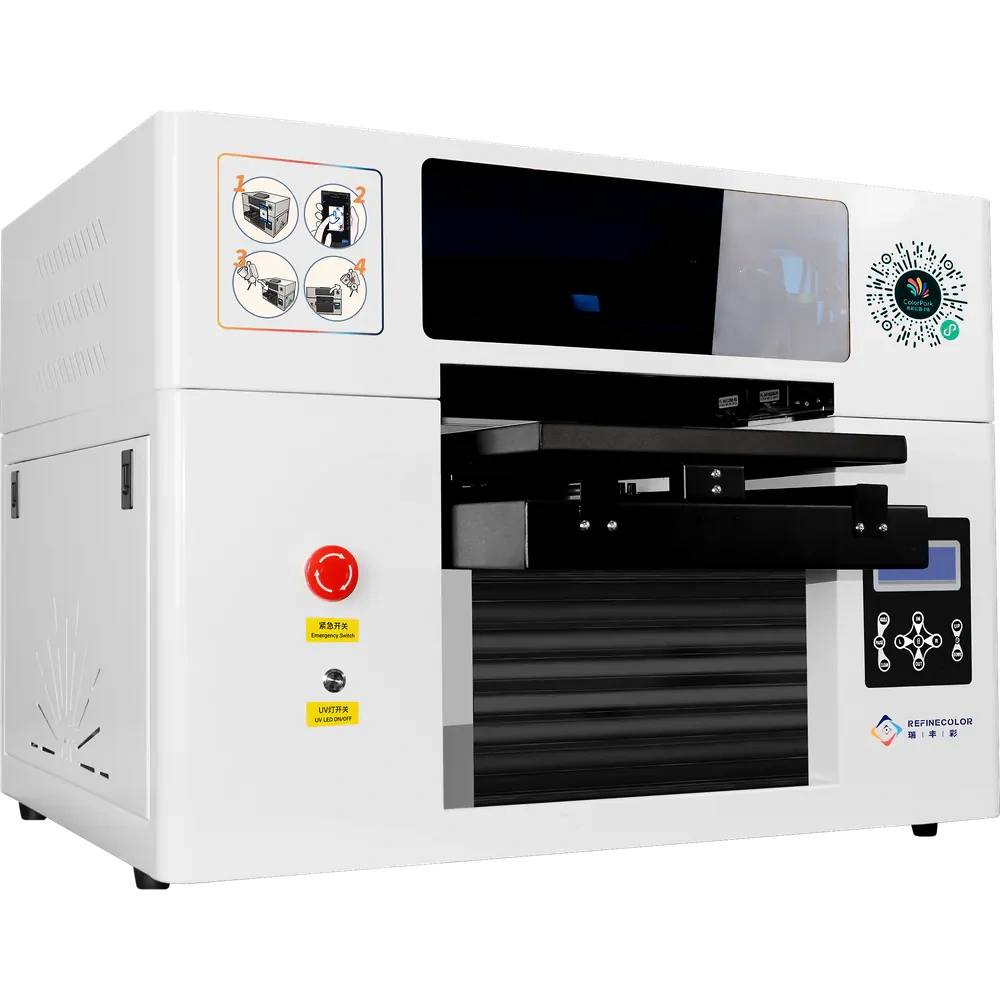
The UV version prints on phone cases, acrylic panels and other items; the food version prints on food. Choose a separate setup for each use.
Is it right for my product?
- Fits
- Shops printing designs on actual products or food.
- Confirm
- Version, material, dimensions, ink, computer and software.
GP1 rotary cylinder printer
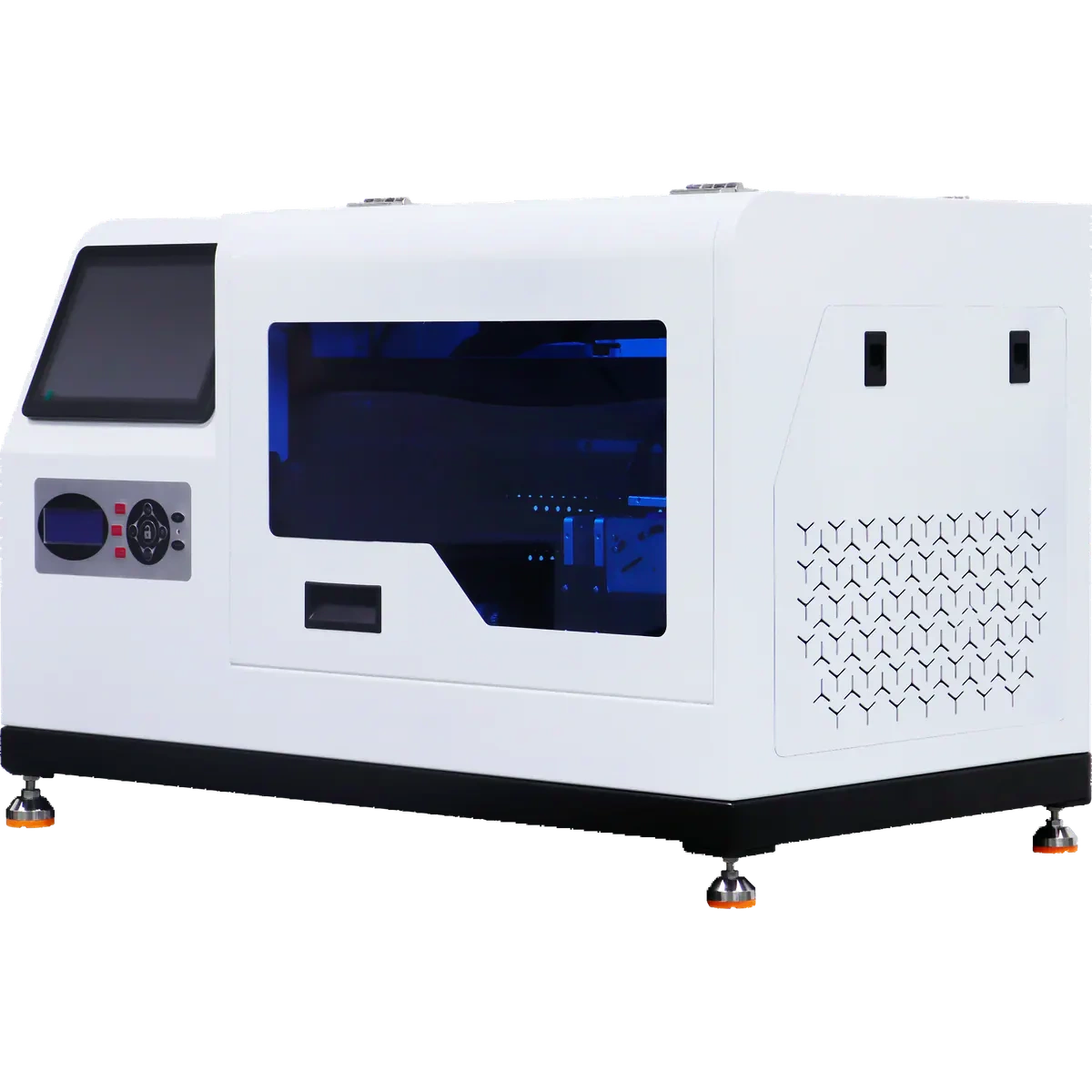
Wraparound designs on cylindrical drinkware 55–80 mm in diameter.
Is it right for my product?
- Fits
- Custom drinkware gifts and corporate orders.
- Confirm
- Total item length under 200 mm; check print length, surface material and holding method.
GF2 rotary golf-ball printer
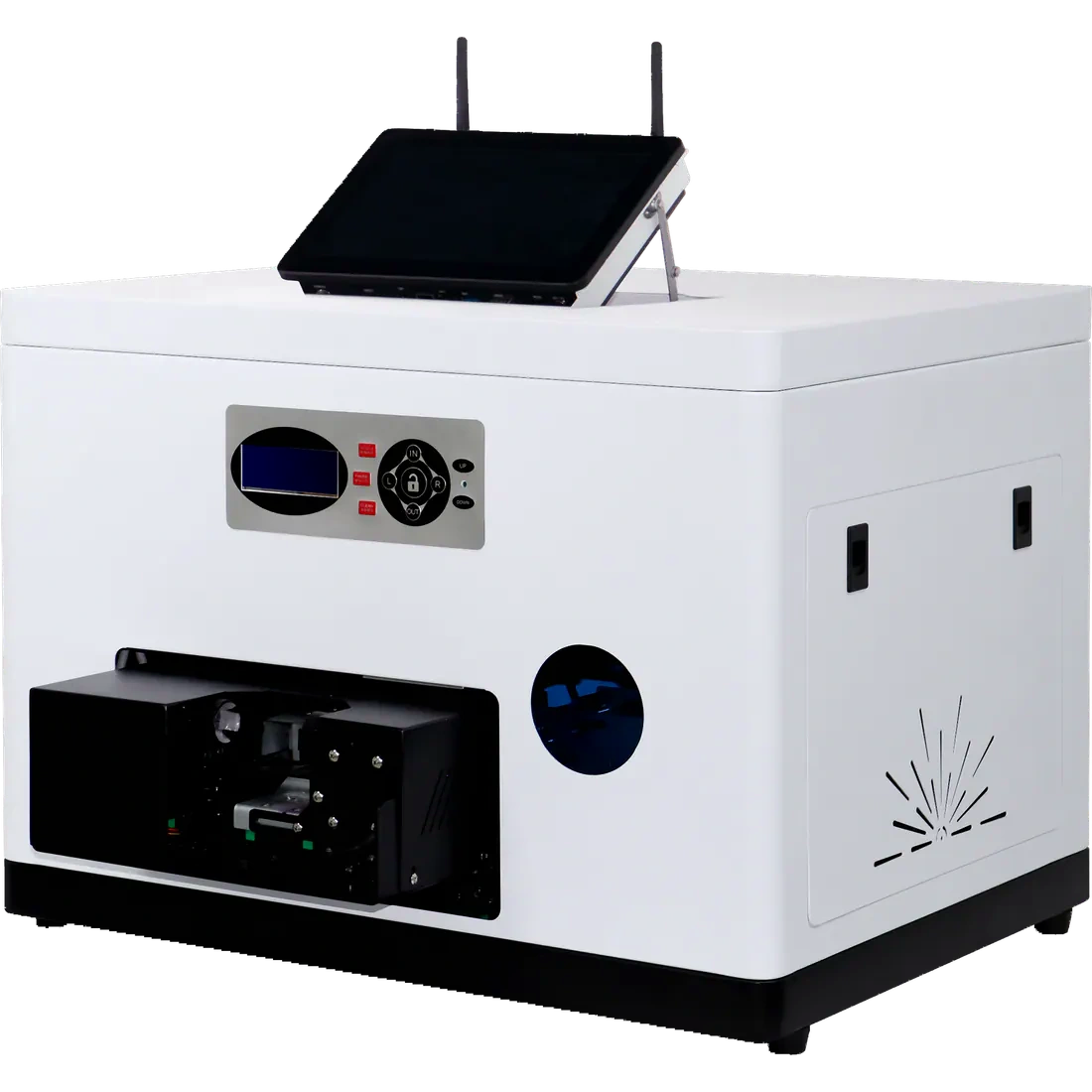
360° designs on golf balls around 43 mm in diameter.
Is it right for my product?
- Fits
- Golf clubs, event keepsakes and corporate gifts.
- Confirm
- Actual ball samples, artwork placement, quantity and deadline.
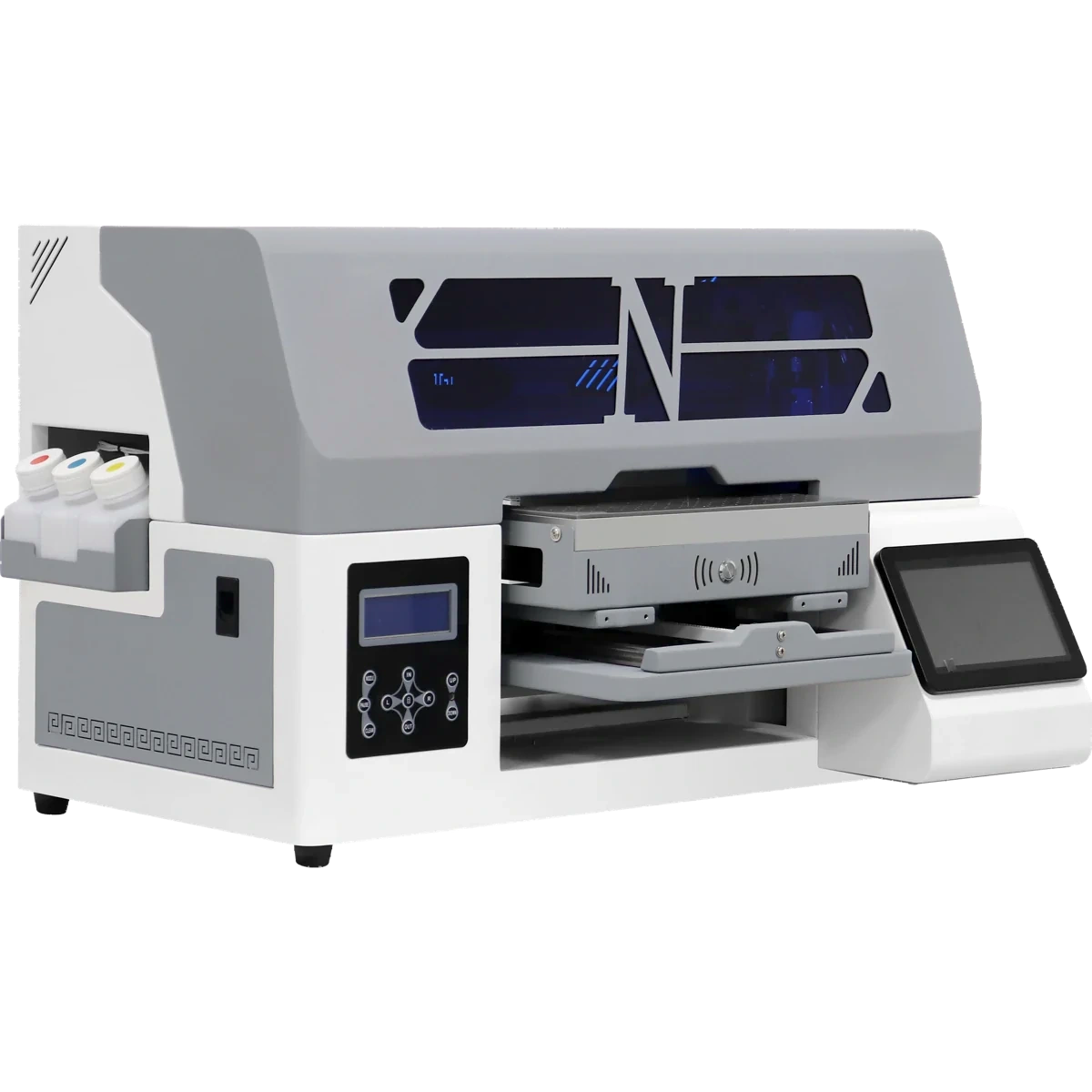
SP1 food printer
Print designs on sugar sheets with food-grade ink, then cut with a blade.
Is it right for my product?
- Fits
- Bakeries and custom projects making sugar-sheet decorations.
- Confirm
- Actual sugar sheets, dimensions, artwork and cutting requirements.
From artwork to finished item
See how an order is completed
Confirm scan-based ordering with the software setup. See each machine for its exact workflow.
See the four steps
- 01
Prepare the item and artwork
Check the material, dimensions and artwork placement.
- 02
Preview and confirm the order
Confirm artwork and the item by scanning or with staff assistance.
- 03
Load the item and print
Hold the item as required and check the order before printing.
- 04
Check and hand over
Check the artwork and finish before handing it to the customer.
Narrow the list
Still deciding? Start with these questions
Go straight to the equipment for how you plan to use it.
Need another way to print?
Explore complete kiosks, production printers or software for connecting your existing system.
Start with a real product
Test your own items for free
Agree on items and artwork before sending samples or visiting. Customers cover shipping; special materials and custom fixtures are assessed for charges.
- Product and material
- Largest dimensions and shape
- Normal and peak order volume
- Staff operation, self-service or integration