Three-channel printing module
Three-channel printing module
A three-lane feeding and printing module for creative self-service projects. To build a complete kiosk, the project must supply the cabinet, screen, computer and ordering/payment software.
Browse all equipment →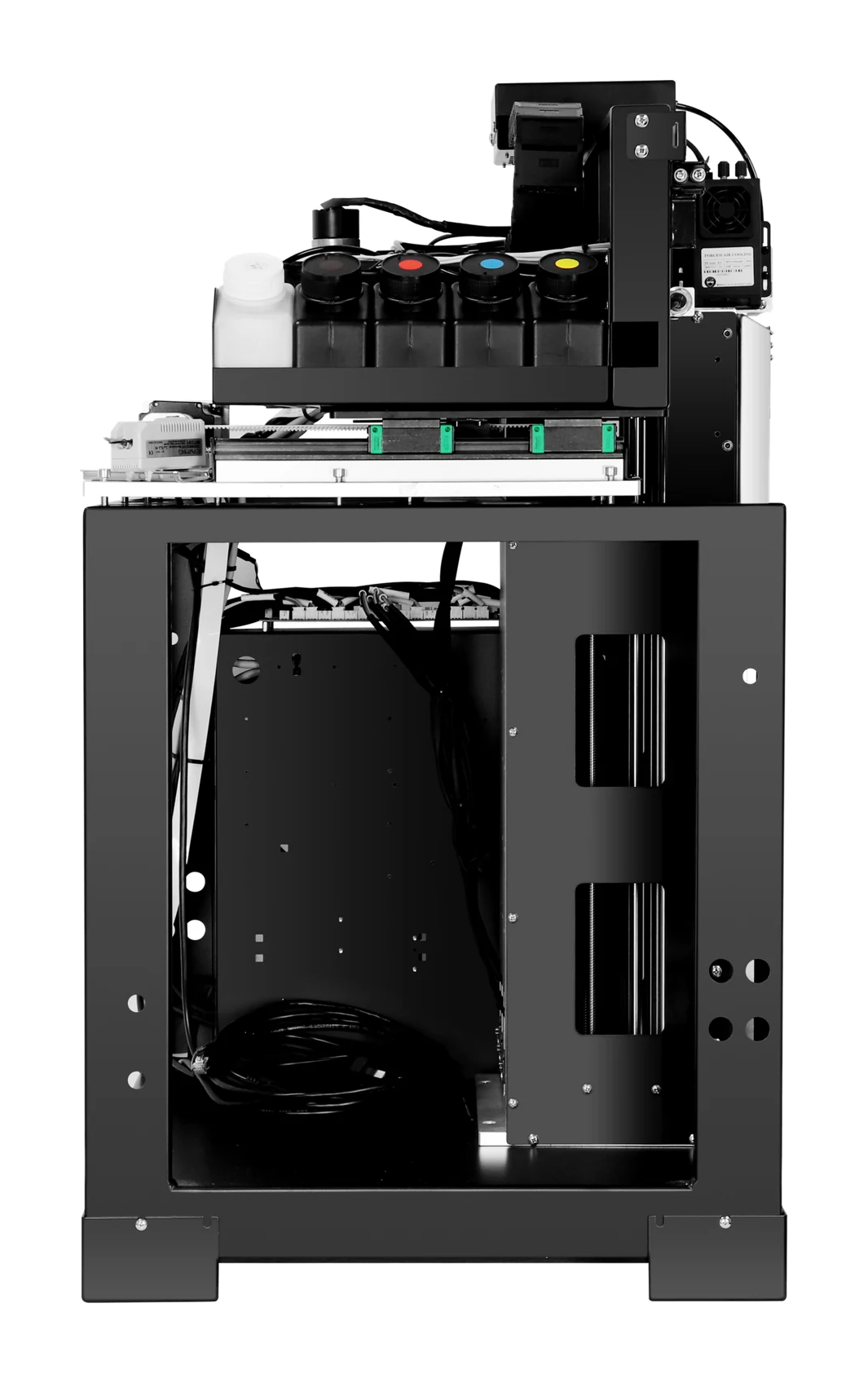
Three-channel printing module
Which projects is it for?
Printing module
For creative self-service projects; outer cabinet excluded.
External computer
An external computer is required; arrange the computer, screen and cabinet for the project.
Test your actual items
Test actual coins, badges, fridge magnets or other items with the holder and feeding system.
Three-channel printing module
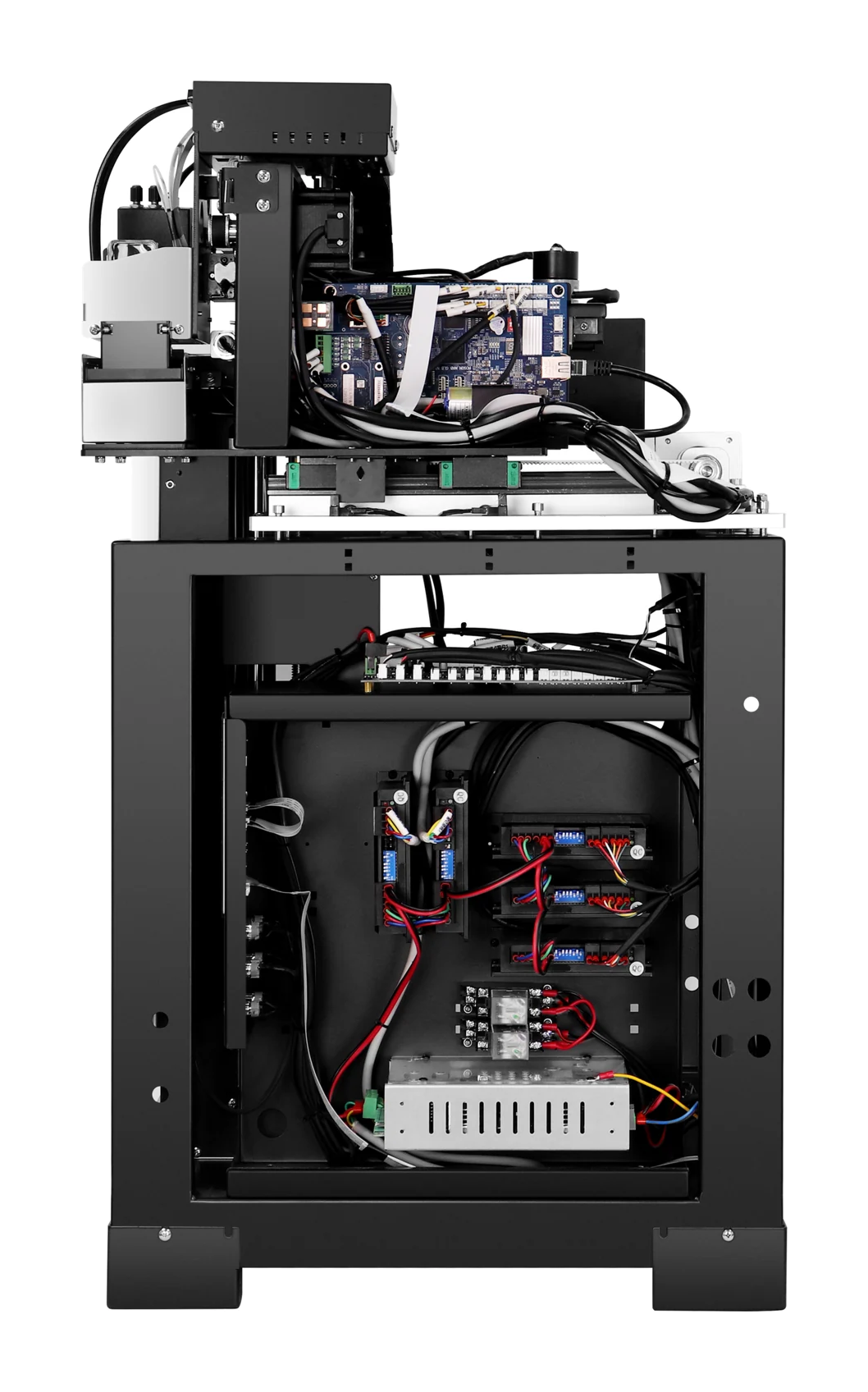
Machine views
 View image ⤢
Platform and body
Select a view above, or open the image to see more detail.
Three-channel printing module
Key specifications
- Ink and finish
- UV ink; CMYK color
- Computer setup
- External Windows PC required
- Machine size
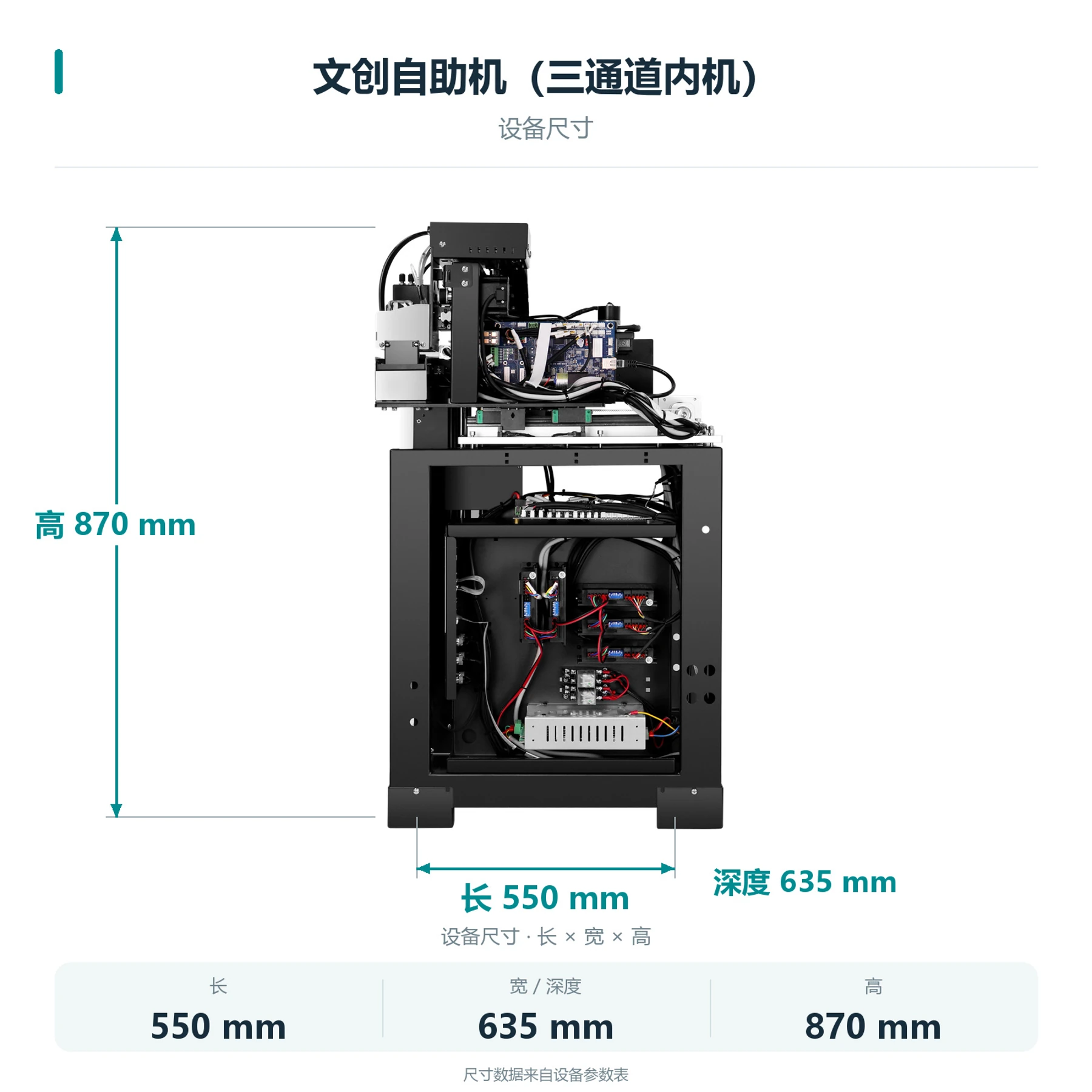
- 550×635×870 mm
- Net weight
- 70.0 KG
- Printhead
- Single EPSON-F1080
- Lanes
- Three lanes
- Feeding
- Automatic feed; confirm items and fixtures
- Files and connection
- JPG, PNG; Gigabit Ethernet
- Printhead model
- EPSON-F1080
- Printhead count
- Single head
- Printhead maintenance
- Automatic cleaning
- Power supply
- AC 220 V / 110 V, 50–60 Hz
Three-channel printing module
How does the module work with a cabinet?
This is an example setup. Test a complete order to confirm the items, feeding and collection method.
- 01
Cabinet receives the order
Configure ordering, artwork previews and payment in the cabinet software.
- 02
Send the print job
The cabinet sends the print task to the module with the correct item, holder and lane.
- 03
Module feeds and prints
Use tested items, fixtures and printing configurations.
- 04
Cabinet handles pickup
Agree on the collection opening, pickup prompts and handling of errors as part of the cabinet design.
Three-channel printing module
What is needed to operate it?
Computer and software
Requires an external Windows PC. Agree on how the software connects to the printer for your project.
Cabinet integration
The cabinet system supplies the screen, ordering, payment and online order functions.
Items and fixtures
Test actual items with fixtures, lanes, feeding and pickup structure.
Three-channel printing module
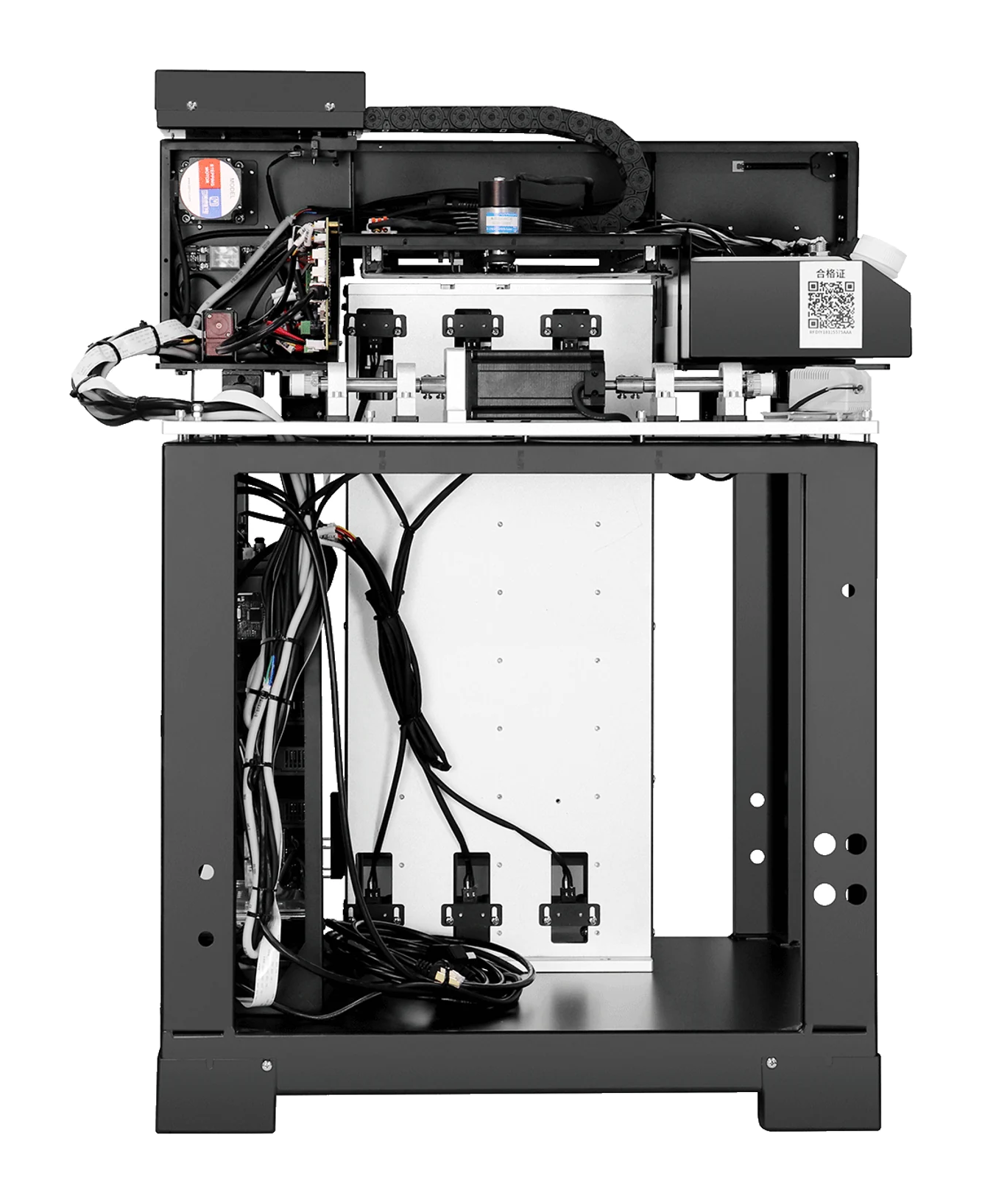
Machine details
 View full image ⤢
Equipment detail 1
Three-channel printing module
Machine dimensions
 View full image ⤢
Machine dimensions
Three-channel printing module
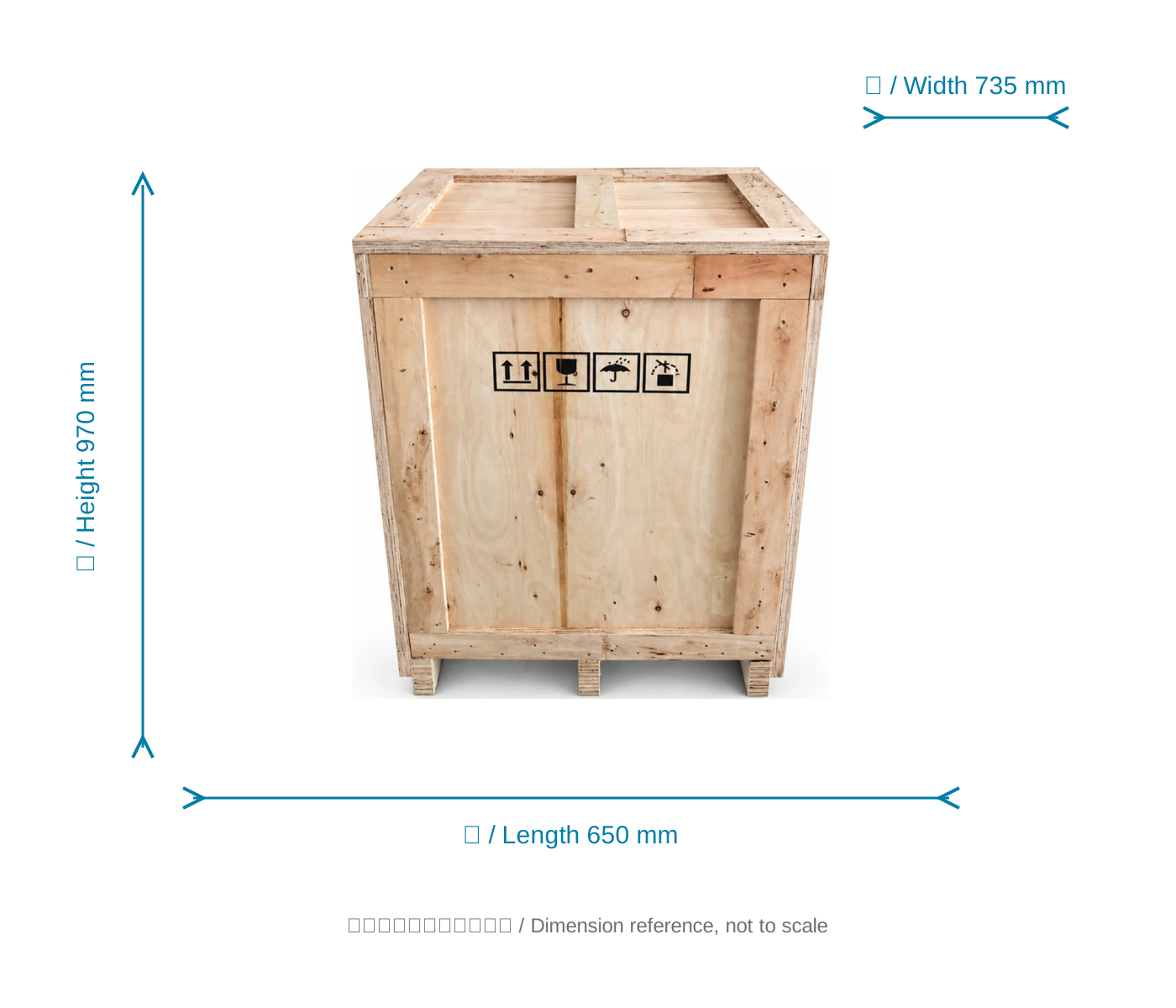
Packing dimensions
View the crate with dimensions from the specification sheet.
 View full image ⤢
Shipping crate dimension reference
Three-channel printing module
Free sample printing
Free sample printing
Share item photos and artwork before sending or bringing samples. Shipping is at your cost; special materials and custom fixtures are assessed separately.
Request free sample printing →Technical support
Remote installation training; one-year warranty from receipt, excluding printheads and consumables. See full service terms.
View training and warranty →