inkit · System integration
Connect on-site orders over your local network.
For order systems and printers at the same site. Check the network and receiving computer, then test job submission and printing.
Start with the order source
Where do your orders come from?
LAN integration
For order systems and printers at the same site. Check the network and receiving computer, then test job submission and printing.
A LAN connection does not make every feature offline. Check whether AI, cloud services or online payment require internet access.
From order to finished item
How does an order become a finished item?
- 01
Prepare the order and artwork
Confirm the item, artwork size and placement before creating a job.
- 02
Send the order to the site
The on-site system sends the order and artwork to the receiving software over the same local network.
- 03
Print using the device workflow
Staff operate machines that need manual loading. Automatic machines follow their confirmed setup.
- 04
Check status and the finished item
Job receipt is not print completion. Check device status, finished items and handling of failed tasks.
Agree on responsibilities
What do software, equipment and your team handle?
Software receives jobs
Confirm ordering, artwork tools and job submission with the software setup. Agree payment configuration separately.
Equipment prints
Results still depend on materials, fixtures and machine configuration. Test actual items first.
Assign on-site support
Assign loading or replenishment, pickup, cleaning and fault handling. Kiosks also need maintenance.
What should we check before connecting?
- Device addresses and network access
- Receiving PC, operating system and required software
- Artwork and job transfer
- How to check print progress and who maintains the site
Document the connection address, who can send orders, file formats and test steps, then check them with test orders.
Software works with equipment
Choose equipment by who operates it.
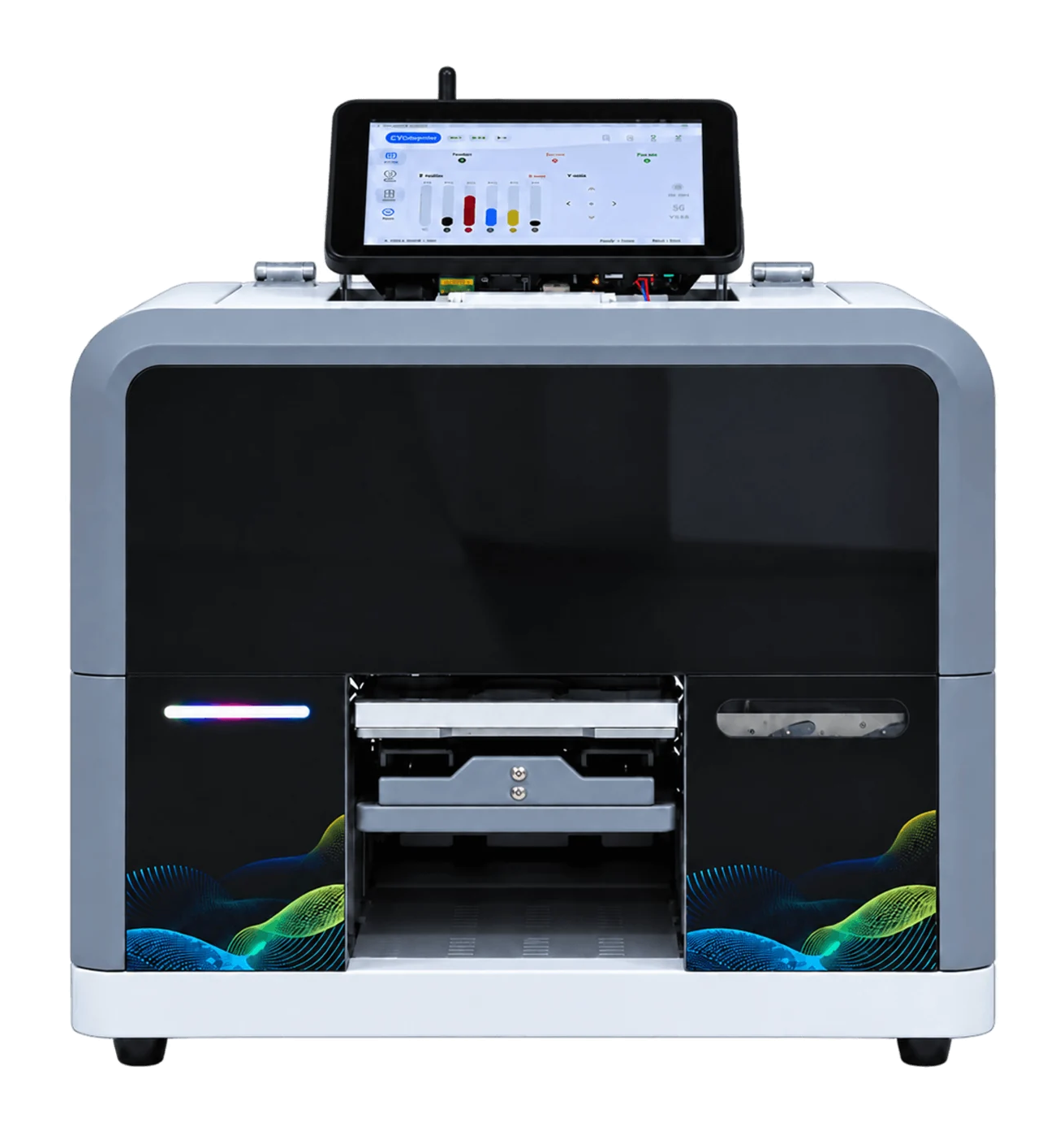
RF-ZP1B
Receive orders and handle artwork on the device. Staff load, print and unload.
View machine & workflow →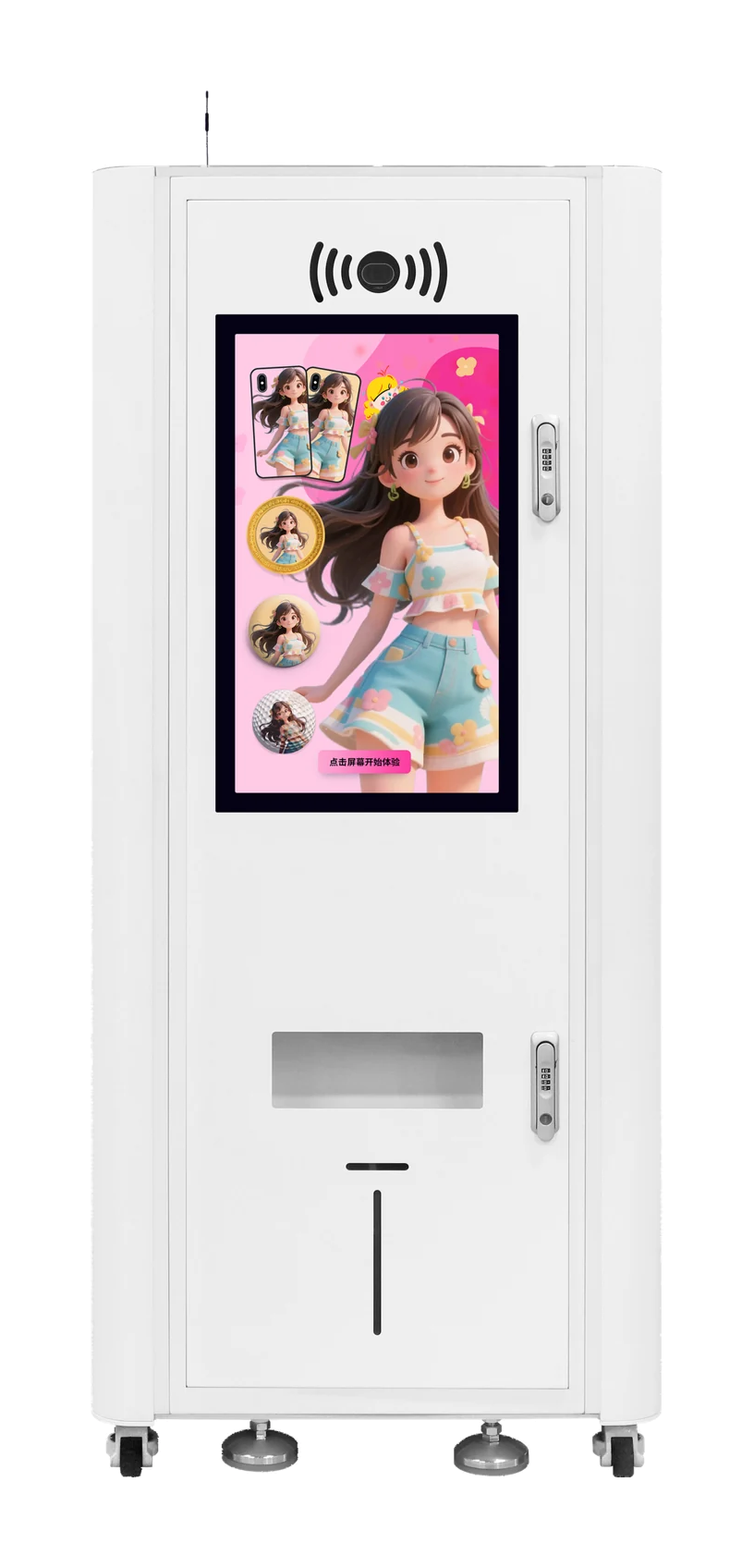
Refine AI kiosk
Pay after confirming the preview. The machine feeds, prints and dispenses automatically.
View machine & workflow →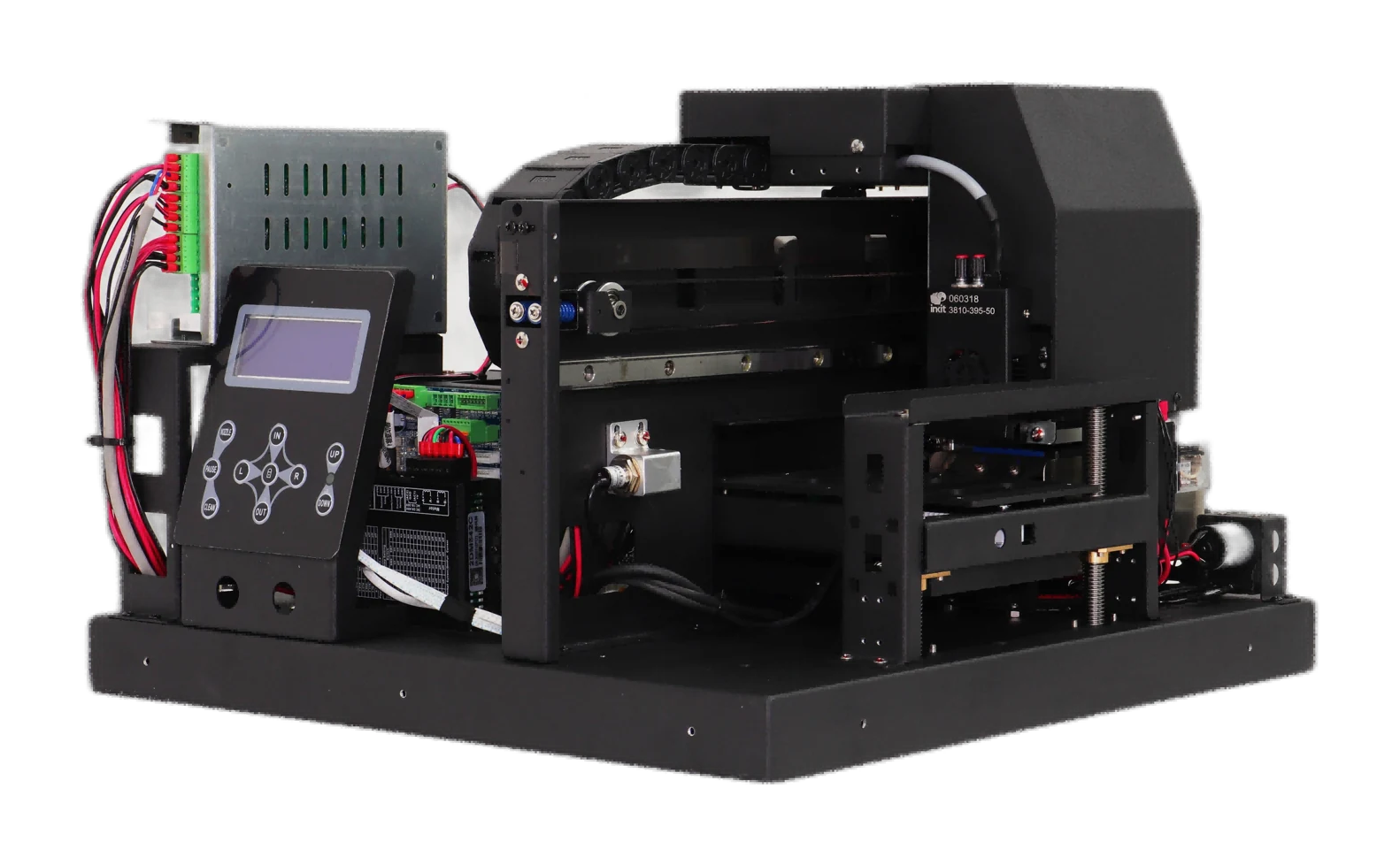
RF-ZP1P
Printing module with order-receiving software, without a computer. The project supplies the cabinet, computer and ordering setup; the customer defines the printing workflow.
View machine & workflow →Test before handover
Run one real order through the whole workflow.
Start with a small test. Check artwork, orders, equipment and on-site operation before regular use.
A normal order
Check that artwork, submission, printing and inspection match the same order.
A failed order
Test disconnections, resubmissions and print failures. Agree how retries avoid duplicate production.
Handover and support
Agree who updates software and maintains equipment, with instructions for operation and issues.
Before contacting us
Start with these details.
- Order source and existing system
- Device model, item materials and dimensions
- On-site network, computer and space
- Payment needs and who operates and maintains it