ZP1P · Creative printing module
Creative printing module
Creative print module without a computer; order-receiving software is included. Design the cabinet, loading, printing and pickup workflow for your project.
Browse all equipment →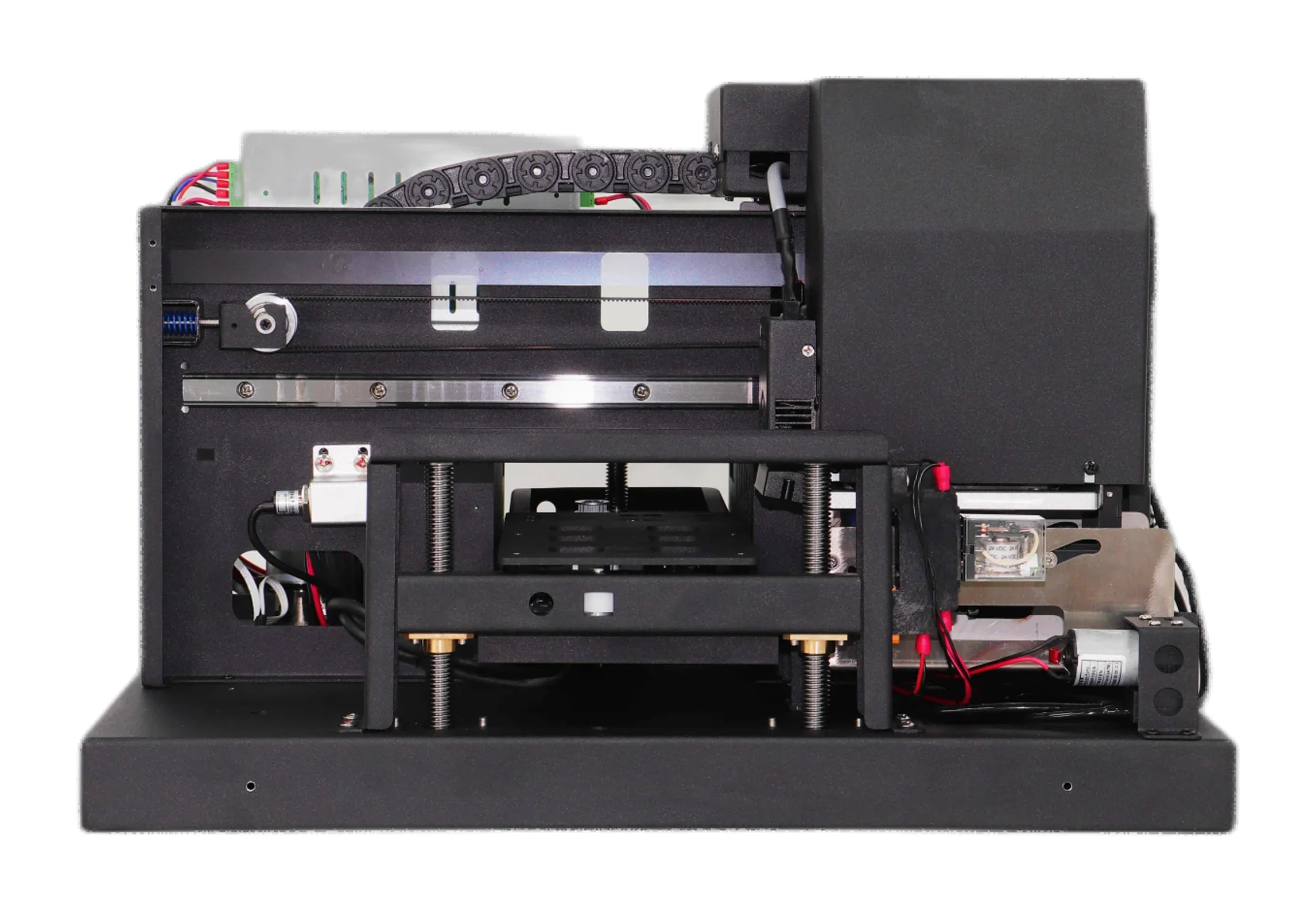
ZP1P · Creative printing module
Which projects is it for?
Fit it into your cabinet
Use it inside your own cabinet. No computer is included; order-receiving software is supplied.
Your workflow
Design loading, printing and collection for your project.
Assess actual items
Test the material, dimensions and holding method before designing the surrounding structure.
ZP1P · Creative printing module
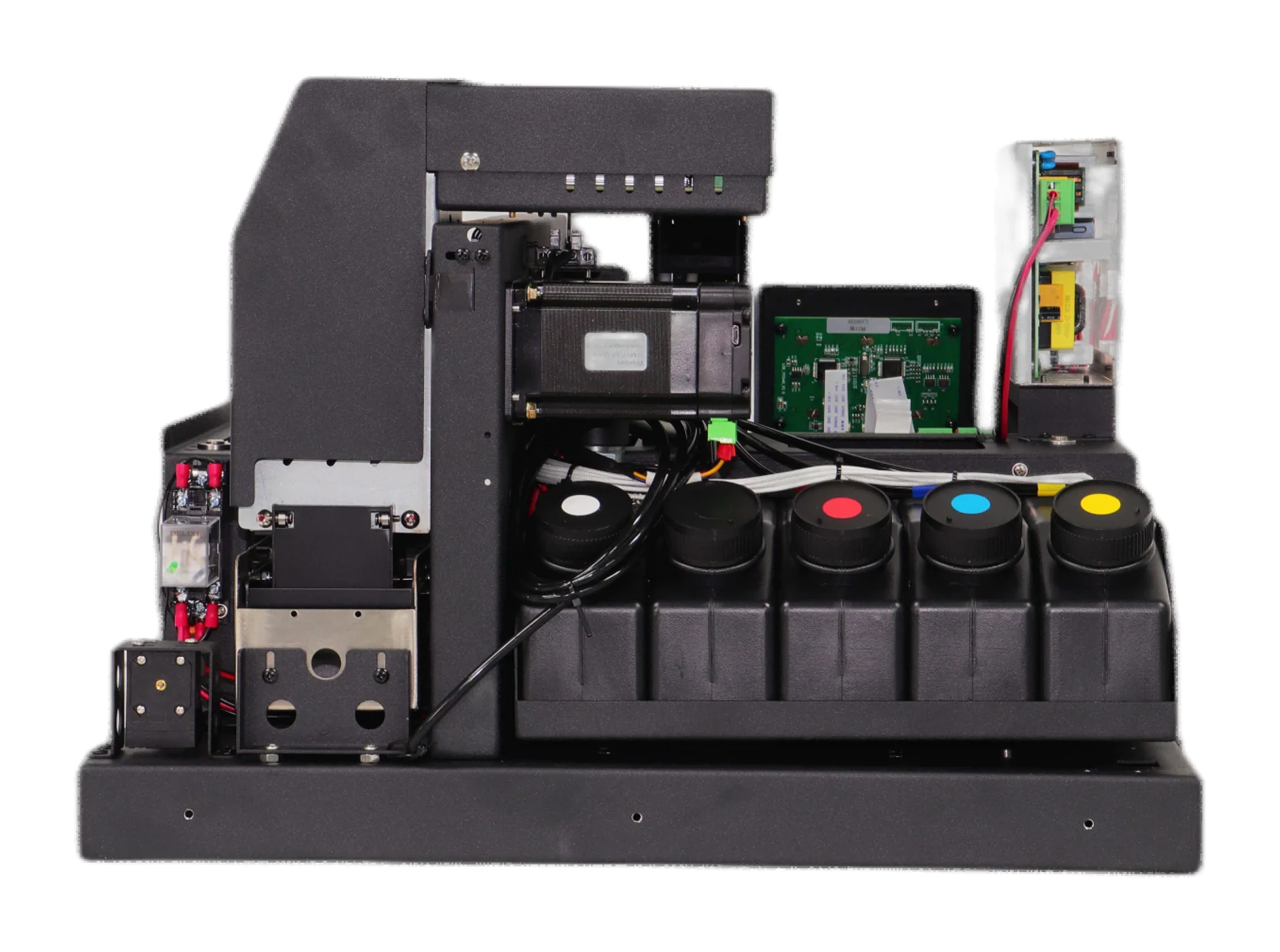
Machine views
 View image ⤢
Side view 1
Select a view above, or open the image to see more detail.
ZP1P · Creative printing module
Choosing A, B or P
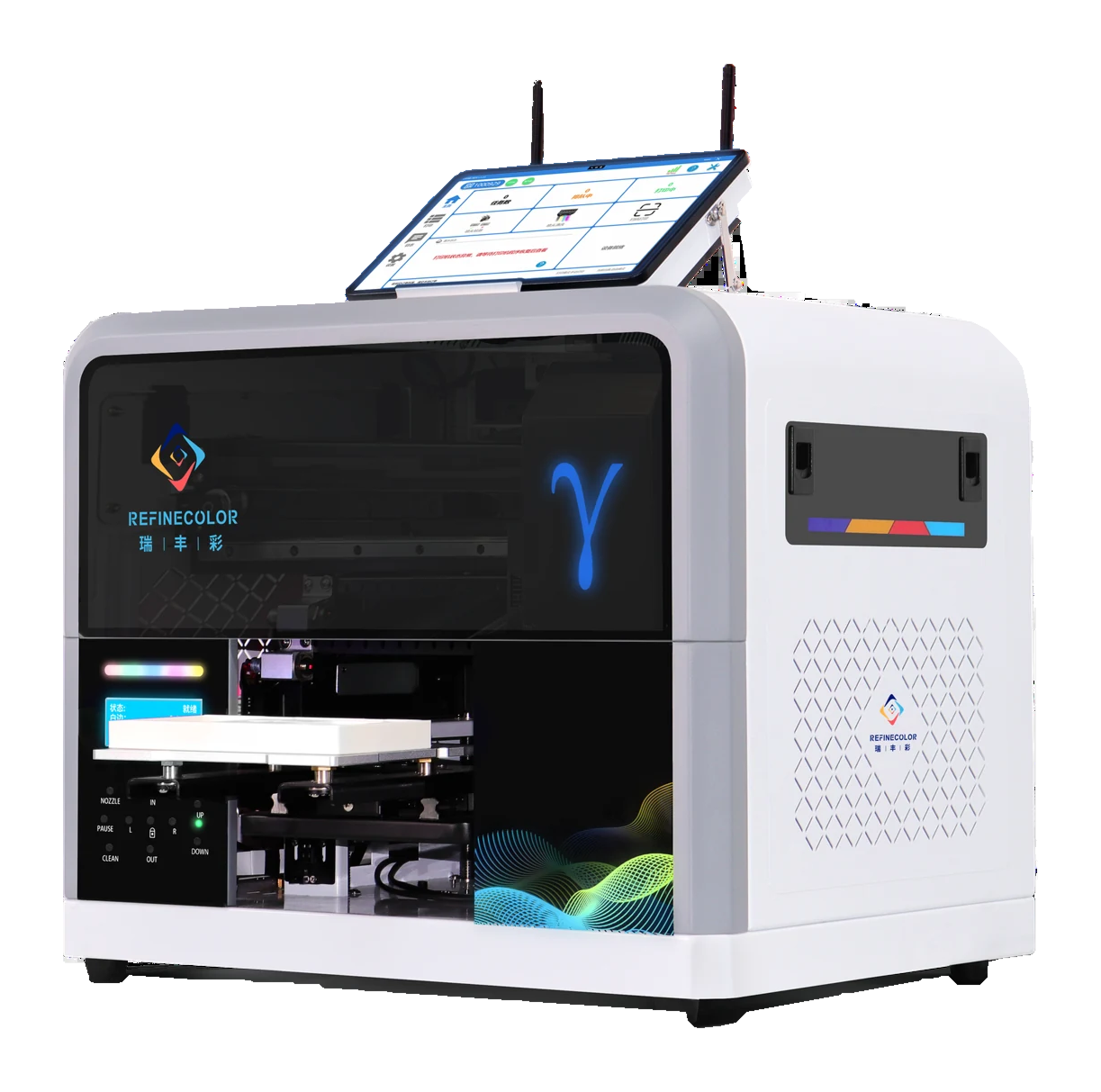
ZP1A · Computer-based setup
Built-in computer and touchscreen; staff load, print and unload.
View equipment details →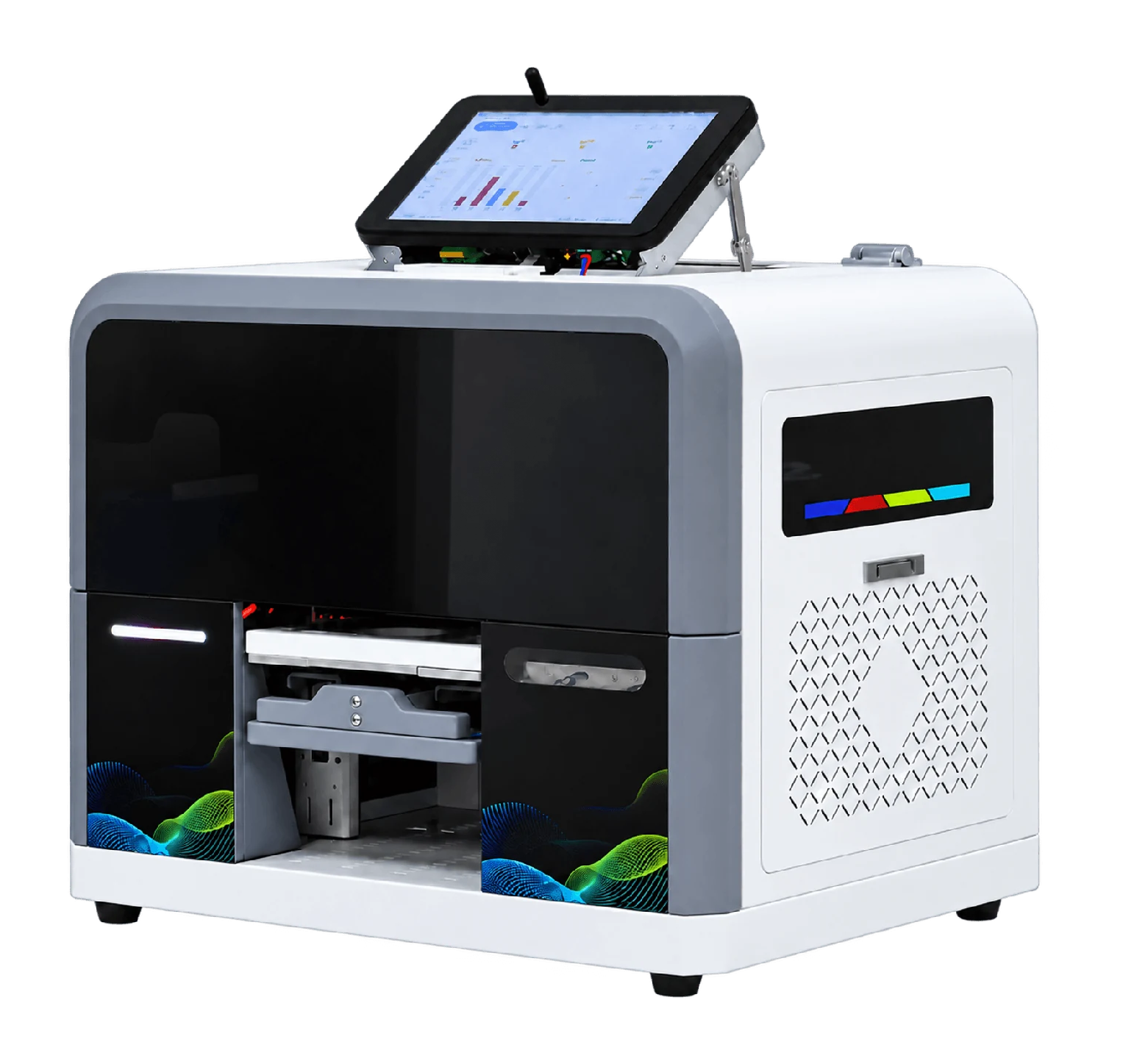
ZP1B · Orders on the equipment
Receive orders and handle artwork on the touchscreen without a separate PC. Staff load and unload.
View equipment details →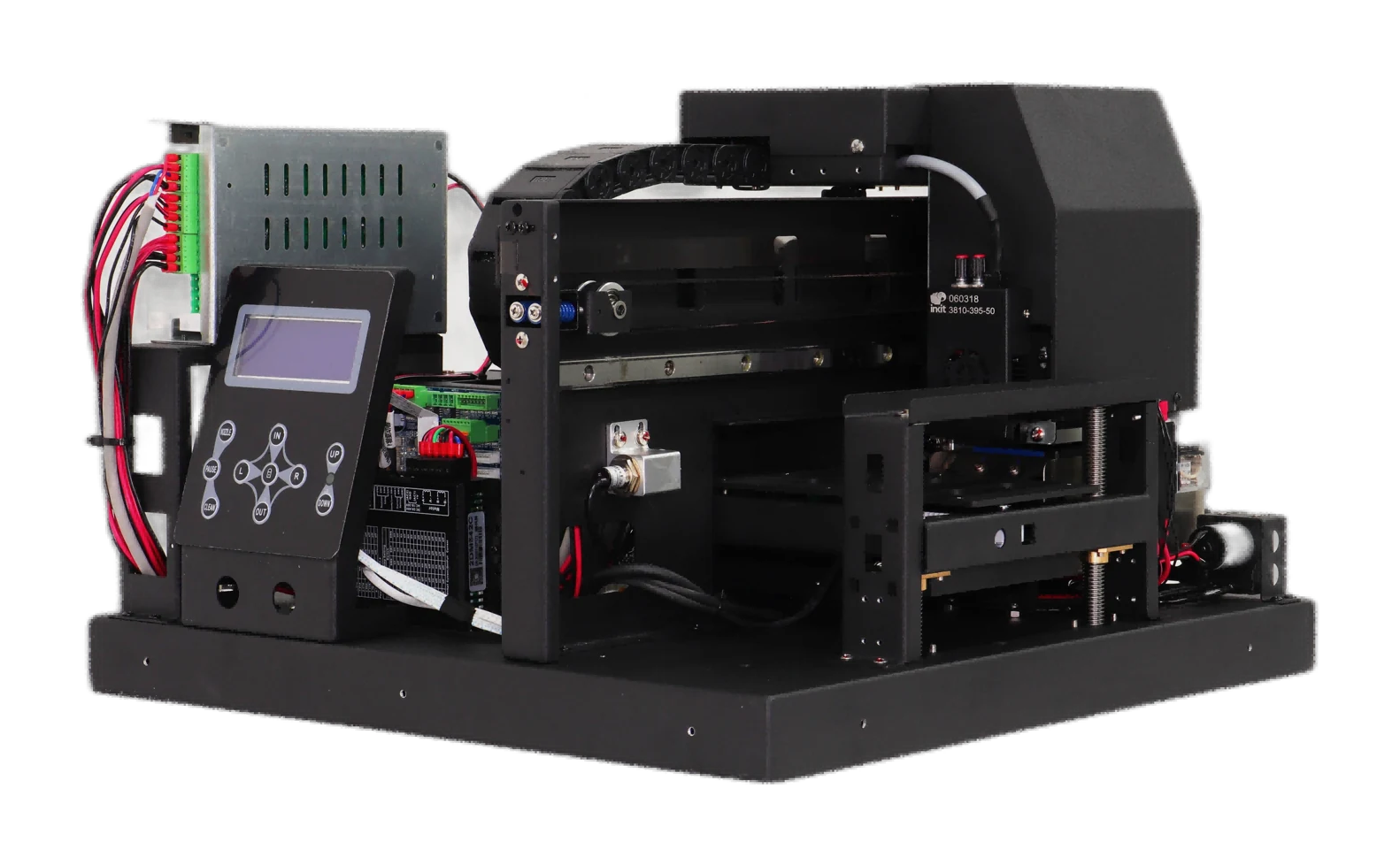
ZP1P · Project printing module
No computer included; order-receiving software is supplied. Design the cabinet and printing/pickup workflow for the project.
View equipment details →ZP1P · Creative printing module
Key specifications
- Ink
- UV ink; CMYK color
- Net weight
- 26 KG
- Machine size
- 600x460X380MM
- Computer setup
- Computer not included; order-receiving software included; project-defined printing workflow
- Printhead model
- F1080
- Printhead count
- Single head
- Printhead maintenance
- Automatic cleaning
- Power supply
- AC 220 V / 110 V, 50–60 Hz
ZP1P · Creative printing module
Agree how your project will work.
The module has no computer and includes order-receiving software. Define loading, printing and pickup for the project.
- 01
Share items and artwork
Provide actual items, dimensions, materials and target print positions.
- 02
Describe installation and operation
Describe the space, item placement and removal, and intended workflow.
- 03
Assess system integration
Agree how the computer connects to the module and how to use the order software, then test a complete order.
ZP1P · Creative printing module
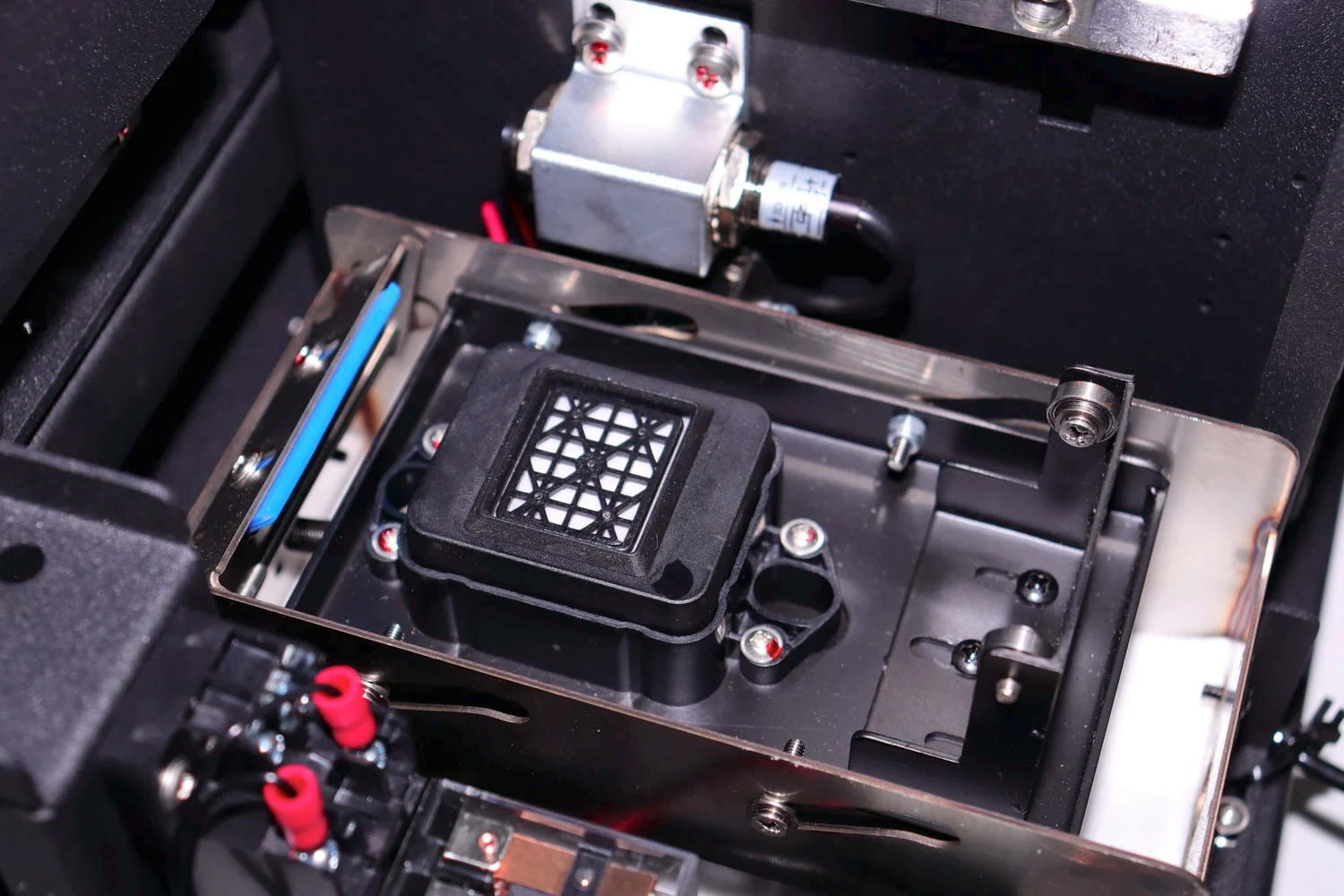
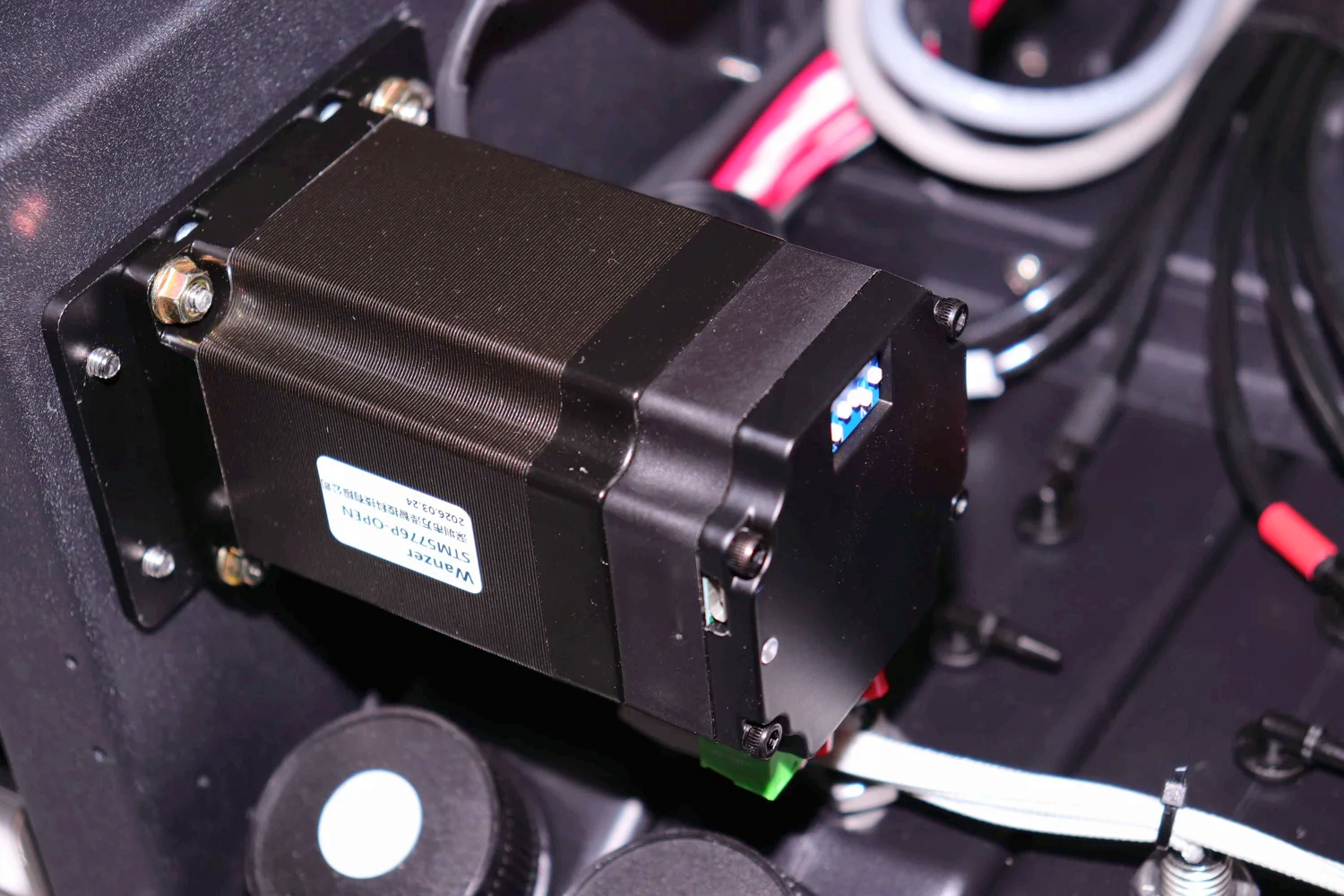
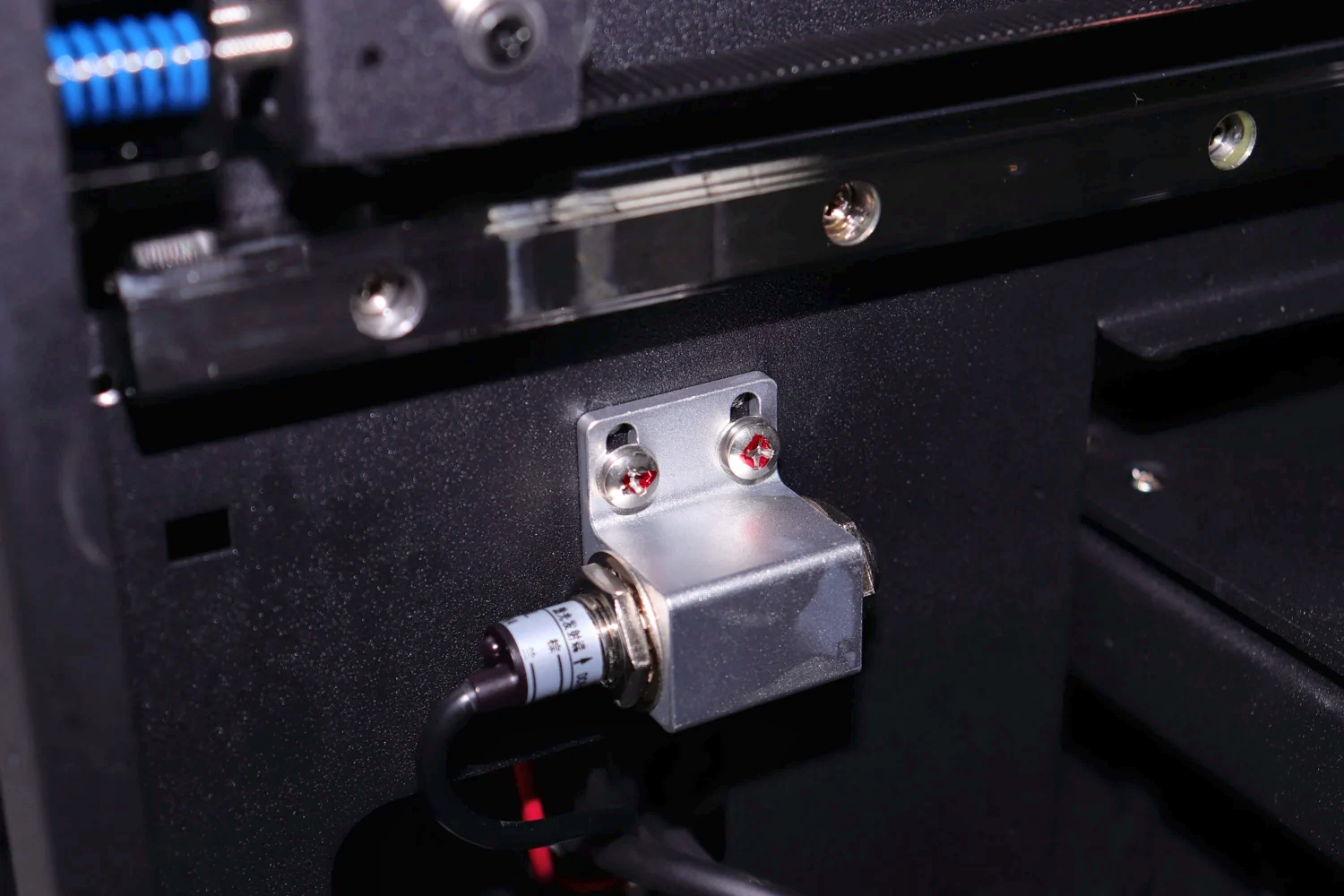
Machine details
 View full image ⤢
Equipment detail 1
 View full image ⤢
Equipment detail 2
 View full image ⤢
Equipment detail 3
ZP1P · Creative printing module
How does the module fit your setup?
The image shows a print module, not a complete kiosk. Provide the cabinet, computer and on-site workflow for your project.
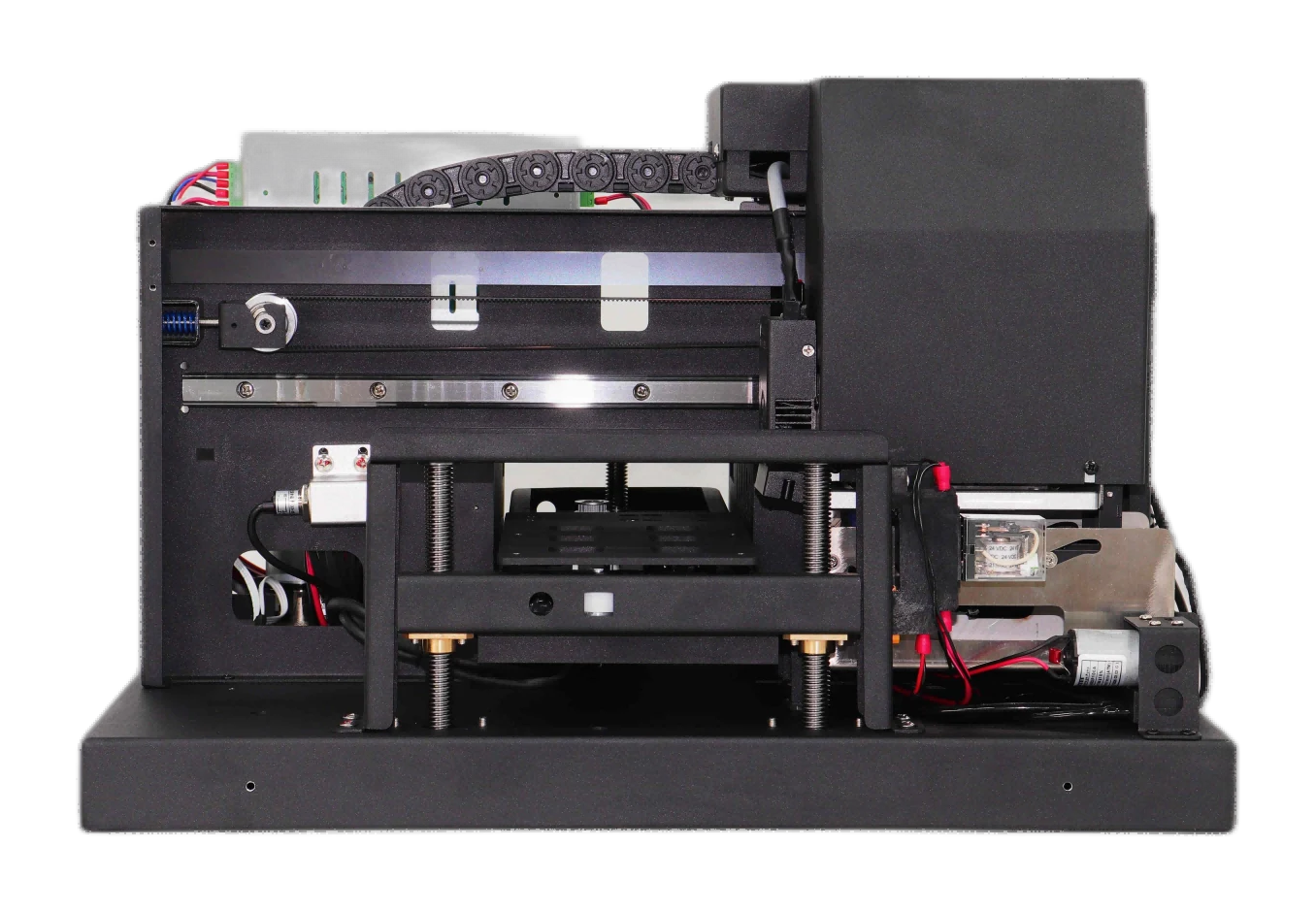
Module front
Review the module structure and platform position.
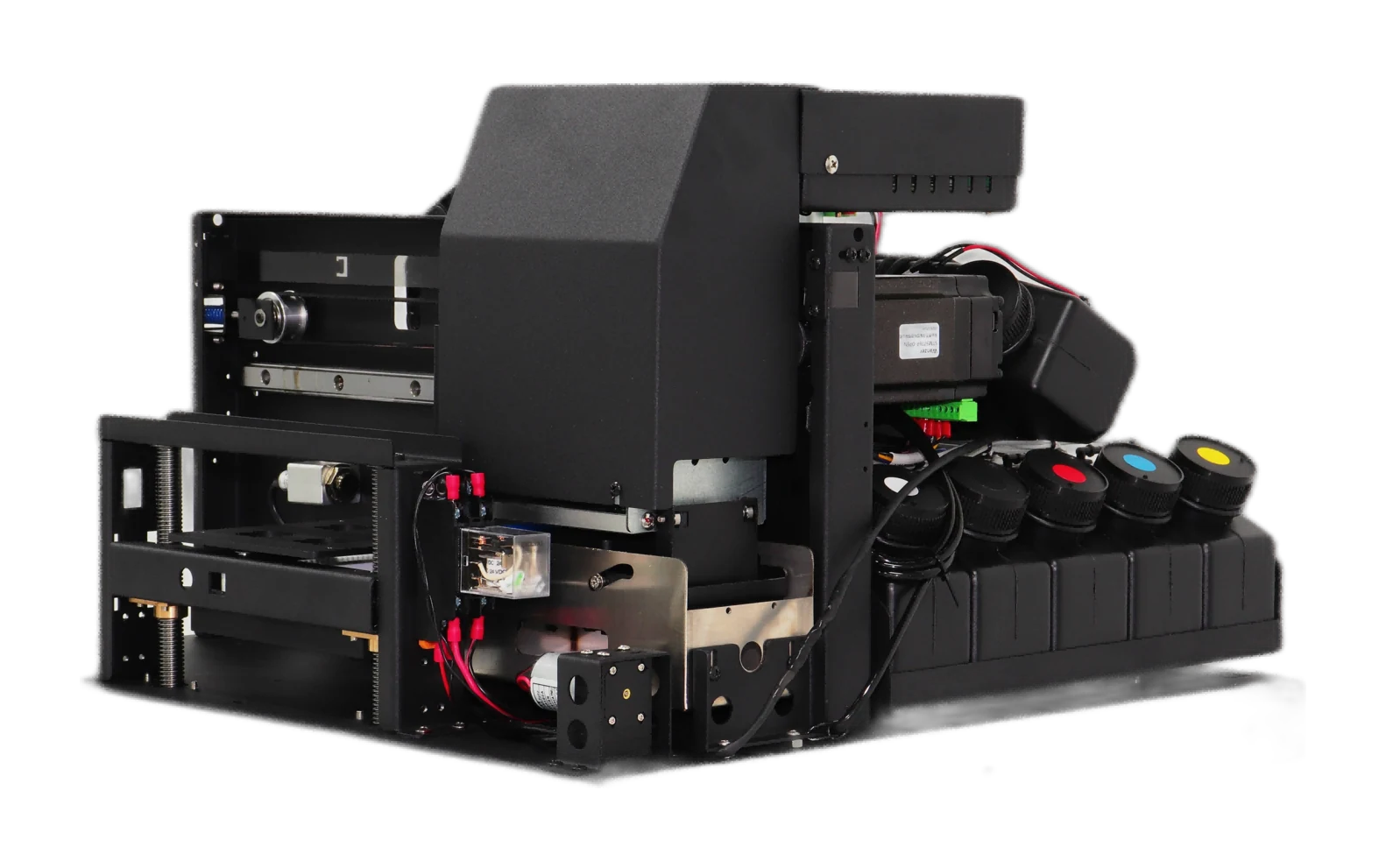
Module side
Assess the layout against available installation space.
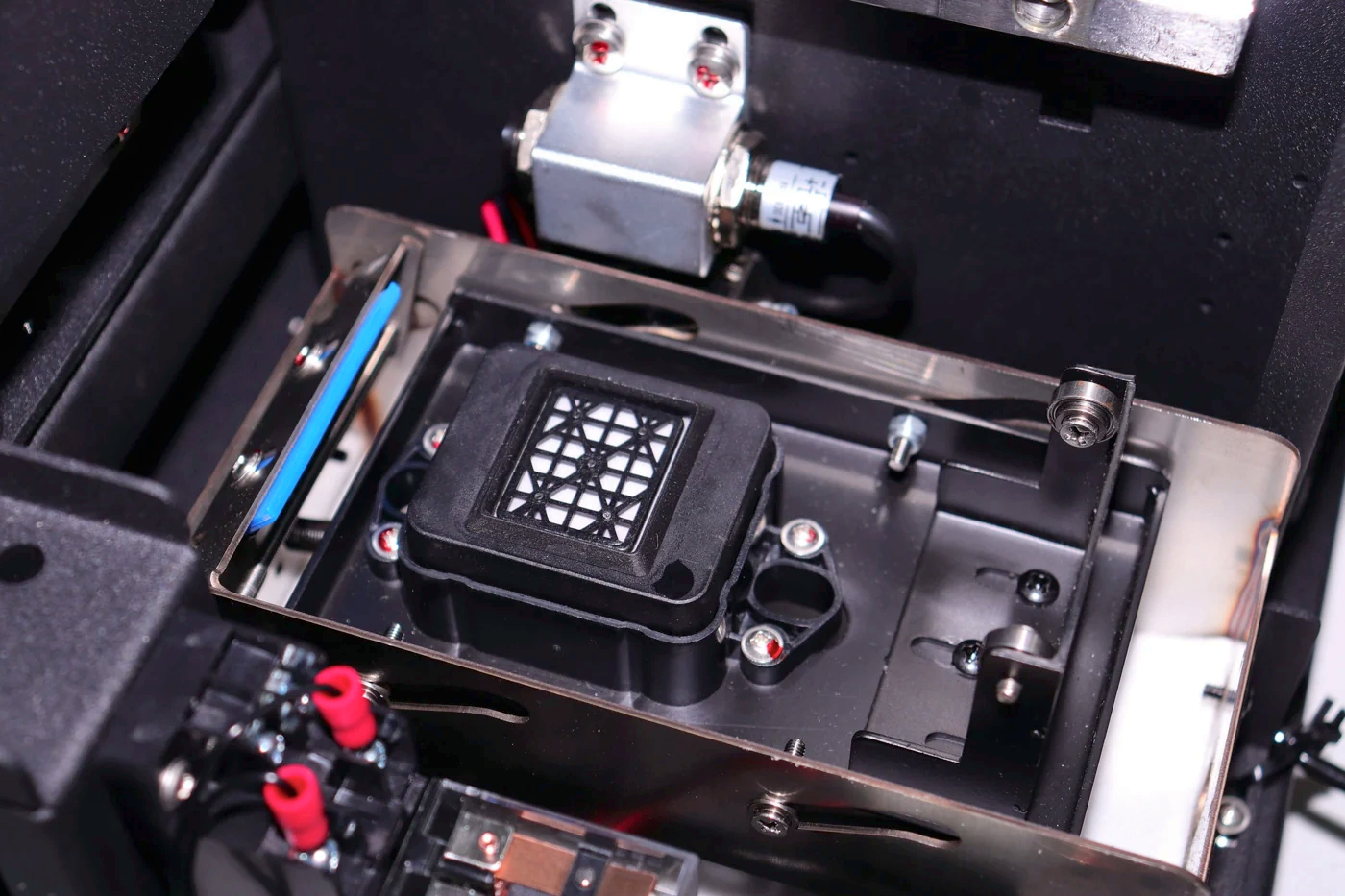
Platform mechanism
Assess holding methods and operation using actual items.
ZP1P · Creative printing module
Machine dimensions
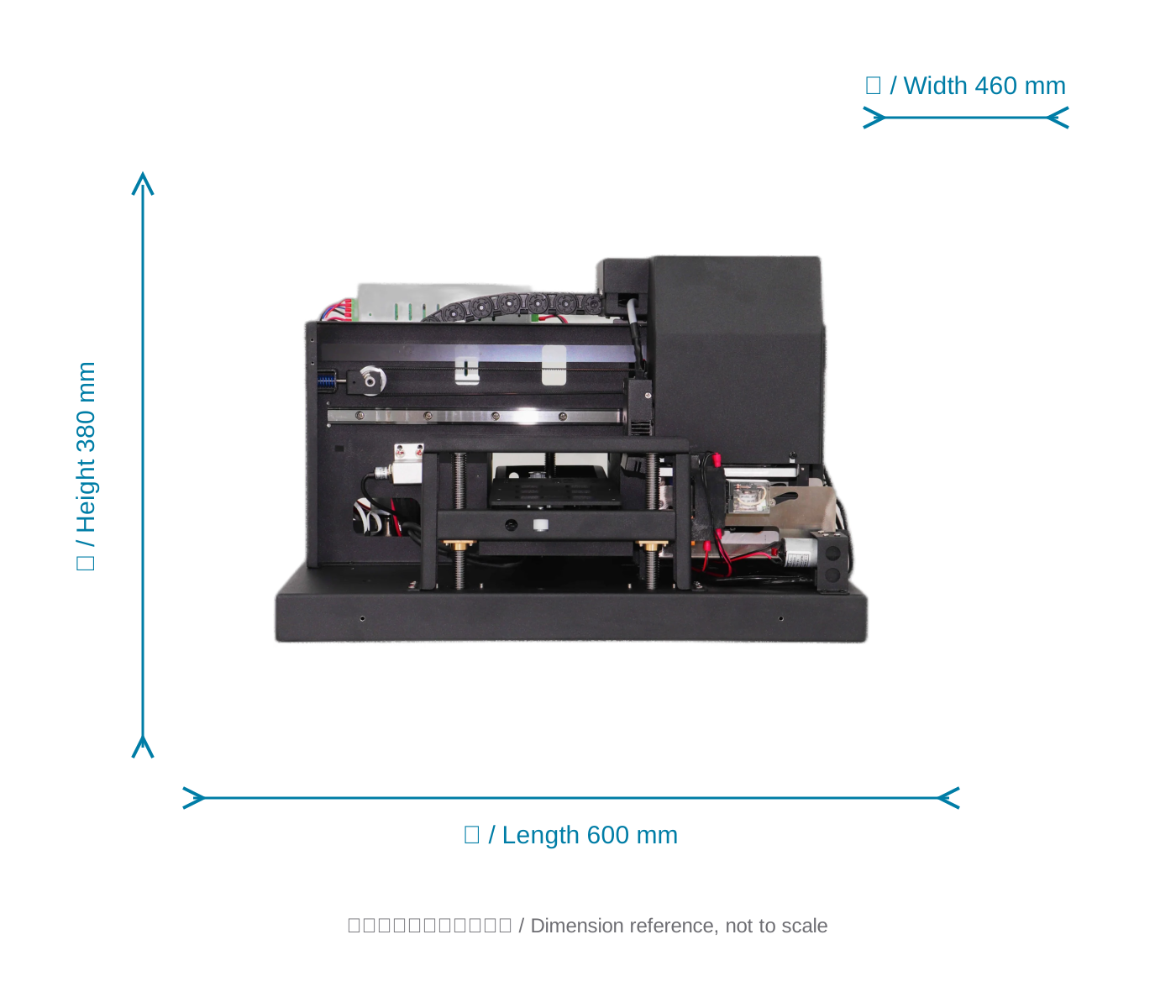 View full image ⤢
Machine dimension reference
ZP1P · Creative printing module
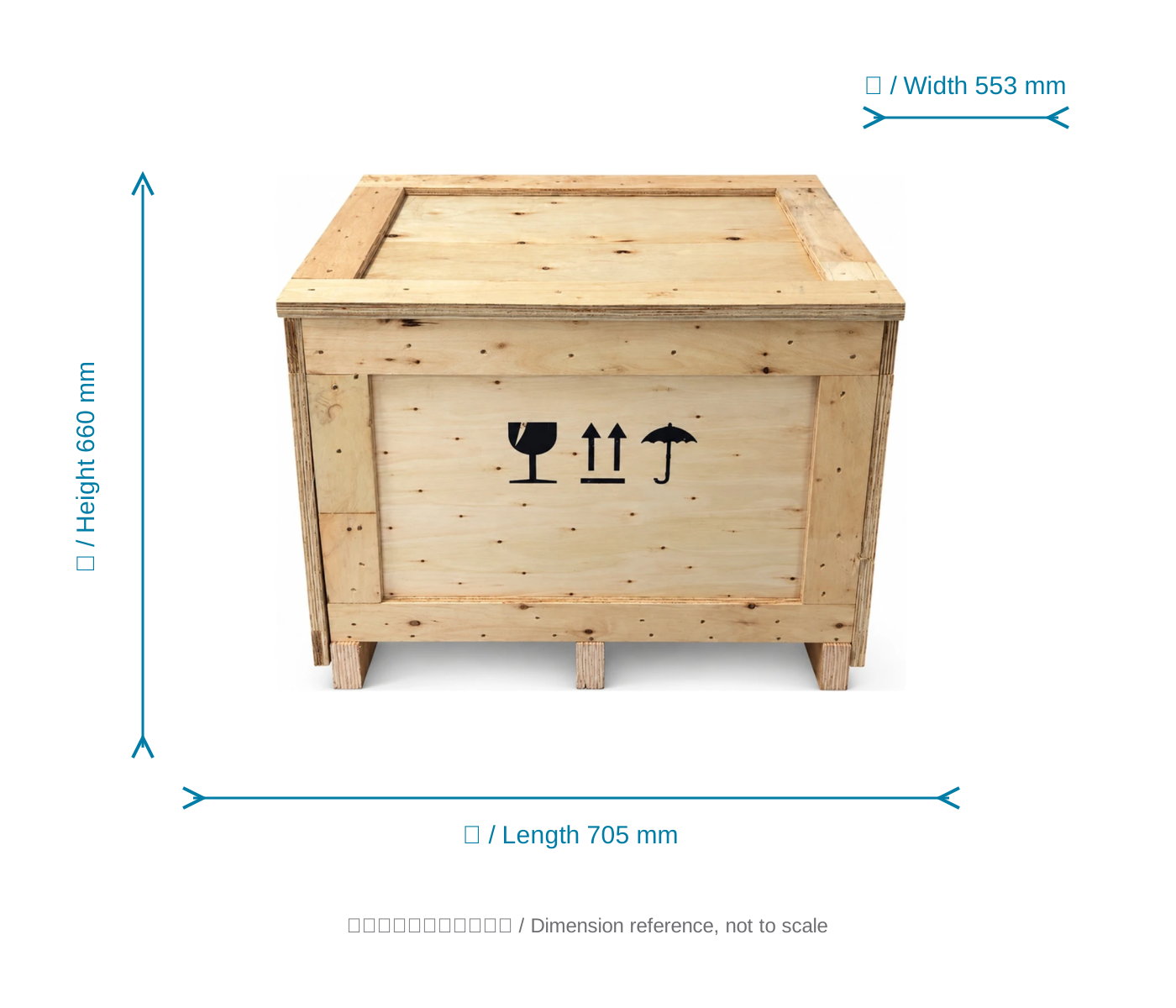
Packing dimensions
View the crate with dimensions from the specification sheet.
 View full image ⤢
Shipping crate dimension reference
ZP1P · Creative printing module
Free sample printing
Send item photos and artwork first. Agree on requirements before sending or bringing samples.
Free sample printing
Sample printing is free with no quantity limit. Customers cover shipping; charges for special materials and custom fixtures are confirmed after assessment.
Request free sample printing →Training and warranty details
Remote setup training is available. One-year warranty from receipt excludes printheads and consumables; customers cover warranty shipping.
View training and warranty →ZP1P · Creative printing module
Training and warranty
Equipment advice and quotation
Assess the application, items, workflow and space, then confirm configuration and pricing with technical service.
Installation and training
Remote installation training is provided. Contact technical support for on-site fees; customers cover service and travel.
One-year warranty
One year from receipt, excluding printheads and consumables. Customers cover warranty shipping.