RefineColor AI · Self-service creative printing
RefineColor AI creative kiosk
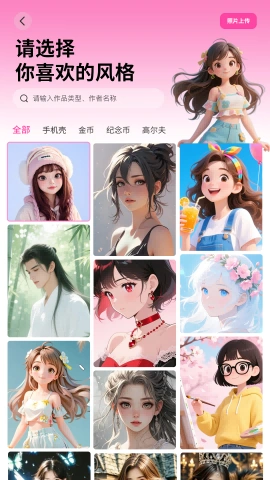
Choose an AI style, take or upload a photo, then choose a product after creating the artwork. Review the product and pay before automatic feeding, printing and dispensing. You can also upload an existing design.
Browse all equipment →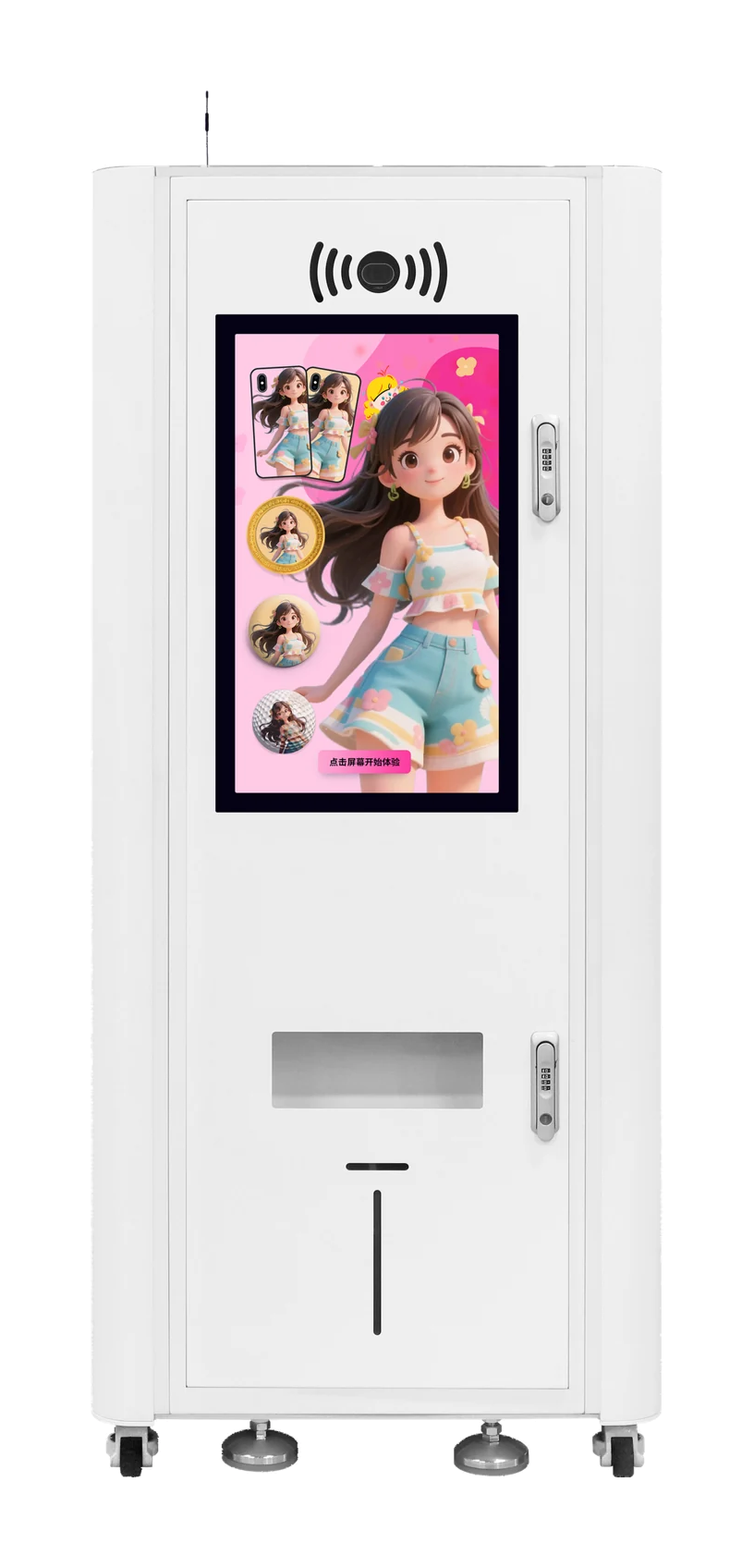
RefineColor AI · Self-service creative printing
What you can print
Visitor souvenirs
Turn personal photos into souvenirs with local themes.
In-store experiences
Offer creative customization for coins, badges and fridge magnets.
Match the items first
Confirm item dimensions, materials and fixtures for your project.
RefineColor AI · Self-service creative printing
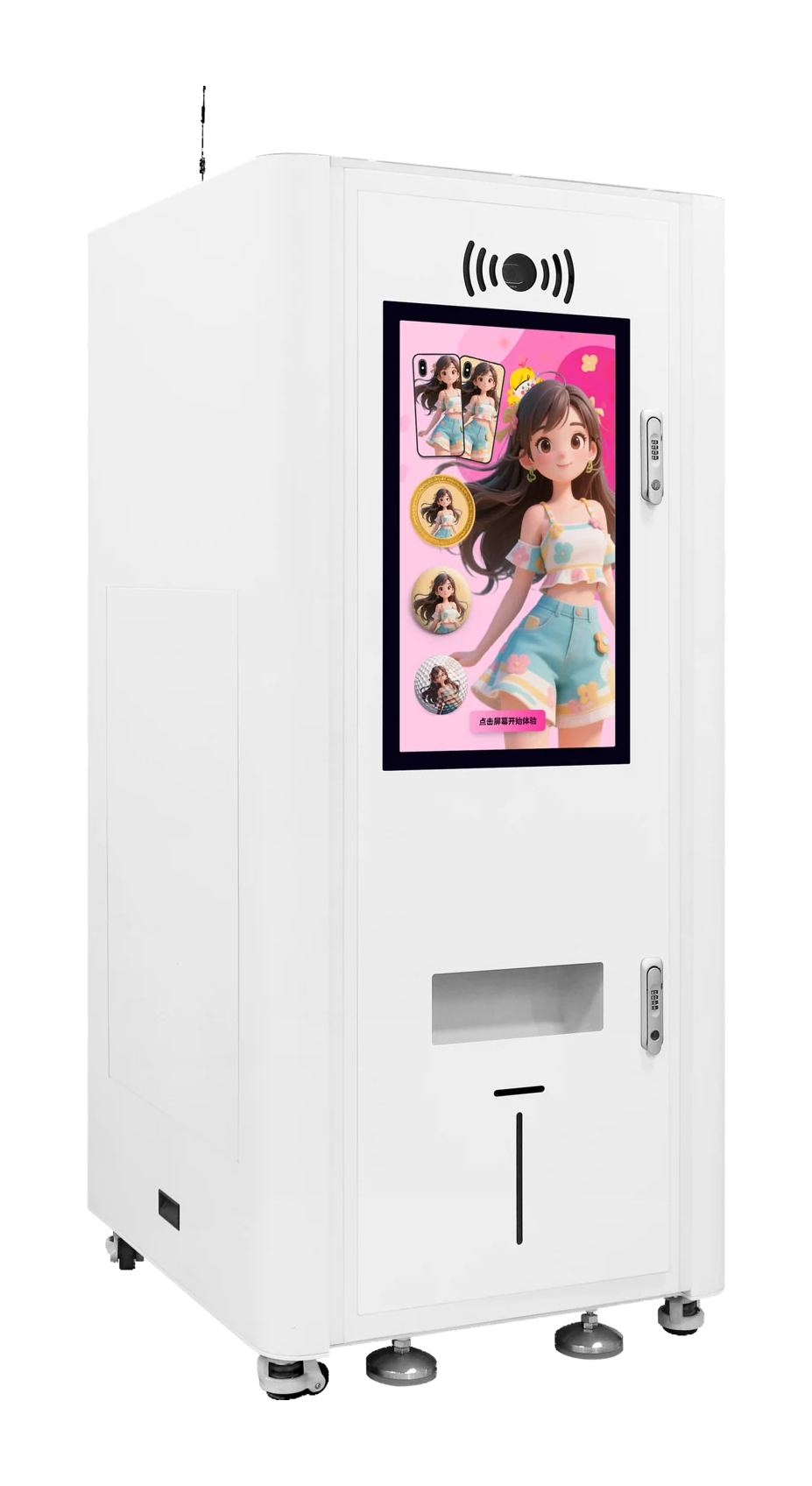
Machine views
 View image ⤢
Front-left view
Select a view above, or open the image to see more detail.
RefineColor AI · Self-service creative printing
Supported items
Blank product examples. Confirm dimensions and fixtures using actual items.
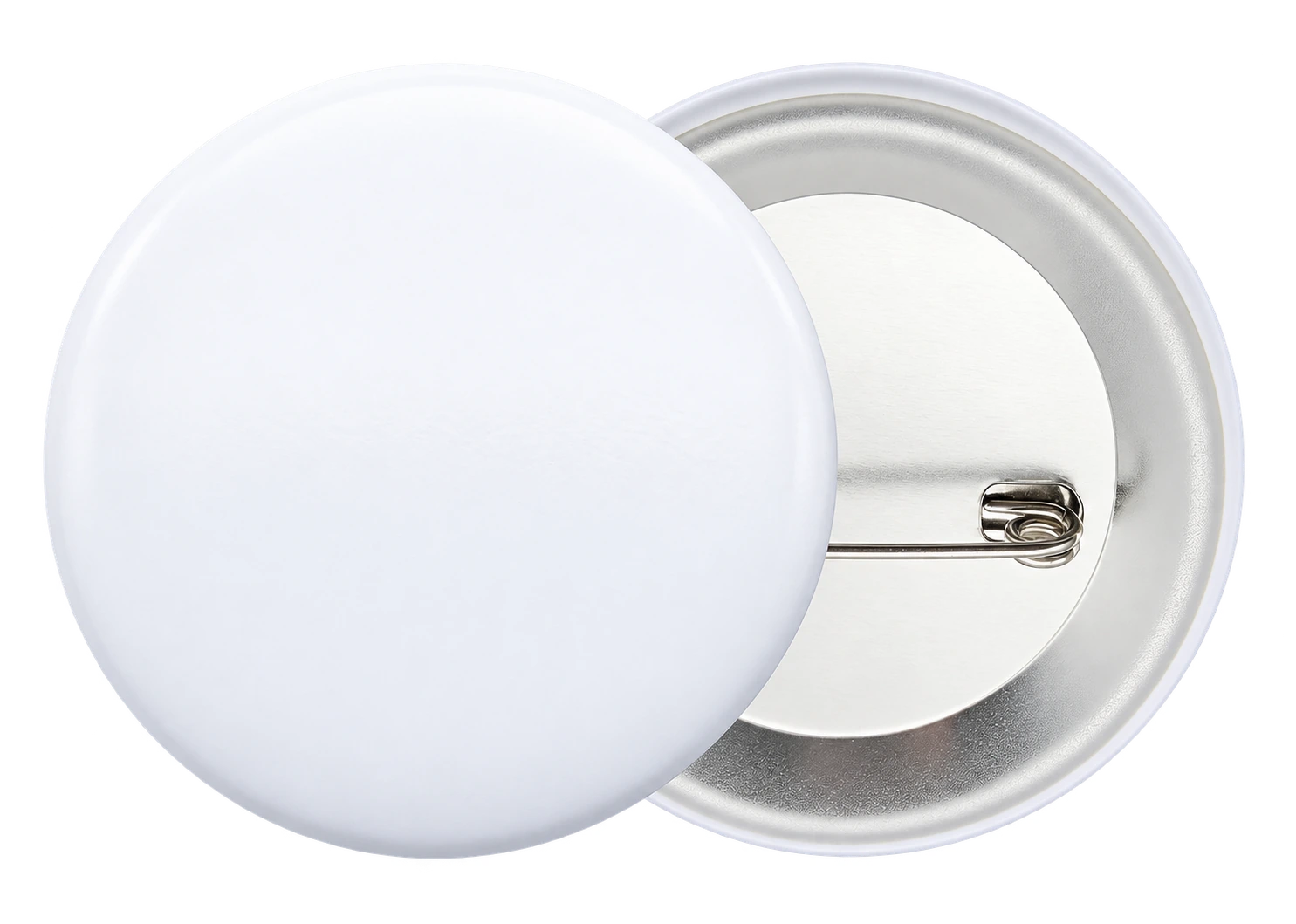
Badges
Turn a photo or design into a wearable badge.

Fridge magnets
Make a souvenir to enjoy every day.
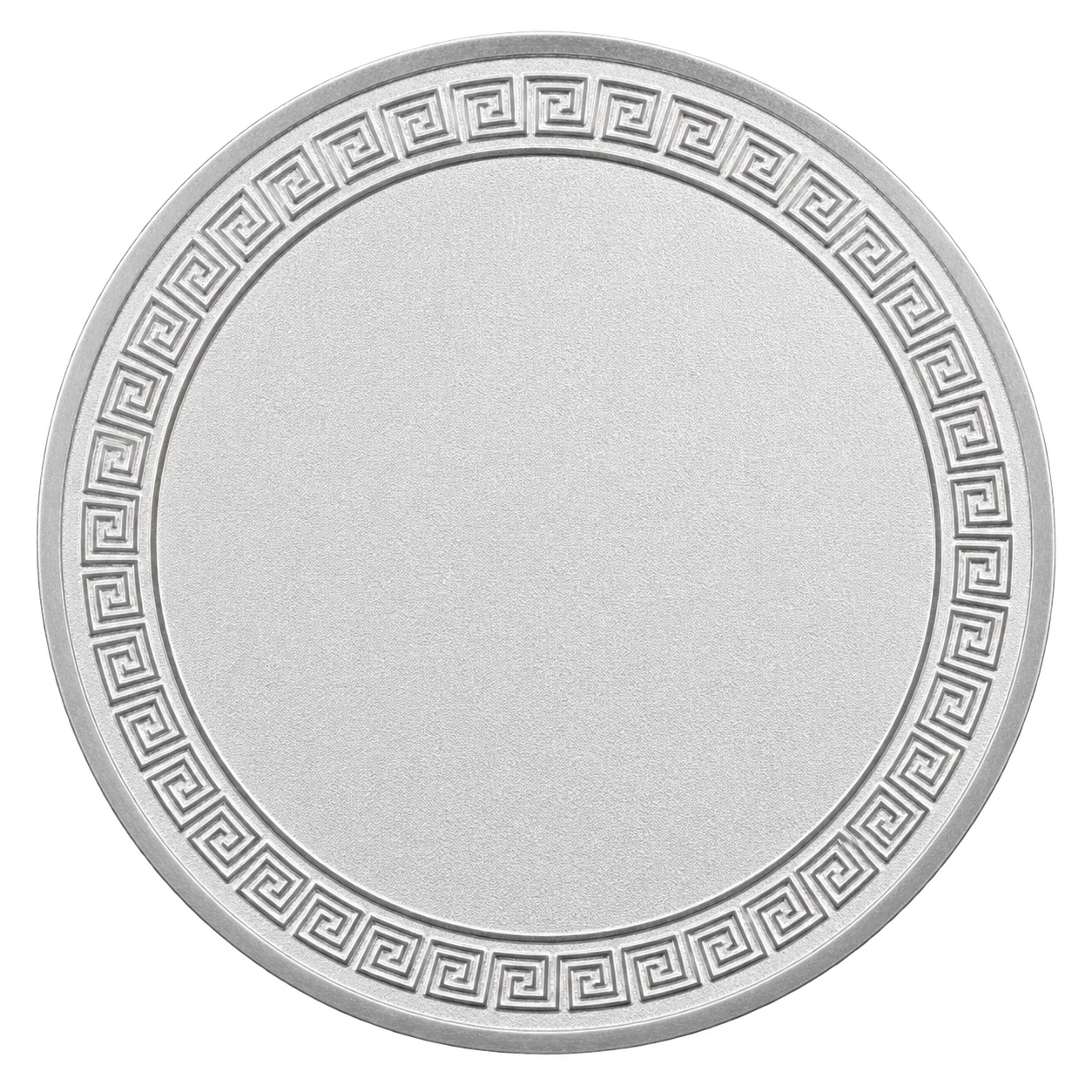
Souvenir coins
Put personal and themed designs on a souvenir coin.
RefineColor AI · Self-service creative printing
Key specifications
- Applications
- Coins, badges and fridge magnets; confirm for the project
- Production
- Automatic feeding, printing and dispensing
- Channels
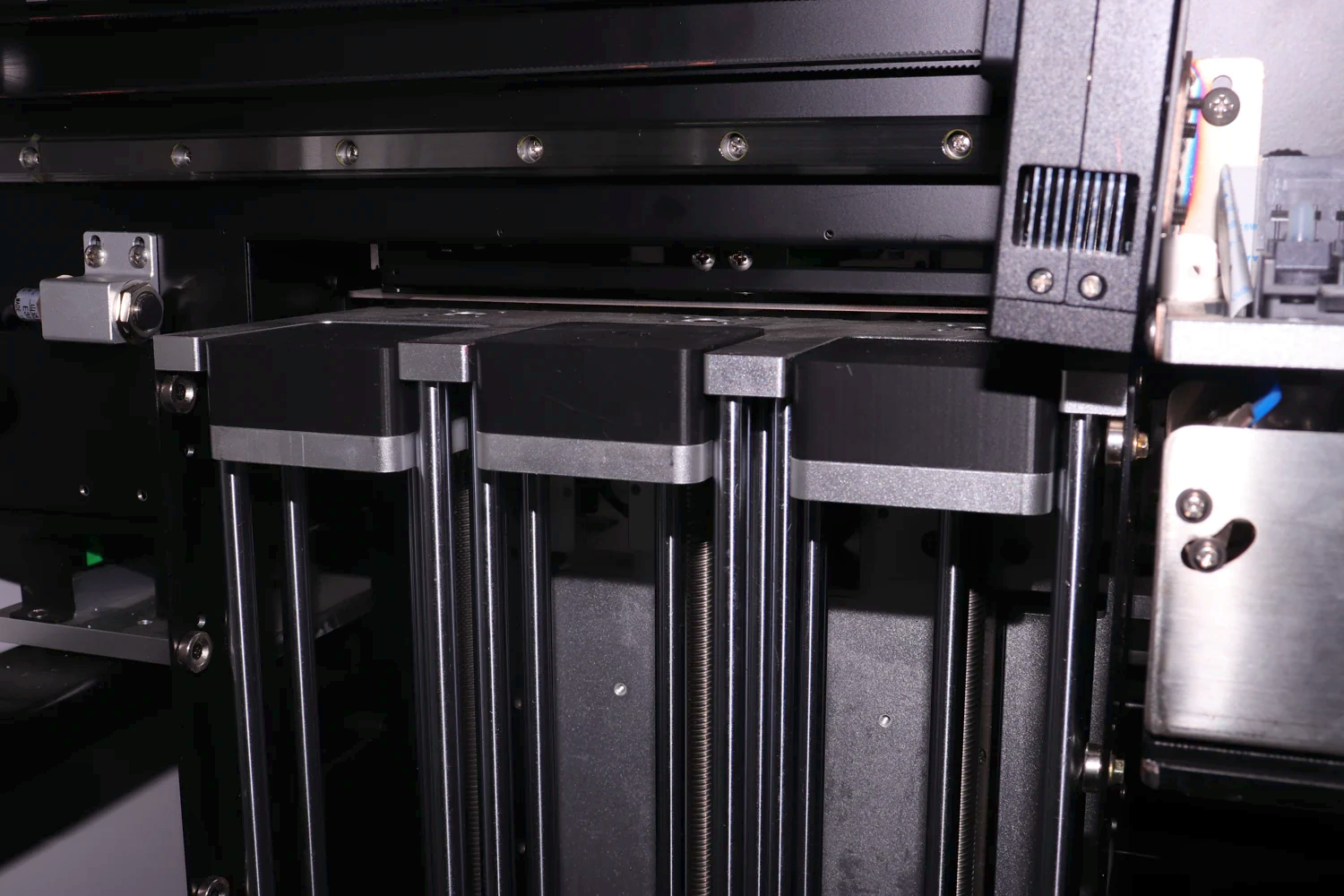
- Three channels
- Ink
- Four-color UV ink
- Computer setup
- Integrated touchscreen computer
- Machine size
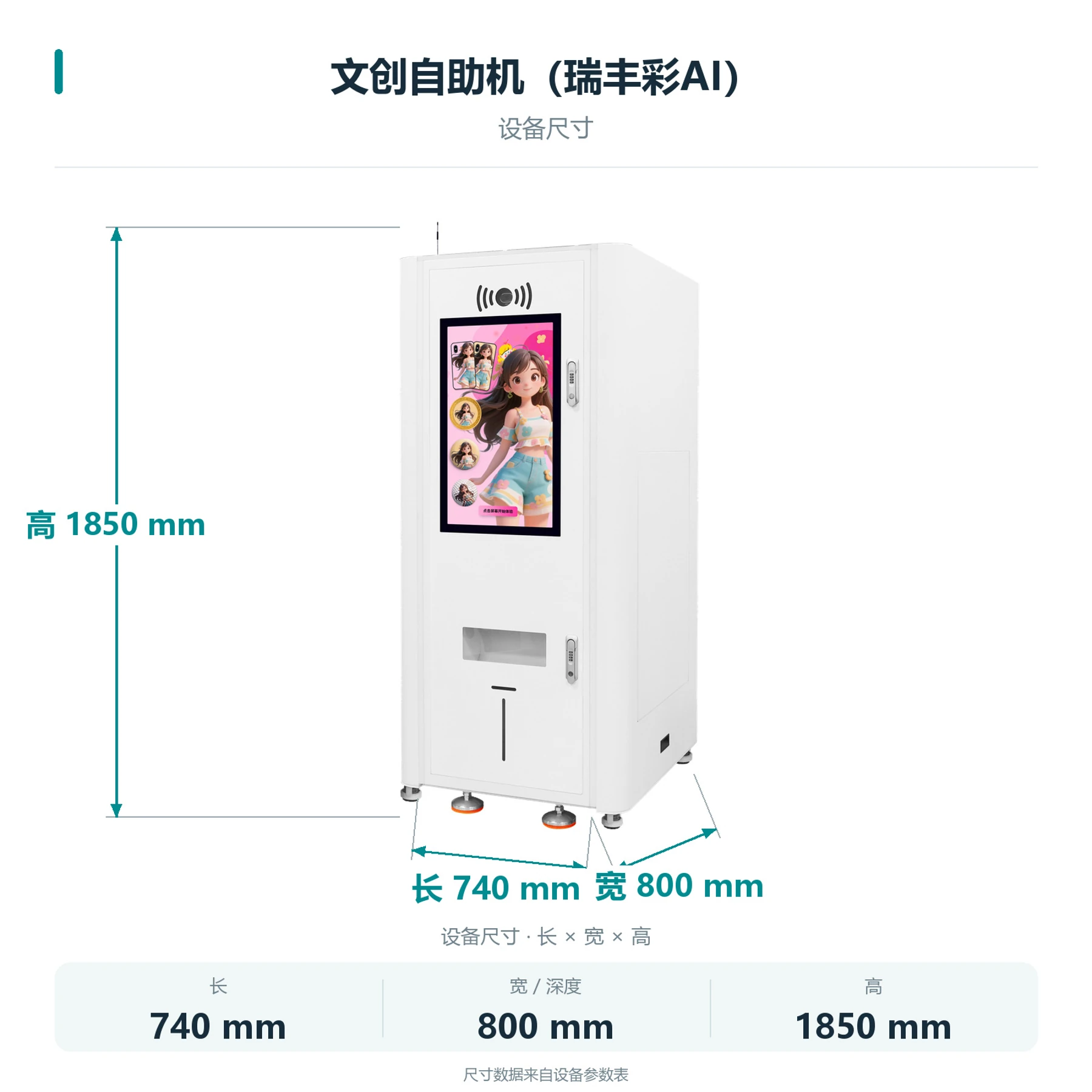
- 740 × 800 × 1850 mm
- Net weight
- 172 kg
- Printhead model
- EPSON-F1080
- Printhead count
- Single head
- Printhead maintenance
- Automatic cleaning
- Power supply
- AC 220 V / 110 V, 50–60 Hz
RefineColor AI · Self-service creative printing
How do customers order?
Create with AI or upload an image directly. Both routes let customers preview the product before payment, printing and collection.
STEP 1
Choose an AI style
Choose a theme, or use the direct image-upload entry.
RefineColor AI · Self-service creative printing
From artwork to collection
Generate or upload
Create new artwork with AI, or use your existing image.
Preview before payment
Review the design on the selected product, then confirm and scan to pay.
The machine handles production
After payment, the machine feeds, prints and dispenses. The operator restocks and maintains it.
RefineColor AI · Self-service creative printing
Machine details
 View full image ⤢
Three-channel structure
Three channels; confirm items and loading arrangements for the project.
 View full image ⤢
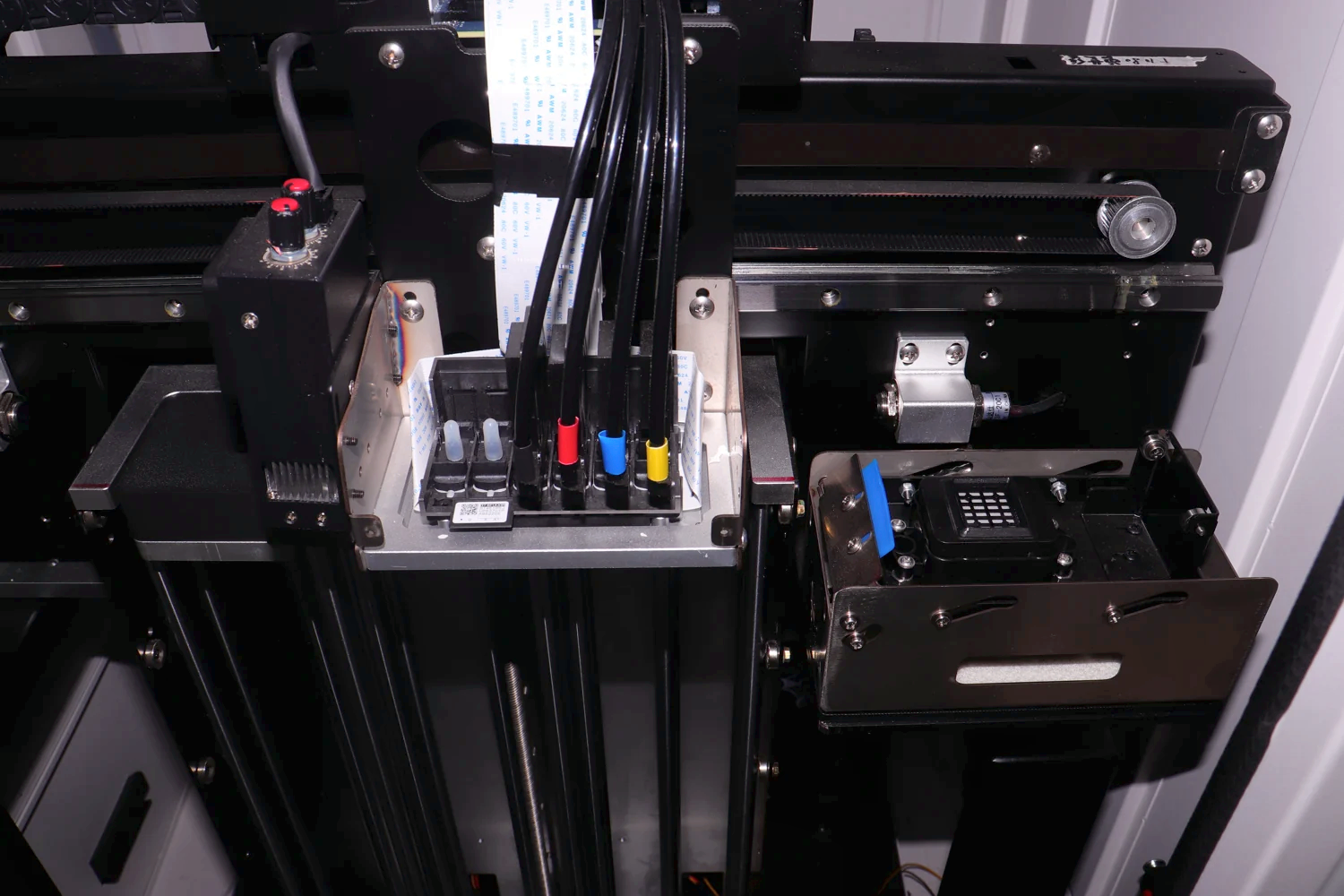
Print assembly
The machine produces the item after the customer confirms the artwork.
 View full image ⤢
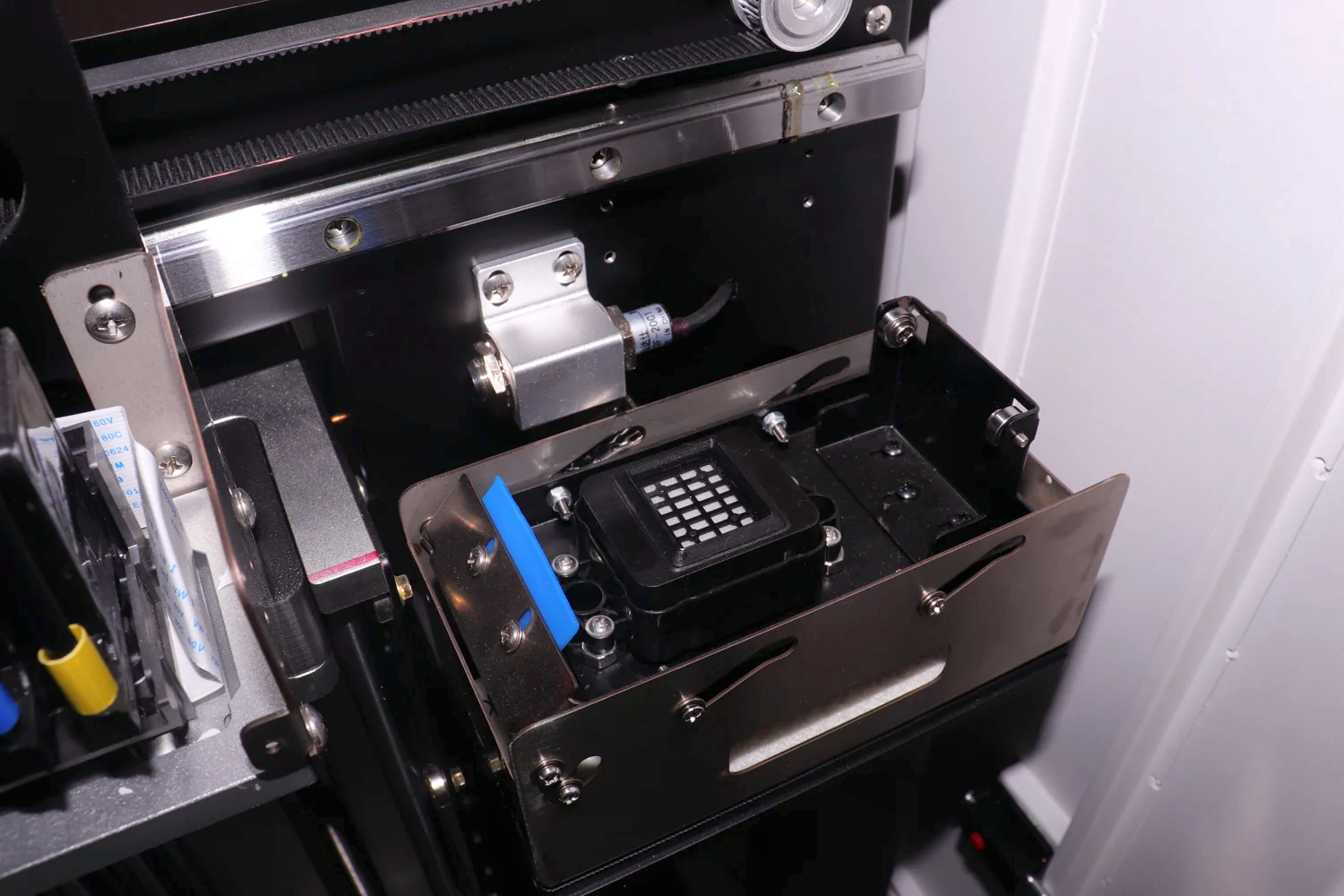
How items are held
Test the holder and artwork position with the actual item.
RefineColor AI · Self-service creative printing
Machine dimensions
 View full image ⤢
Machine dimension diagram
RefineColor AI · Self-service creative printing
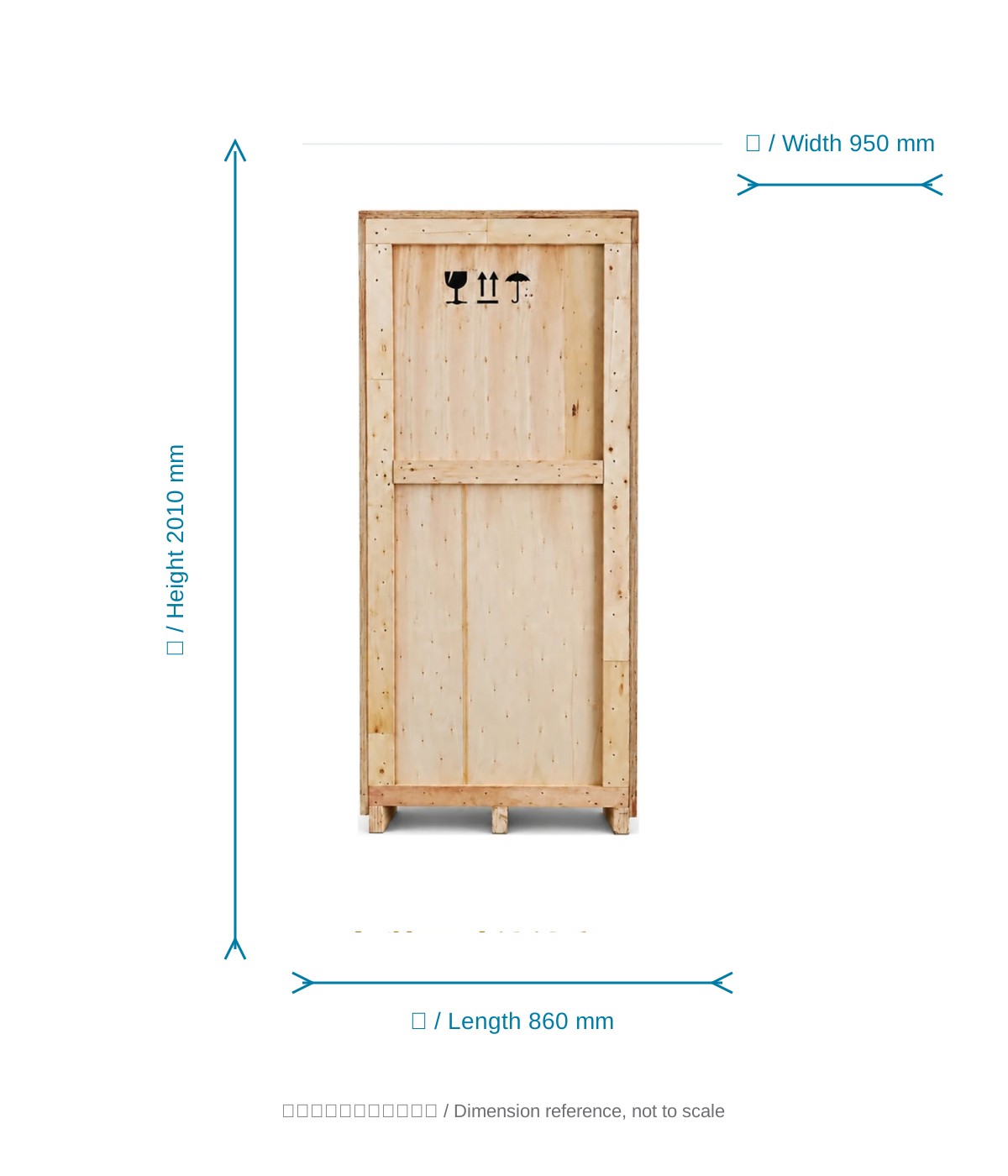
Packing dimensions
 View full image ⤢
Shipping crate dimension reference
Packed dimensions: 860×950×2010 mm. Illustration not to scale.
RefineColor AI · Self-service creative printing
Installation
Machine footprint
The body is 740×800×1850 mm. Allow extra space for collection and door access.
Location and setup
Confirm placement, power, network and operating arrangements.
RefineColor AI · Self-service creative printing
Free sample printing
Free sample printing
Share item photos and artwork before sending or bringing samples. Shipping is at your cost; special materials and fixtures are assessed separately.
Request free sample printing →Technical advice and quotation
Confirm equipment and service configuration for your items, location and operating requirements.
Discuss your requirements →RefineColor AI · Self-service creative printing
Training and warranty
Remote installation training
Remote installation training is provided. Contact official technical service for on-site arrangements.
One-year warranty
One year from receipt, excluding printheads and consumables. Customers cover warranty shipping, on-site technical fees and travel.