AI PHOTO EXPERIENCE
Turn a photo into a keepsake
Choose a style, take or upload a photo, then preview the artwork and product. Confirm payment and printing arrangements for the equipment.
Available styles, generation time and print products depend on the confirmed project configuration.
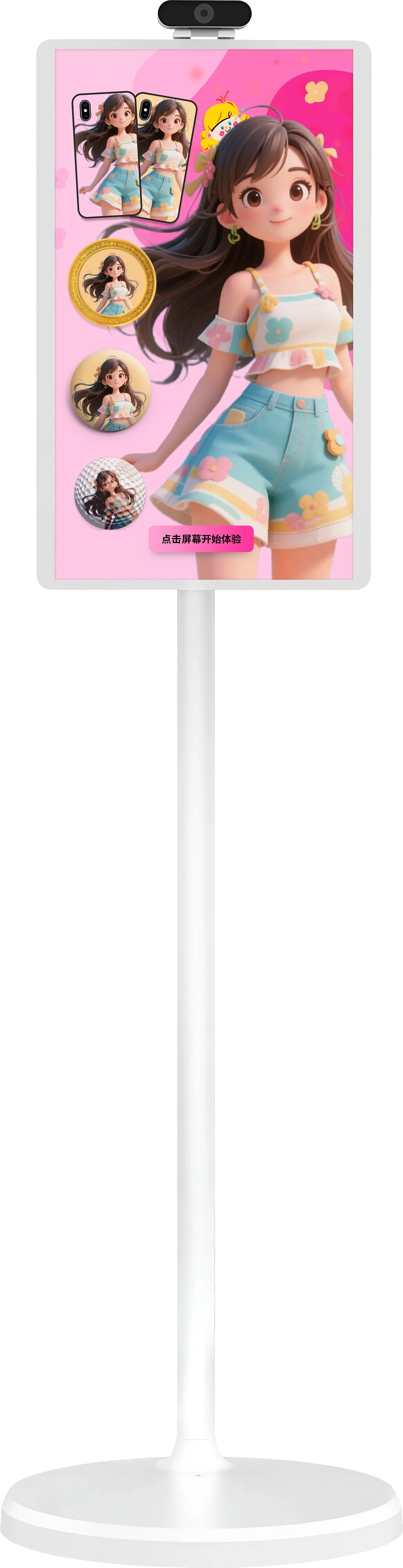
START WITH THE VENUE
Is this the experience you need?
Let visitors create a photo and choose a personalized keepsake.
Attractions and cultural venues
Add local themes, characters or seasonal content to the visitor journey.
Malls and brand events
Create a quick interactive stop that produces a physical souvenir.
Unattended operation
Network, payment, moderation, restocking and maintenance all need to be planned.
SOFTWARE WORKFLOW EXAMPLE
How customers customize and order
Choose a step to view the existing customization software. Payment, printing and pickup depend on the project setup.
WHAT VISITORS SEE
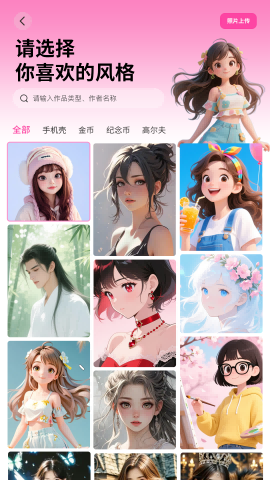
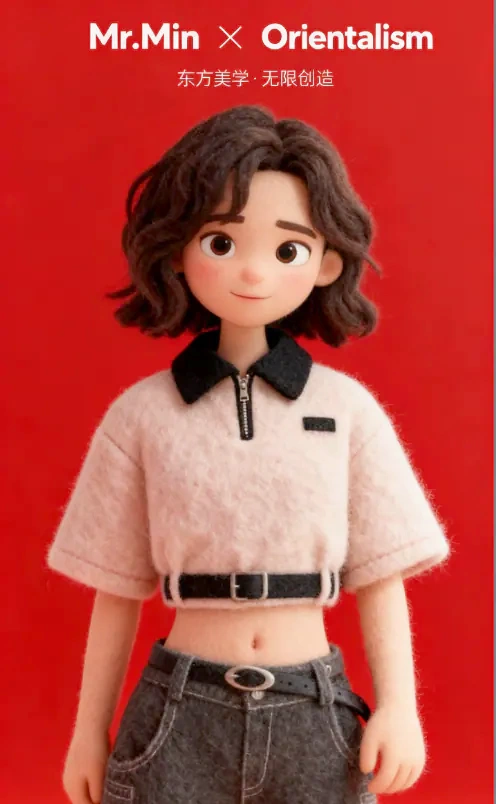
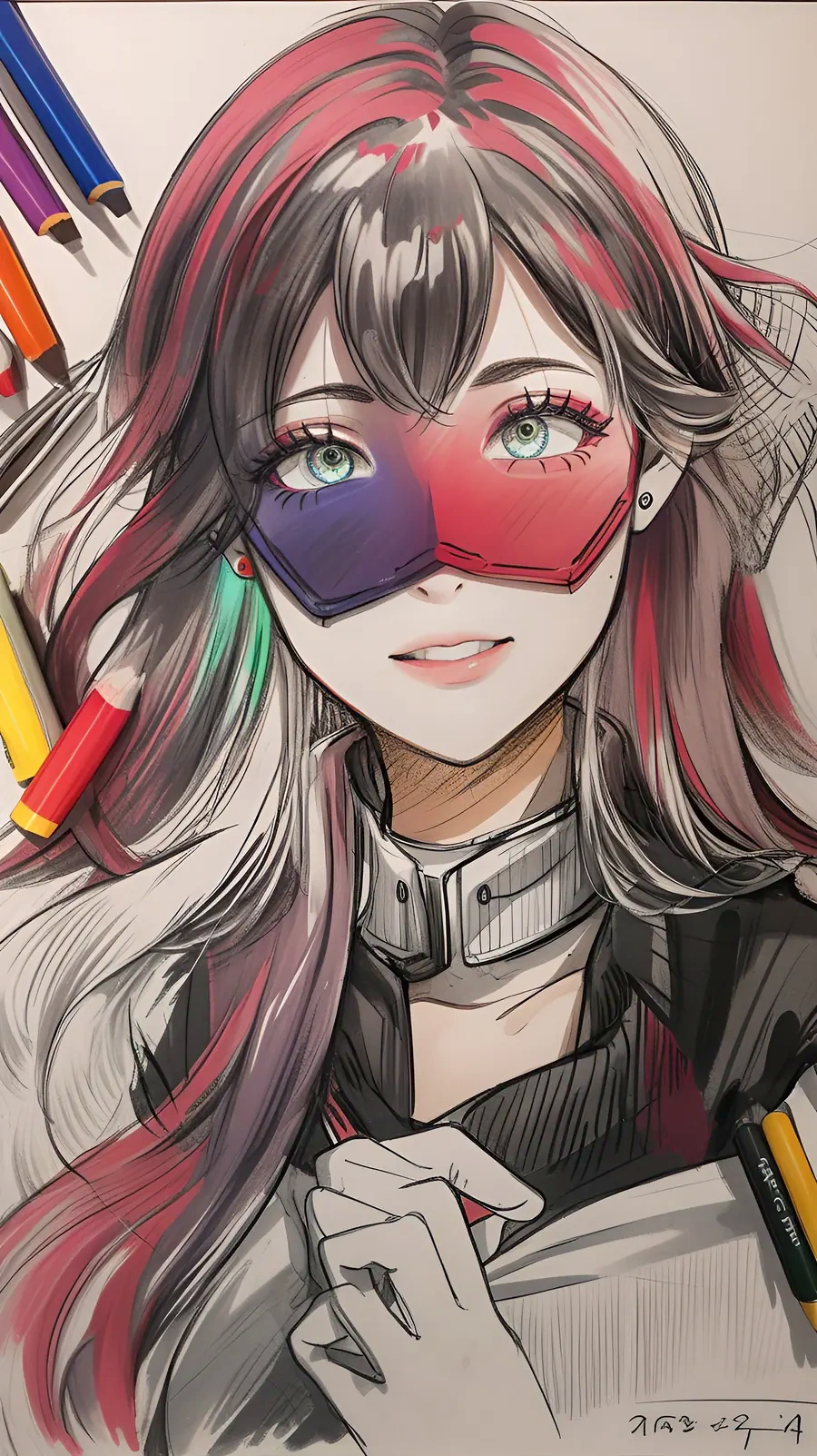
Choose a style for your venue
These examples show possible visual directions. Final styles should be tested with the venue theme and target audience.

BEFORE INSTALLATION
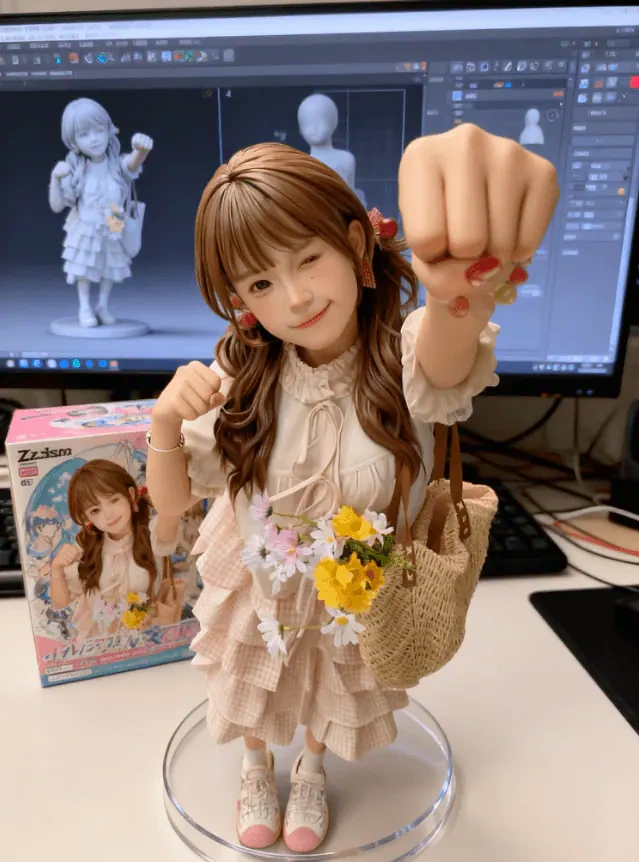
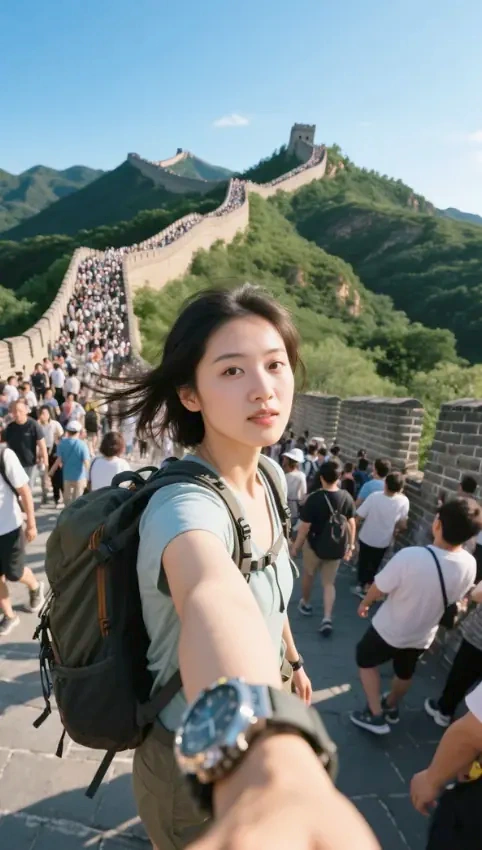
Four things to agree before setup
Venue and traffic
Where it will be placed, peak traffic and whether staff are present.
Themes and photo use
Style themes, moderation rules, photo consent and retention policy.
Products and daily orders
What will be printed, expected daily orders and restocking rhythm.
Network and service
Network conditions, payment flow, remote support and on-site maintenance.