RefineColor AI three-in-one · Complete kiosk
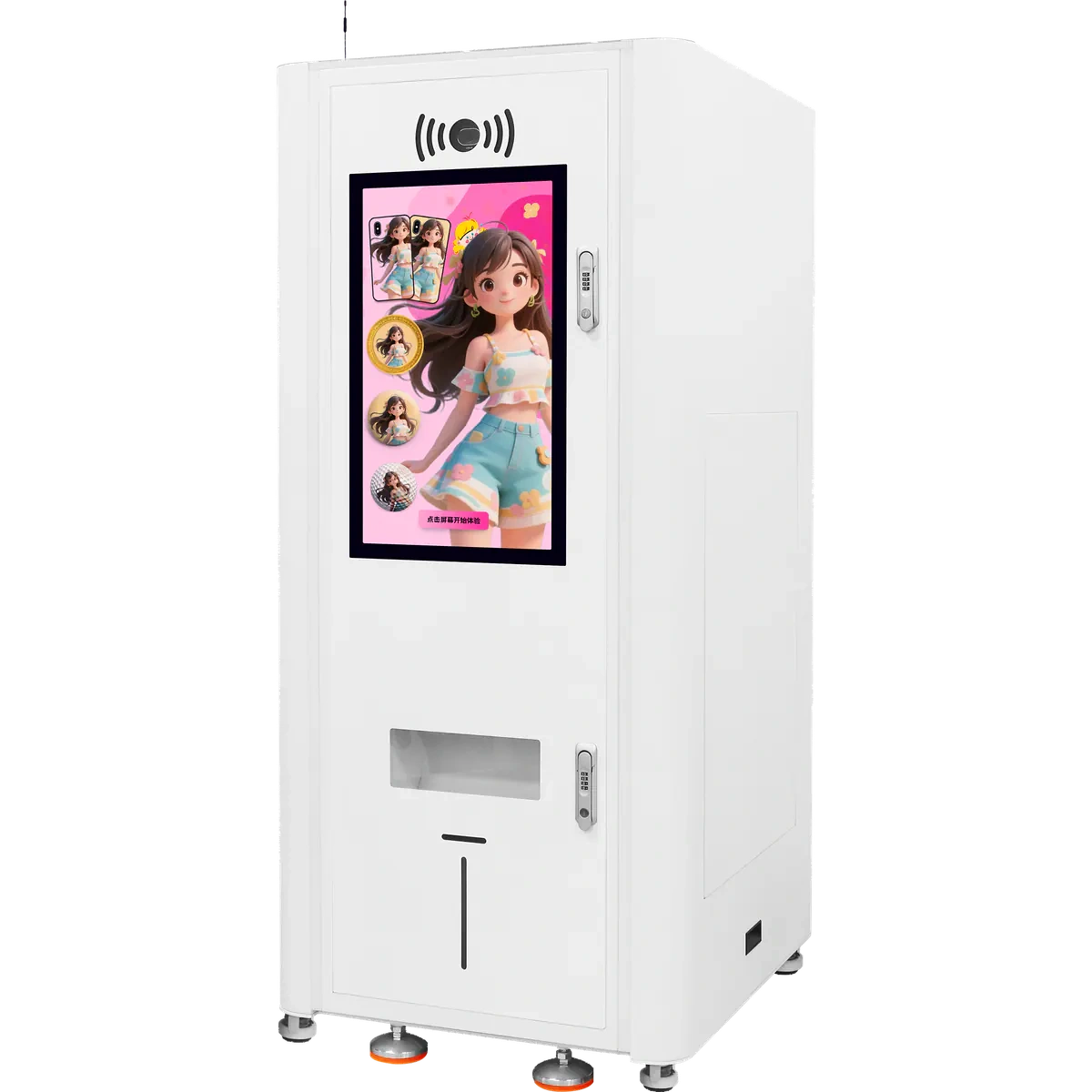
AI three-in-one kiosk
Choose an AI style, take or upload a photo, then choose a product after creating the artwork. Preview and pay before automatic feeding, printing and dispensing. Direct image upload is also available.
Read the product overview
Choose an AI style, take or upload a photo, then choose a product after creating the artwork. Preview and pay before automatic feeding, printing and dispensing. Direct image upload is also available.
Test actual items and holders first. Arrange on-site replenishment, cleaning and maintenance.
Is this the right route?
Choose what to sell, where to place it and who replenishes it, then confirm equipment and software.
Customers place their own orders
Touch interaction, orders and printing in one terminal. Confirm items and software features for the setup.
Check item feeding
Test actual dimensions, fixtures, lanes and results before planning stock and replenishment.
You already have a cabinet
Compare a three-channel module or ZP1P, confirming the PC, screen, software and structure.
Follow one order
Create the artwork, choose a product, then preview and pay. Upload an existing design directly to skip AI generation.
Choose an AI style
Choose a theme you like.
View the full workflow
- 01
Choose an AI style
Choose a theme you like.
- 02
Take or upload a photo
Take a photo on site or scan to upload from a phone.
- 03
Create and preview the artwork
Review the AI result before choosing a product.
- 04
Choose a product and preview
Choose a coin, badge, fridge magnet or other item and review the design.
- 05
Confirm and pay
Confirm the product and artwork, then scan to pay before printing.
- 06
Automatic production and pickup
The machine feeds, prints and dispenses automatically. Collect the finished item.
What is included? Who handles the rest?
Plan equipment, software configuration and on-site support together.
Equipment
What the terminal includes
See what this includes
- Touchscreen computer and three lanes
- Automatic feeding, printing and dispensing
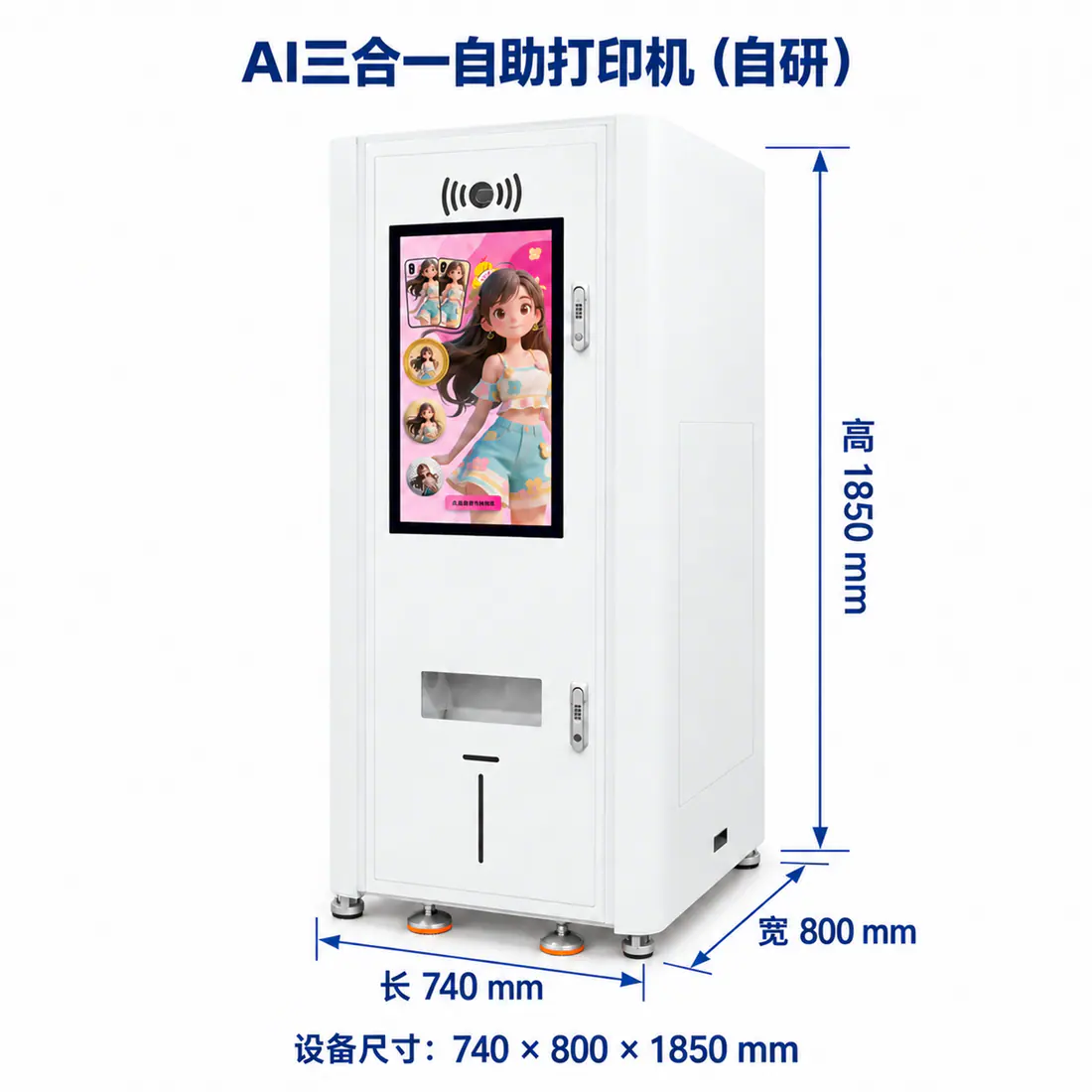
- 740×800×1850 mm cabinet
Project setup
Agree how it works
See what this includes
- Items, fixtures and pickup structure
- AI styles, payment channels and pricing
- Orders, exceptions and refunds
Site maintenance
Assign responsibility
See what this includes
- Space, power and network
- Items, ink, replenishment and cleaning
- Stock, feeding and pickup issues
Look at the equipment
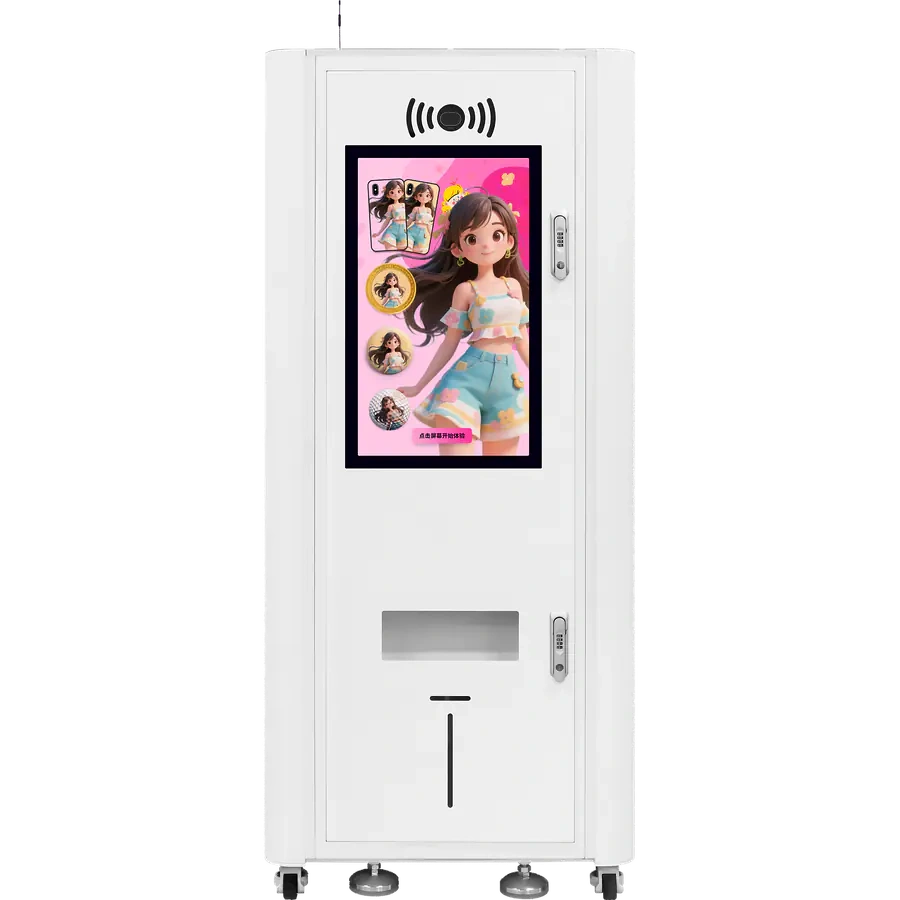
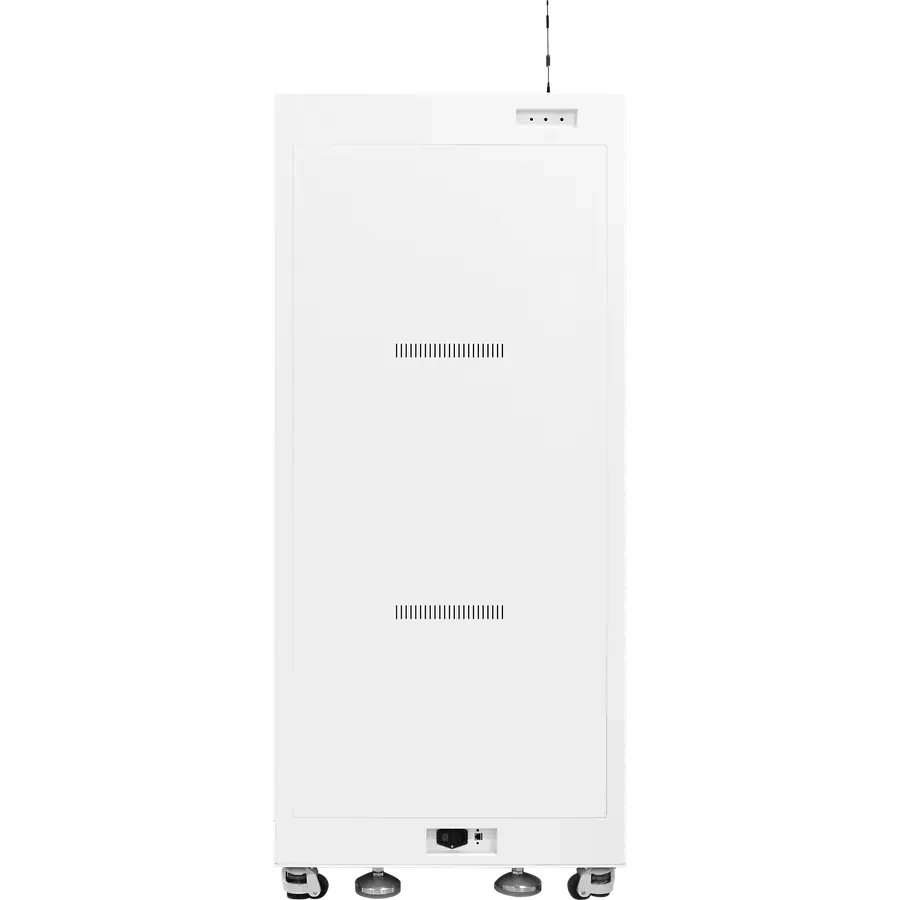
Actual front and rear photos and a dimension drawing. Plan operator access, pickup and maintenance space.
View structure and use notes
Three lanes
Match the three lanes with the items and holders, and test loading with actual products.
Touchscreen computer
Handles customer interaction and orders. Software features depend on the project.
Feeding and maintenance
Test feeding with actual items and arrange replenishment, cleaning and fault handling.
Equipment specifications
View key specifications
- Printing
- UV printing; CMYK color
- Printhead
- Single EPSON-F1080
- Lanes
- Three; confirm items and fixtures
- Operation
- Touchscreen computer
- Network
- Gigabit network; check site conditions
- Machine dimensions
- 740×800×1850 mm
- Environment
- 10–40°C; 20%–80% RH
- Items and results
- Test dimensions, feeding and print results with actual items
Based on the existing Chinese sheet (2026-01). Items, software and final delivery configuration follow project confirmation and testing.
Complete kiosk or print module?
Plan a site with a complete terminal, or use a module when you have a cabinet and an integration team.
Complete kiosk
AI three-in-one kiosk
Touch, online payment, cloud printing, enclosure and three lanes in one unit.
For validating a complete site firstView full equipment detailsMulti-lane module
Three-channel module
No touchscreen PC, payment or standalone cloud printing; the kiosk layer provides them.
For teams with enclosure and system capabilitySee three-channelZP1 module route
ZP1 print module
Includes order-receiving software, without a computer. The project supplies the cabinet, PC and ordering setup; the customer defines the printing workflow.
For ZP1-centered product workflowsSee ZP1 moduleTell us about your project
Start with your intended use, then agree terminal, software and site requirements.
See the project checklist
- Site, operating hours and visitor flow
- Your products, materials and dimensions
- Power, internet and floor-space limits
- Payment entity and refund flow
- Replenishment, cleaning and response owner
- Back-office or member system to connect