ZP1B · Creative printing equipment
Embedded creative printer
Receive orders, edit artwork and print on the machine touchscreen, without a separate Windows PC. Staff load and unload items.
Browse all equipment →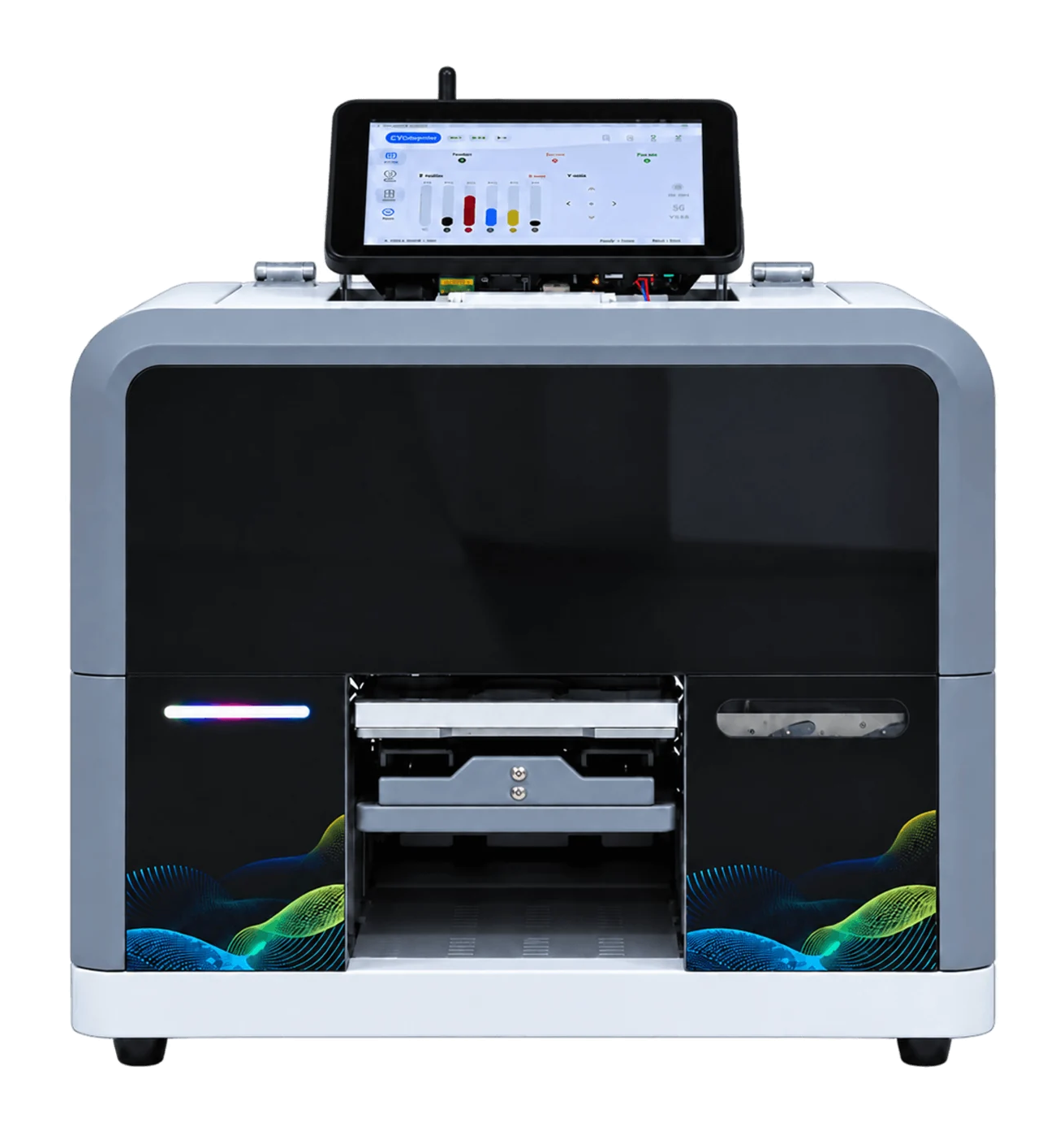
ZP1B · Creative printing equipment
What you can print
On-device orders
View orders and print tasks on the touchscreen.
Upload by scanning
Customers scan and upload images into the configured workflow.
Match your items
Use suitable fixtures and test actual materials first.
ZP1B · Creative printing equipment
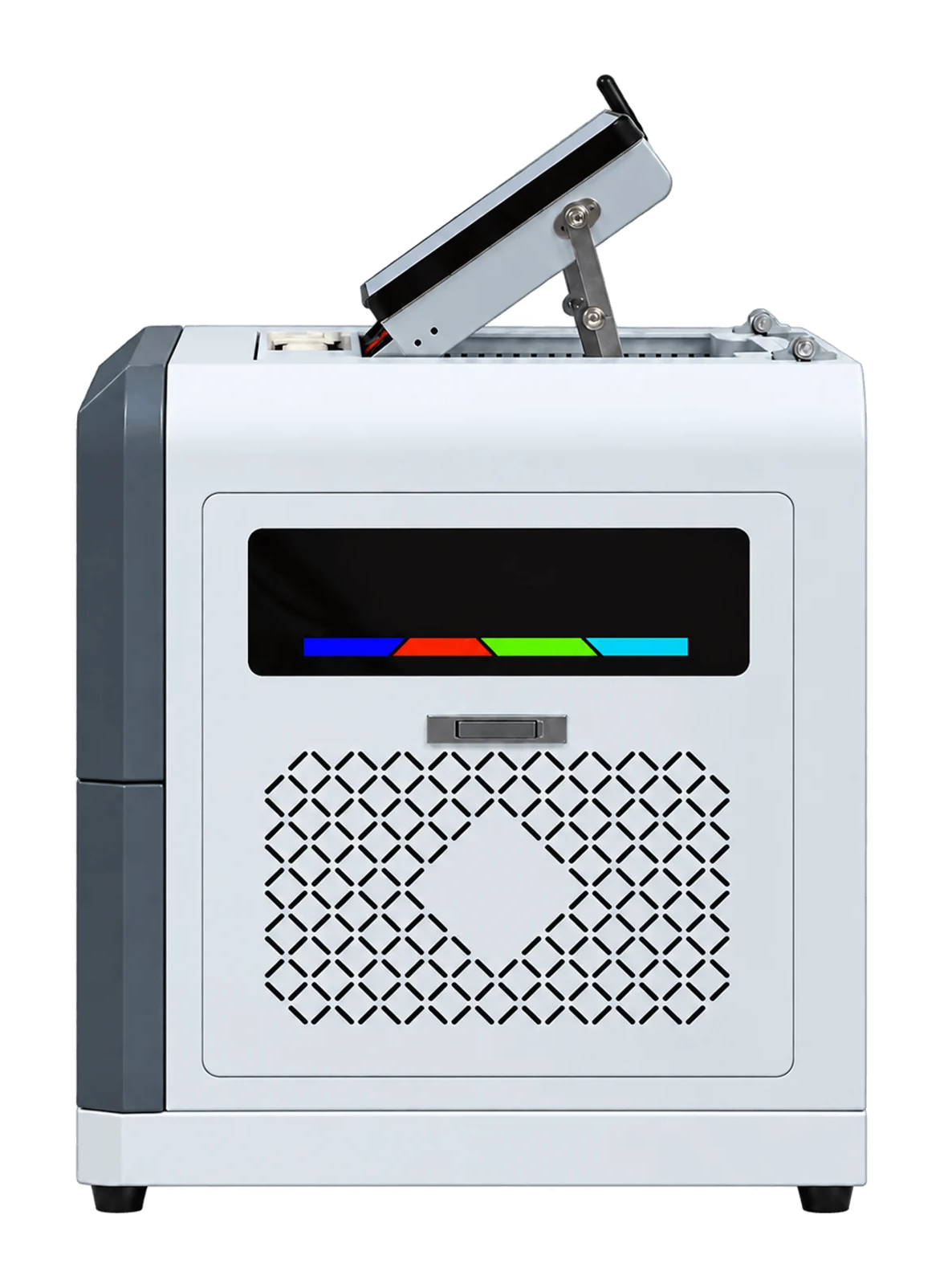
Machine views
 View image ⤢
Side view 1
Select a view above, or open the image to see more detail.
ZP1B · Creative printing equipment
Sample results.
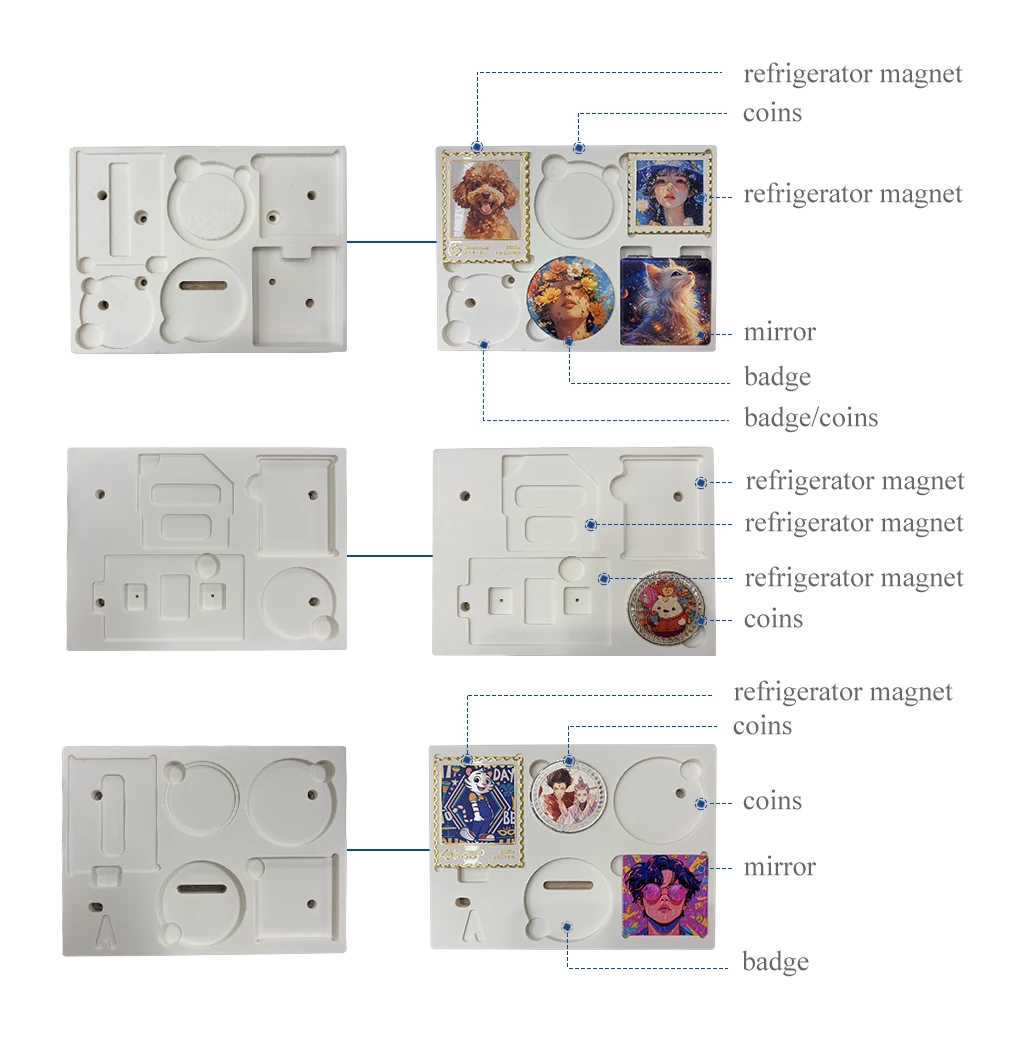
Fixtures and items
Test your actual material to confirm results.
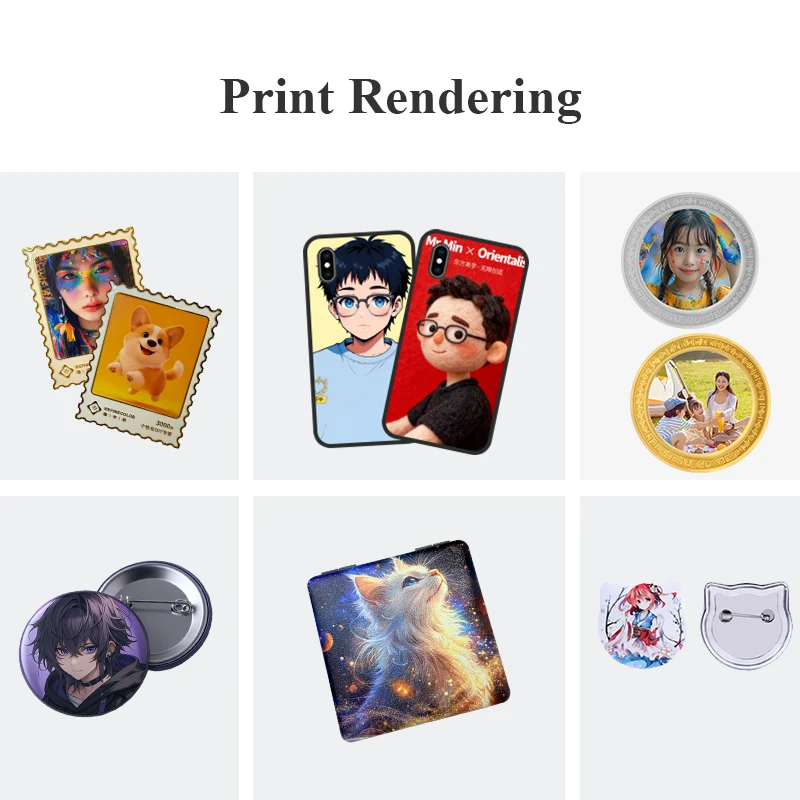
Sample print results
Test your actual material to confirm results.
ZP1B · Creative printing equipment
Choosing A, B or P
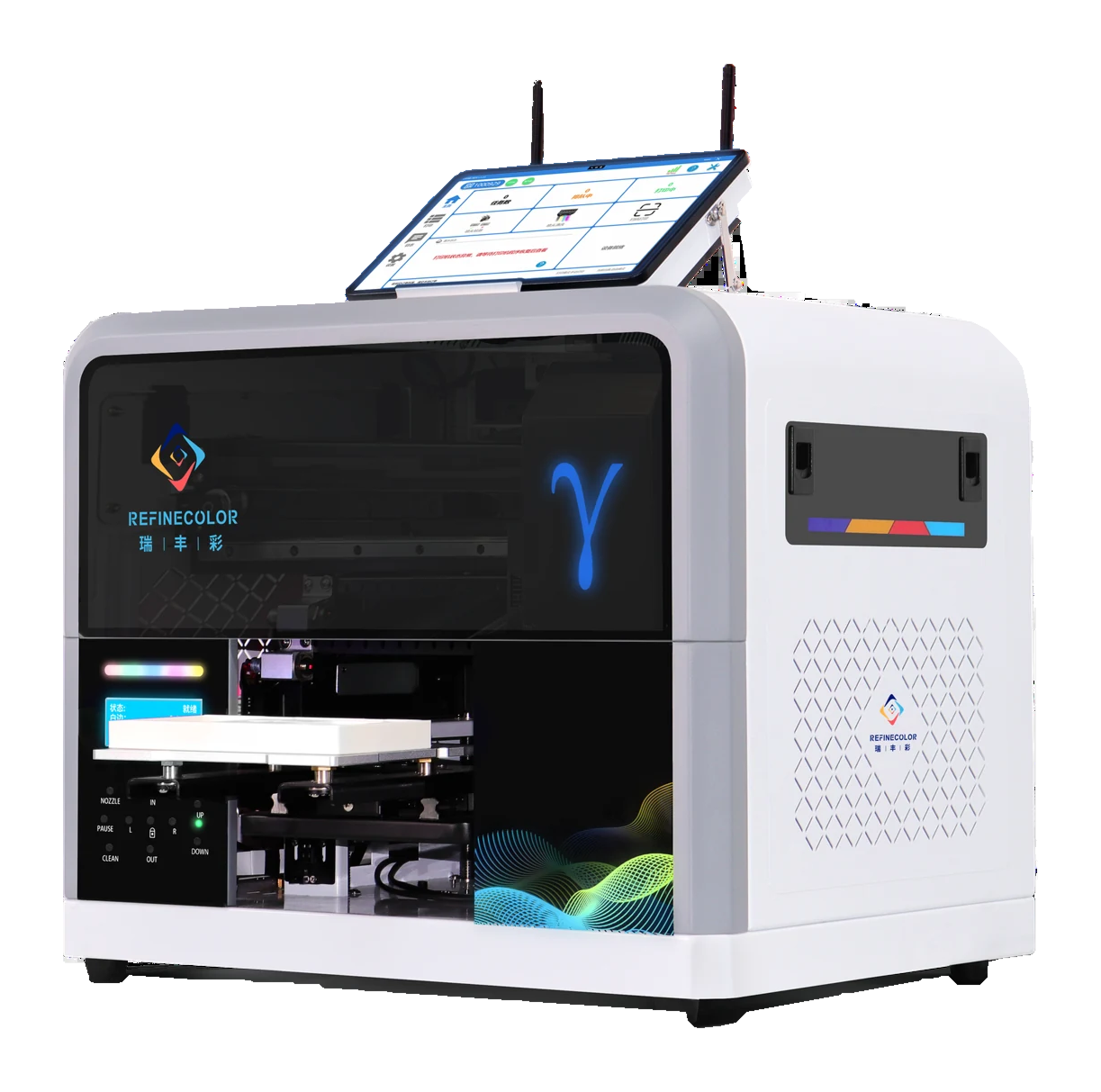
ZP1A · Computer-based setup
Built-in computer and touchscreen; staff load, print and unload.
View equipment details →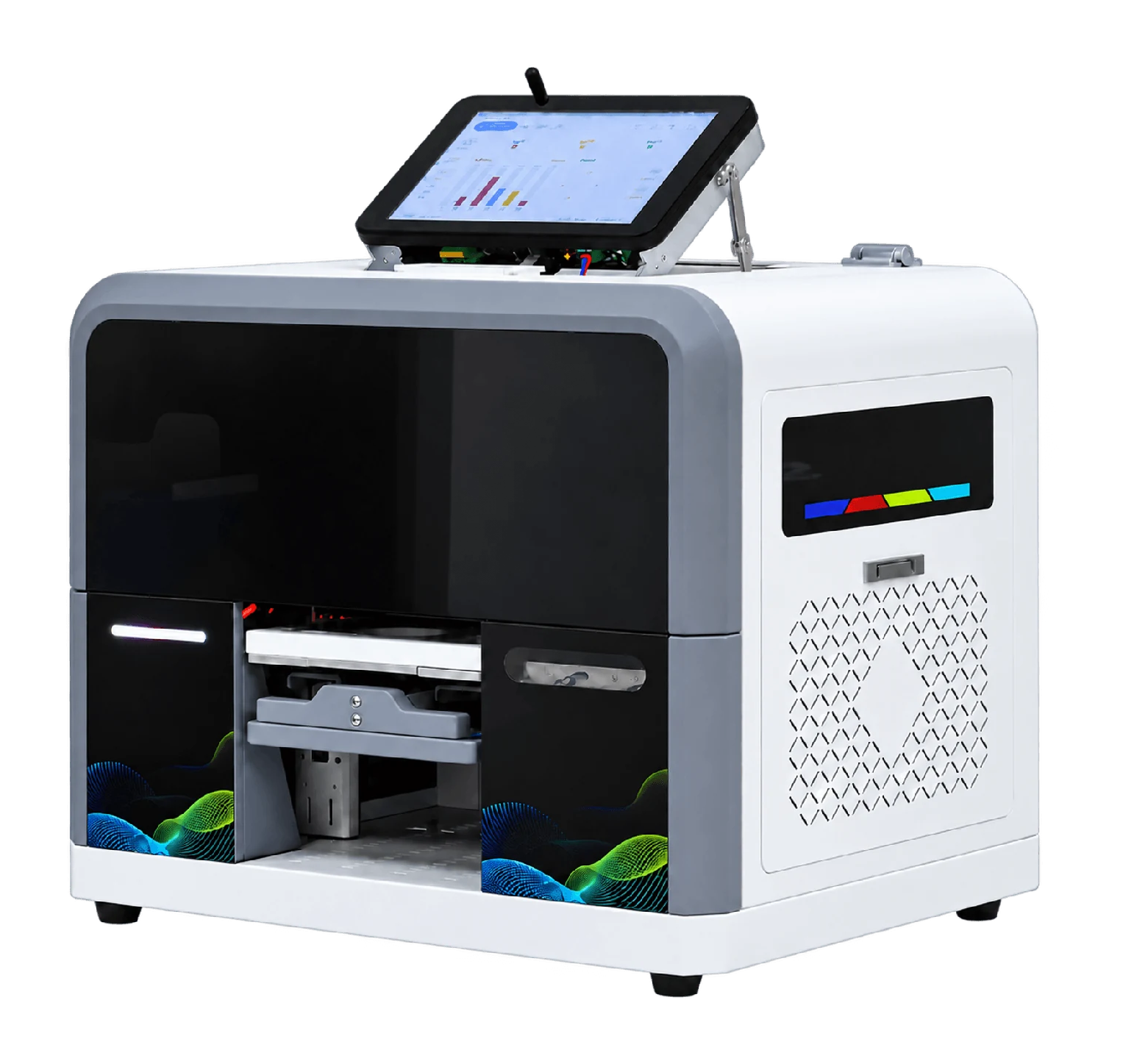
ZP1B · Orders on the equipment
Receive orders and handle artwork on the touchscreen without a separate PC. Staff load and unload.
View equipment details →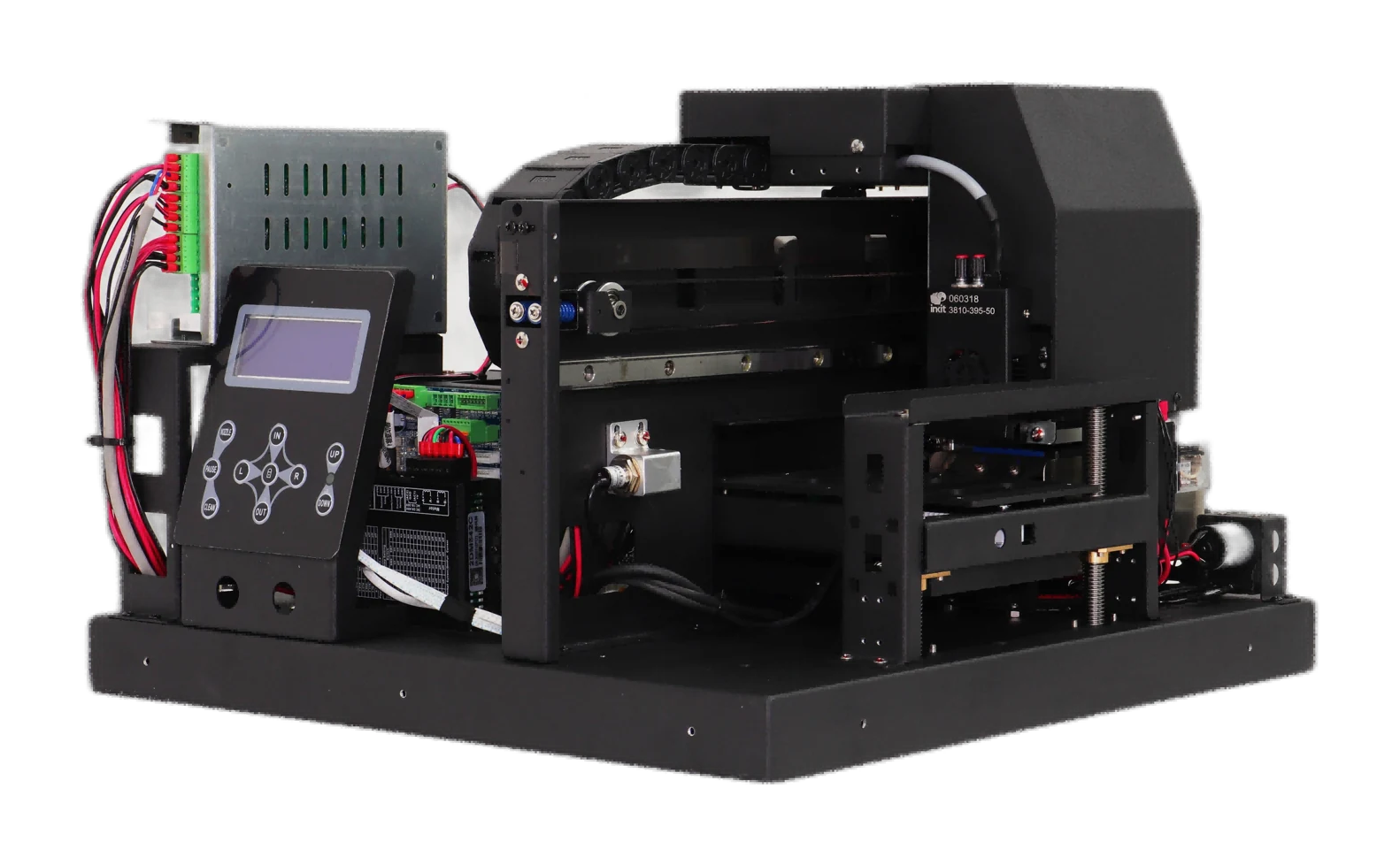
ZP1P · Project printing module
No computer included; order-receiving software is supplied. Design the cabinet and printing/pickup workflow for the project.
View equipment details →ZP1B · Creative printing equipment
Key specifications
- Print area
- W200×L168×H80mm
- Ink
- UV ink; color and white
- Item height
- 0–80 mm
- Net weight
- 38.5 KG
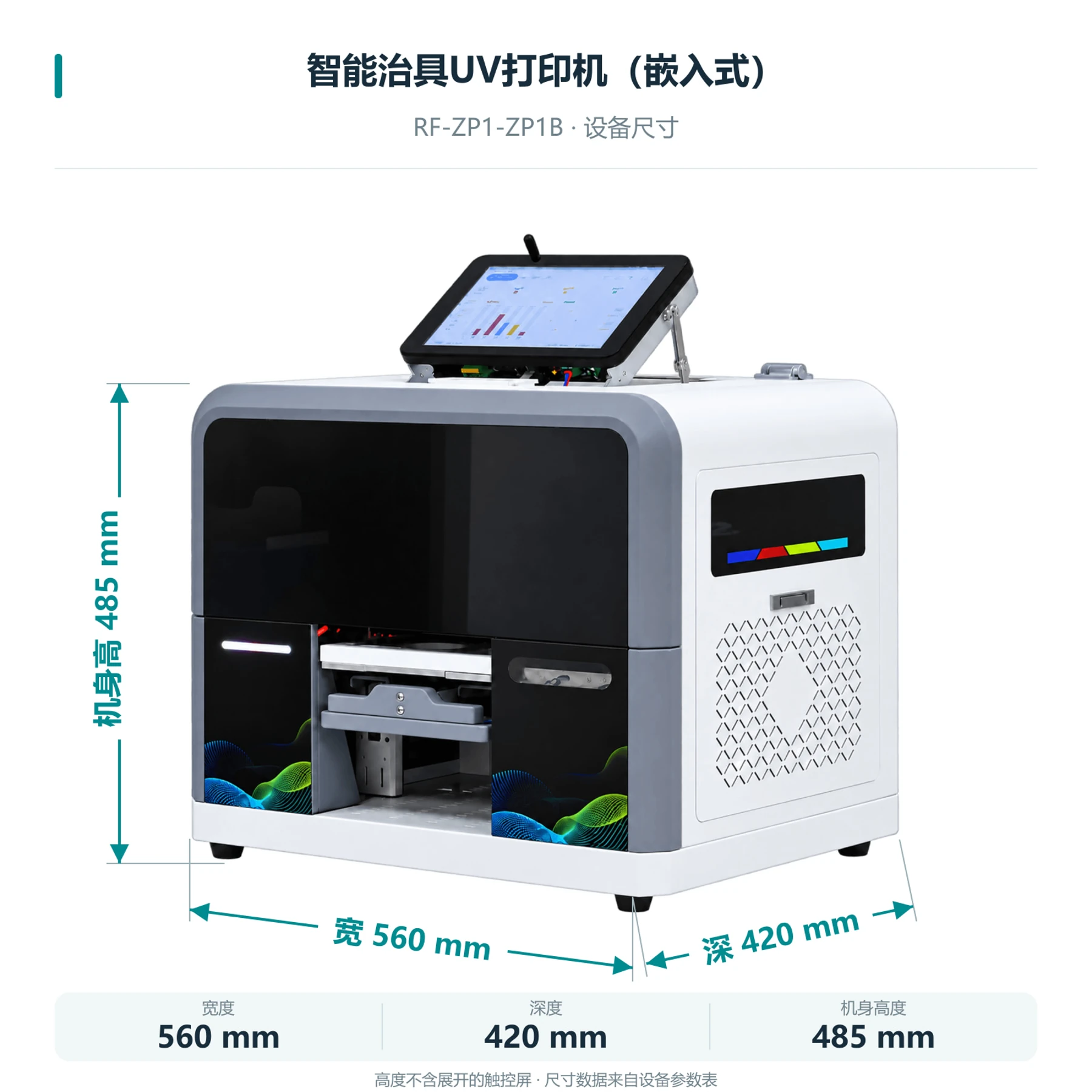
- Machine size
- 560×420×485 mm (body; excludes unfolded touchscreen)
- Computer setup
- Embedded system; no separate Windows PC needed
- Printhead model
- EPSON-F1080
- Printhead count
- Single head
- Printhead maintenance
- Automatic cleaning
- Power supply
- AC 220 V / 110 V, 50–60 Hz
ZP1B · Creative printing equipment
How do you print after receiving an order?
- 01
Receive an order
Bind the machine online to receive cloud orders. Store orders can also be connected as needed.
- 02
Preview and process
Preview the artwork, arrange it to match item positions, then prepare to print.
- 03
Print orders in sequence
Confirm one order at a time, or send orders in sequence with a set interval. Staff still load and change items.
- 04
Check progress and control printing
Check print progress and pause, resume or cancel when needed.
ZP1B · Creative printing equipment
How do orders and operation work?
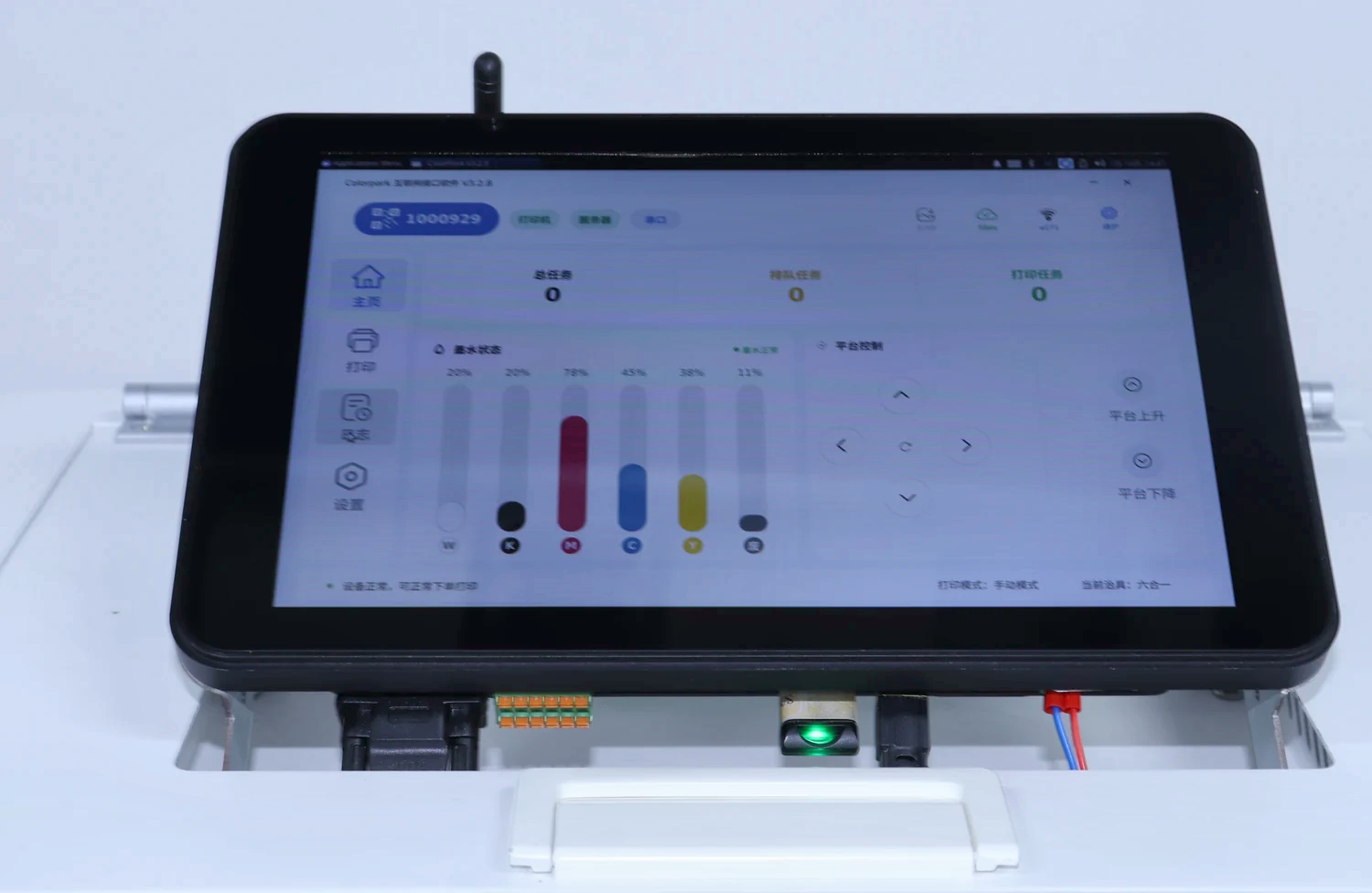
Daily screens cover home, printing, logs and settings. Functions depend on the equipment, software version and authorization.
Cloud and local-network orders
Receive online orders and report print progress. Store systems can also send images; confirm the connection for your project.
Preview and print order
Preview artwork before confirming. Pause, resume or cancel jobs and set the interval between orders.
Arrange multiple item designs
Arrange designs for multiple items to match fixture positions, reducing manual layout work.
White ink, layers and reverse printing
Choose white ink, layers and reverse printing on clear materials for your setup. Sample the actual result first.
Status and maintenance
Check connection, ink and waste-ink status; test or clean the head. Maintenance controls are locked during printing.
Languages and remote assistance
Chinese, English, Japanese, Korean, Spanish and Russian interfaces, plus network checks and remote assistance.
ZP1B · Creative printing equipment
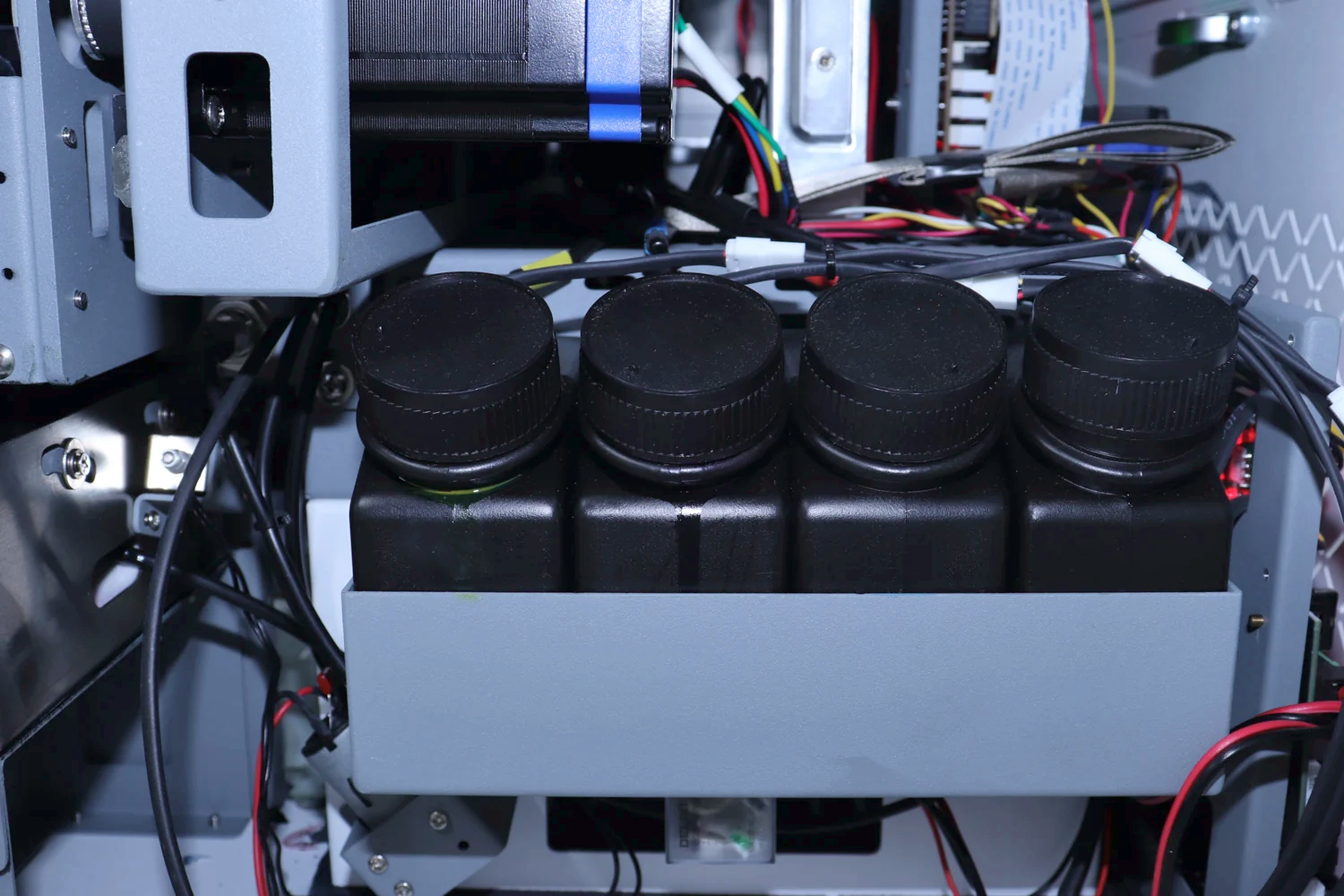
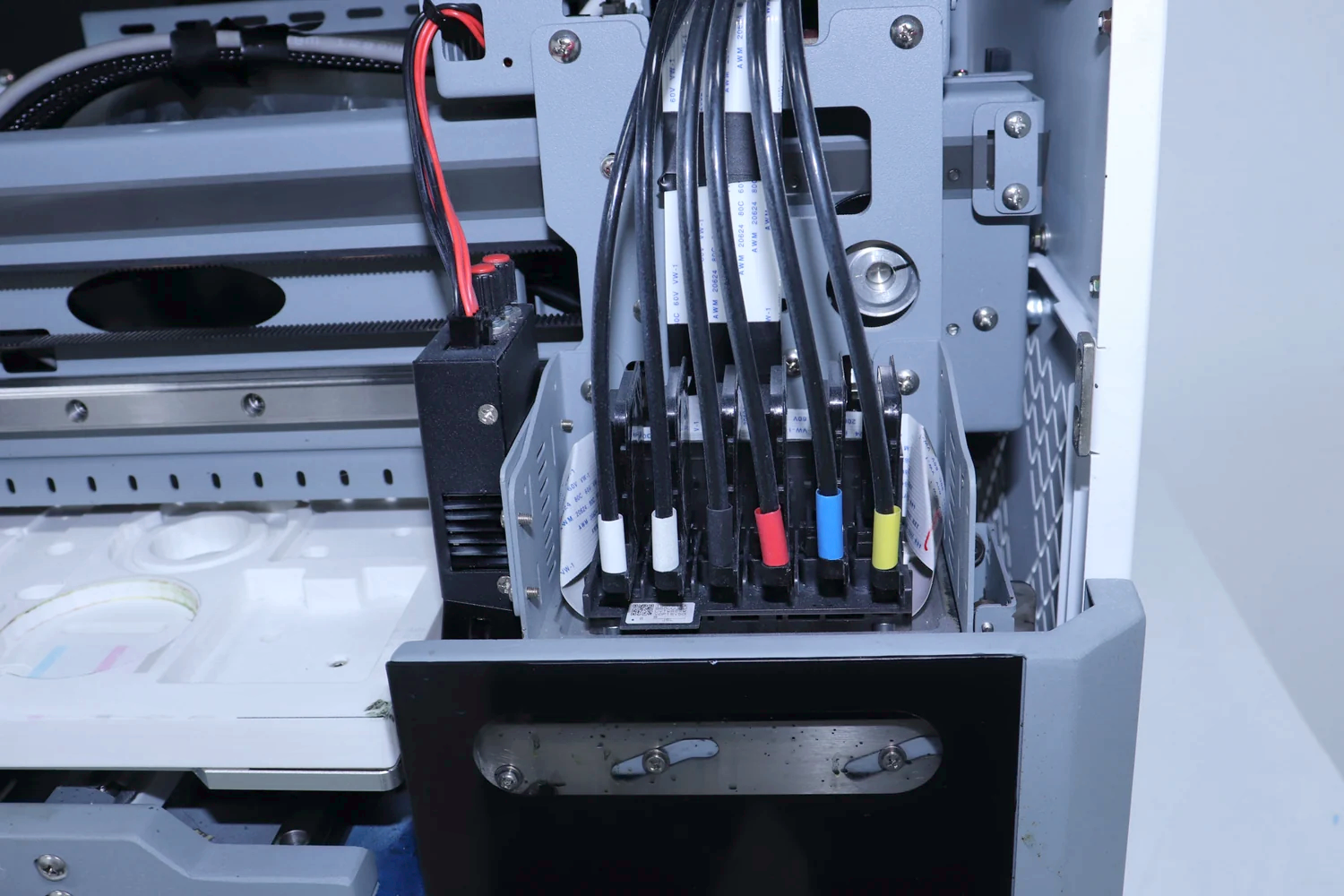
Machine details
 View full image ⤢
Equipment detail 1
 View full image ⤢
Equipment detail 2
 View full image ⤢
Equipment detail 3
ZP1B · Creative printing equipment
Machine dimensions
 View full image ⤢
Machine dimensions
ZP1B · Creative printing equipment
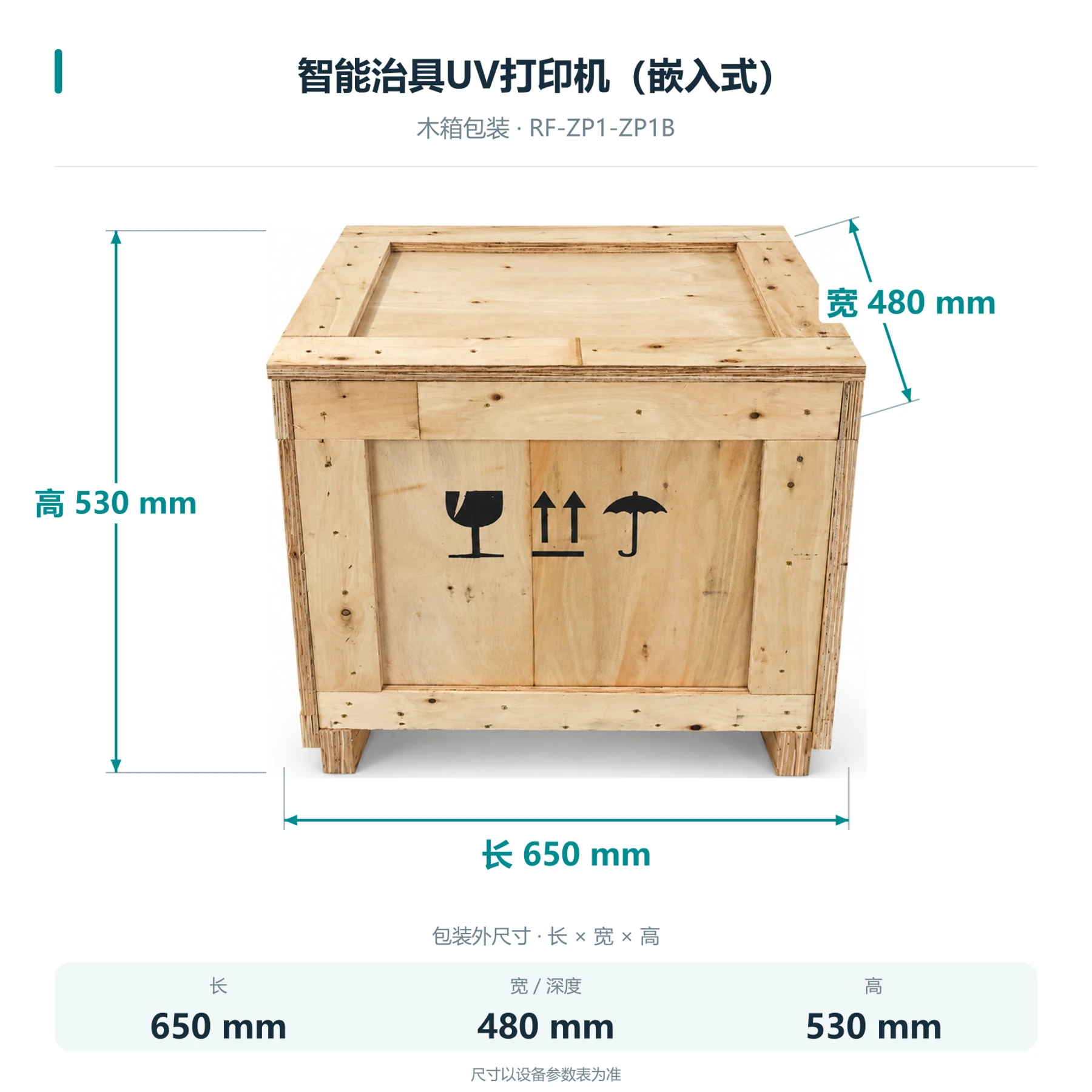
Packing dimensions
 View full image ⤢
Shipping crate dimensions
ZP1B · Creative printing equipment
Setup requirements
Cloud orders need a network connection and device binding; shop orders need system integration. Maintain power, network, supplies and equipment.
Print order and manual loading
Orders can be sent in sequence, but staff still load, change and hold items.
Print results and scope
Results depend on heads, ink, materials and calibration. Technical service confirms software versions, licensing and integration scope.
ZP1B · Creative printing equipment
Free sample printing
Send item photos and artwork first. Agree on requirements before sending or bringing samples.
Free sample printing
Sample printing is free with no quantity limit. Customers cover shipping; charges for special materials and custom fixtures are confirmed after assessment.
Request free sample printing →Training and warranty details
Remote setup training is available. One-year warranty from receipt excludes printheads and consumables; customers cover warranty shipping.
View training and warranty →ZP1B · Creative printing equipment
Training and warranty
Equipment advice and quotation
Assess the application, items, workflow and space, then confirm configuration and pricing with technical service.
Installation and training
Remote installation training is provided. Contact technical support for on-site fees; customers cover service and travel.
One-year warranty
One year from receipt, excluding printheads and consumables. Customers cover warranty shipping.