← Cloud printers
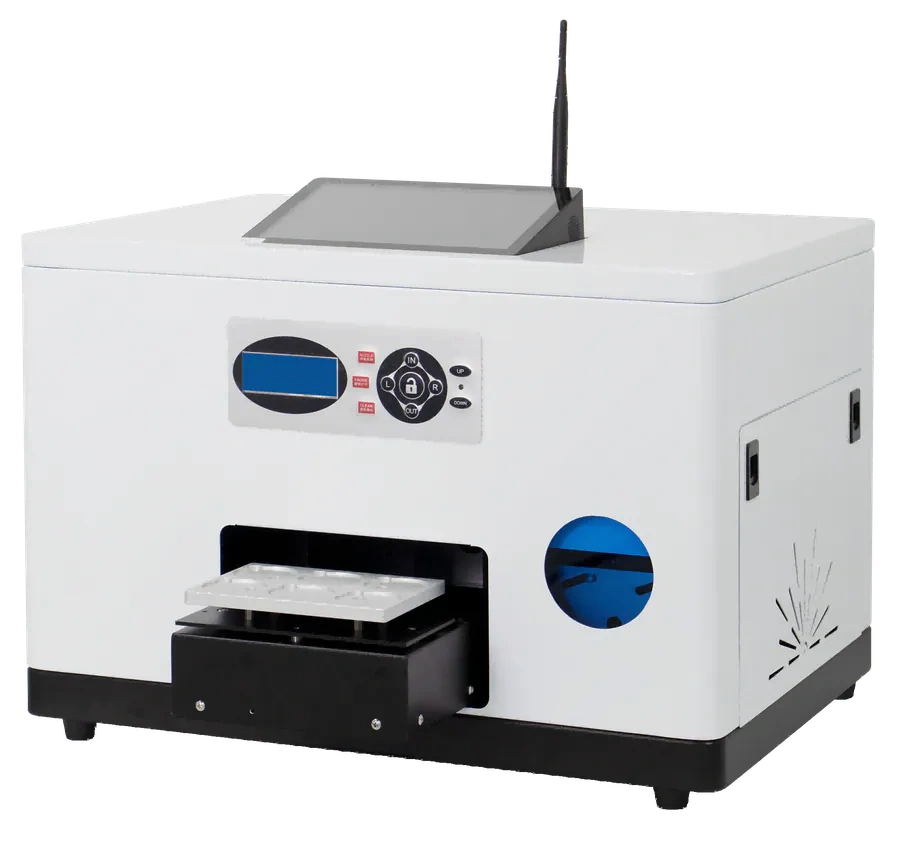
All-in-one · Keepsake printing
Turn a photo or name into a keepsake
For souvenir coins, badges, fridge magnets and similar small gifts. Choose your products first, then test materials, fixtures and print results.
Who is the keepsake for?
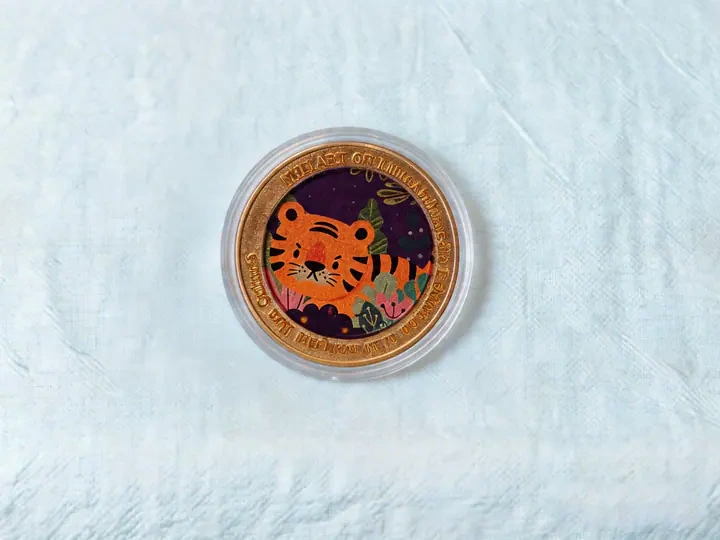
Travel souvenirs
Put a travel photo or local design on a small keepsake.
From a picture to a keepsake
Choose and design
Confirm the photo, name and layout.
Load the fixture
Secure the item and check placement.
Print the design
Use settings confirmed by testing.
Check and hand over
Check artwork, surface and adhesion.
A new product may need more than new artwork. Check its dimensions, shape, coating and fixture first.
See the loading area and machine
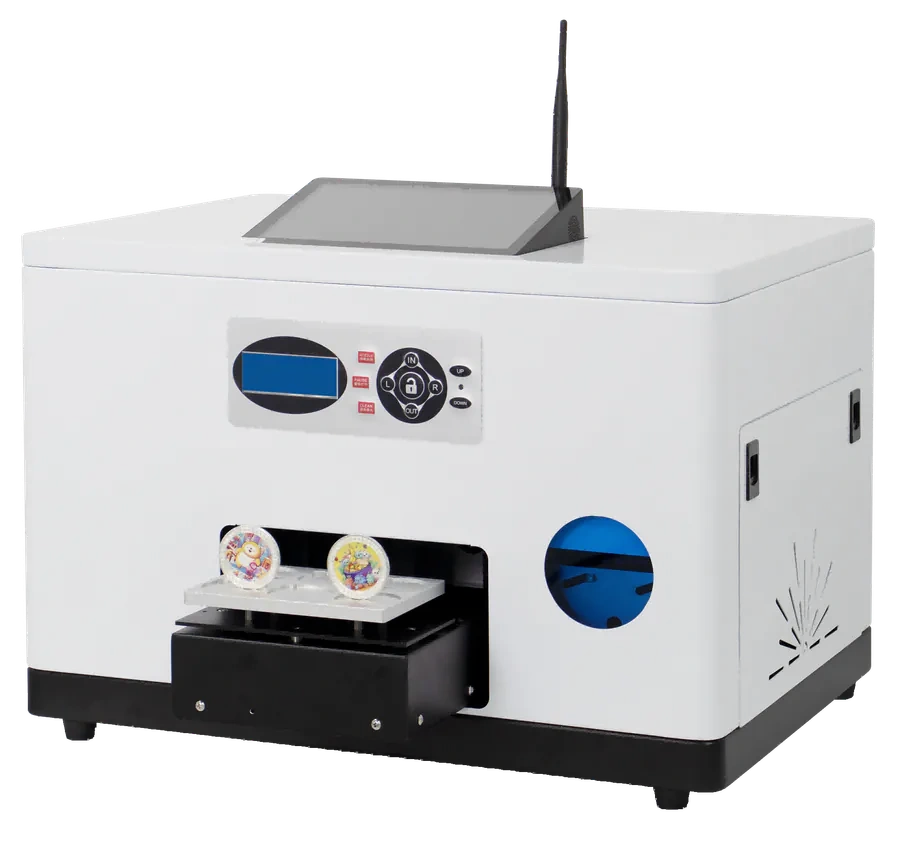
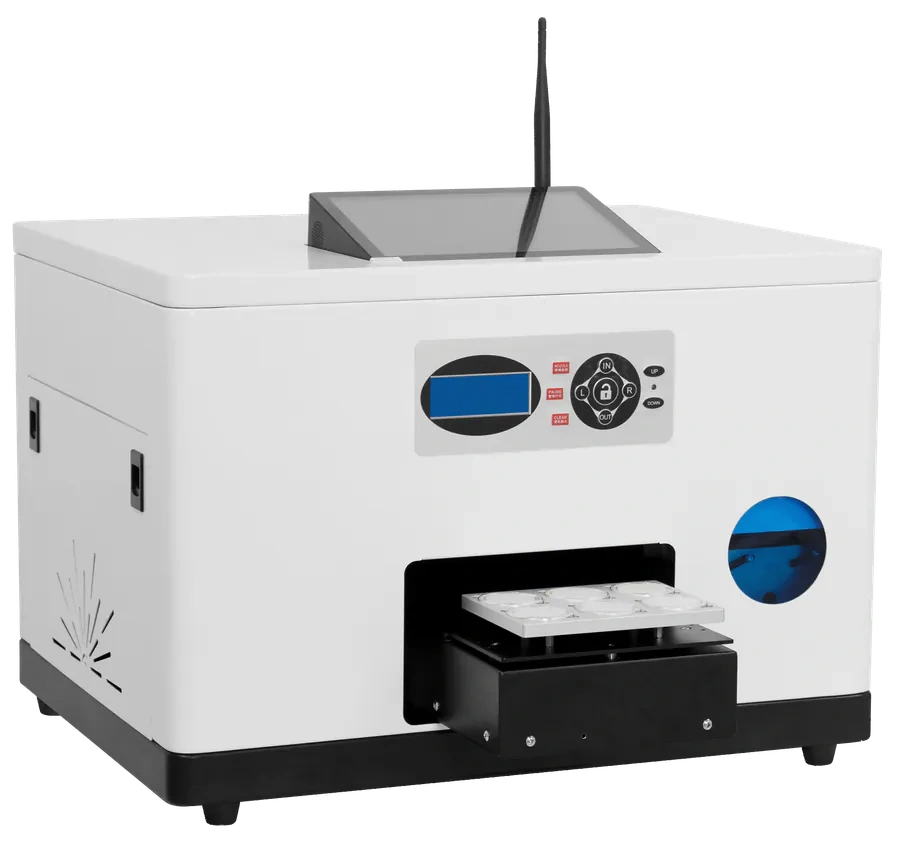
Four things to bring for testing
View specifications and configuration
- Product
- Type, dimensions and shape
- Surface
- Material, coating and adhesion needs
- Artwork
- Original image, text and placement
- Operation
- Staff-operated or self-service; expected volume
Photos and keepsake-printing materials are selection references, not a promise that every material prints directly. For new projects, test against the current RF-ZP1A model.