Operations
How to run an on-site phone-case workflow
Plan stock, upload, approval, printing, inspection and pickup as one simple flow.

On-site phone-case printing is a service flow. Stock, artwork and pickup matter as much as the printer.
See the product and setup
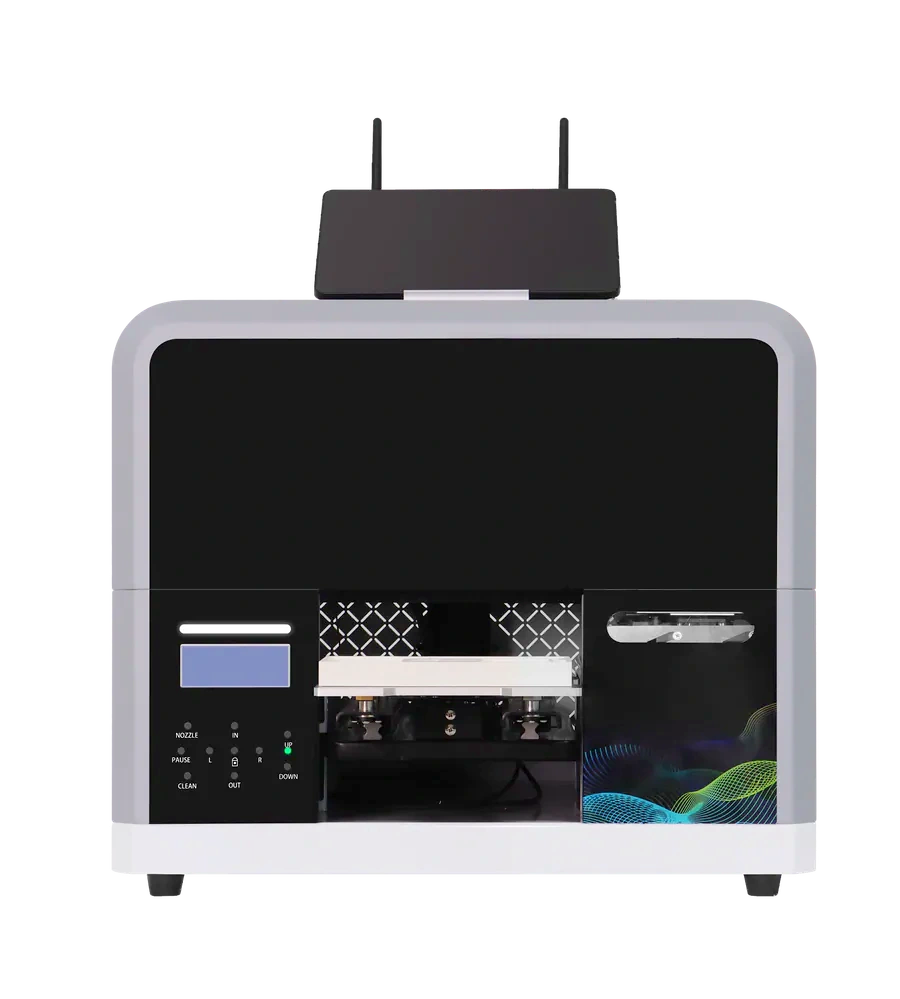
One order, six steps
| Step | Action |
|---|---|
| 1. Choose | Show stocked and tested blanks only |
| 2. Upload | Show the printable area and crop |
| 3. Approve | Check model, direction and text in the preview. If needed, pay after approval and before printing |
| 4. Print | Staff secure the phone case and print in order |
| 5. Inspect | Check visible defects and artwork position |
| 6. Pickup | Hand over by order ID and update status |
This is a staff-operated workflow. Confirm mobile ordering, payment and computer requirements for the selected printer and software.
What other shop costs should you include?
- Blanks, shipping and stock loss
- Ink, cleaning and maintenance
- Test prints, rework and rejects
- Staff, site, payment and packaging
Your next step
Choose a focused blank range and run one real order through the full flow.