RF-ZZF · Desktop UV transfer-film printer
RF-ZZF crystal-label printer
Print on A film and apply B film on this machine. Cut and transfer to the item. Supports color ink, white ink and varnish.
Browse all equipment →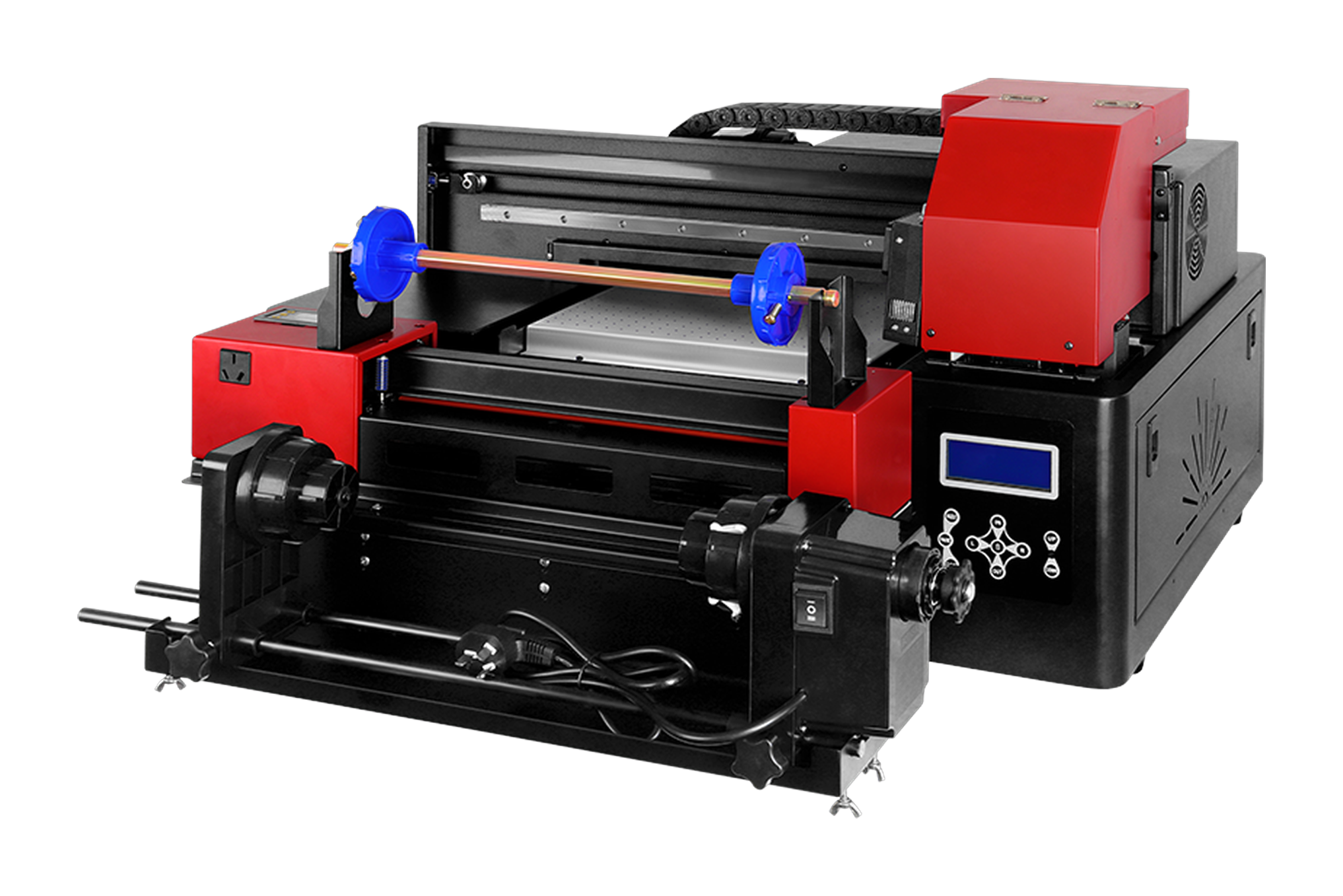
RF-ZZF · Desktop UV transfer-film printer
What you can print
Brand labels
Print logos and artwork as film transfers. Test them on actual items to check how well they hold.
Custom gift designs
Print the film first, then transfer the design to a gift surface.
Print and laminate
The machine prints and laminates. Cut out the design and transfer it to the item afterward.
RF-ZZF · Desktop UV transfer-film printer
Machine views
View image ⤢Front view
Select a view above, or open the image to see more detail.
RF-ZZF · Desktop UV transfer-film printer
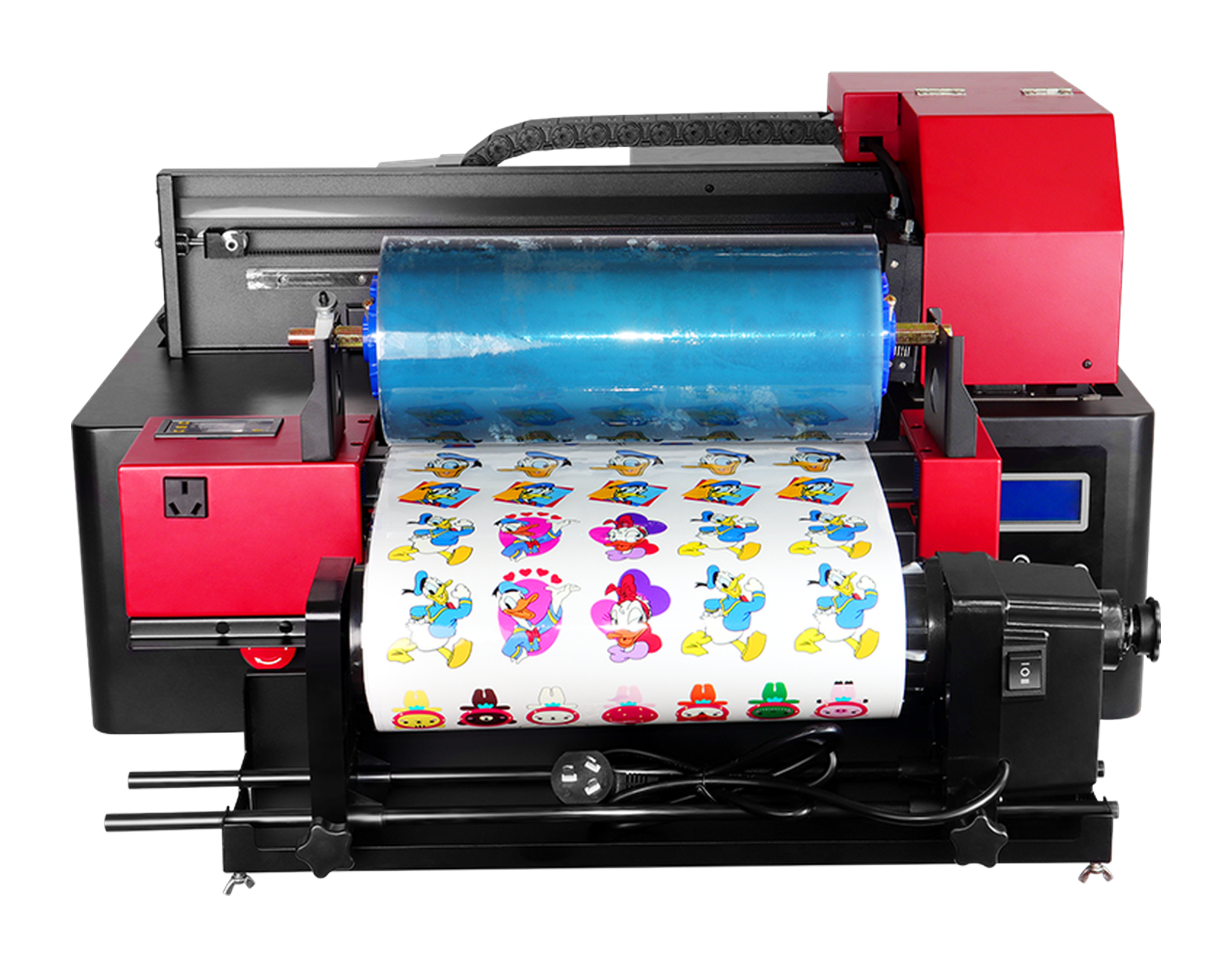
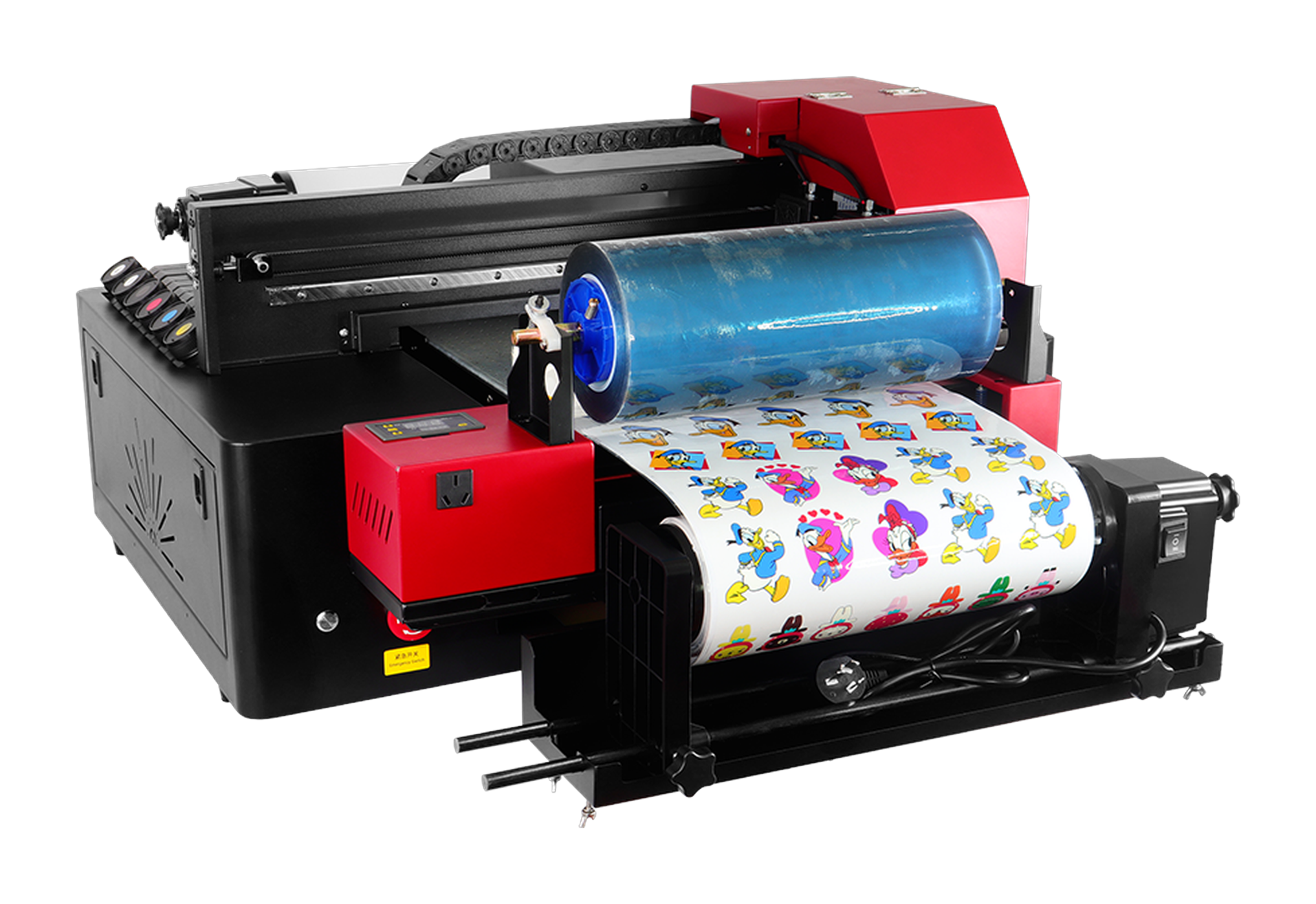
See the designs printed on film.
These are AB-film samples printed on this machine. Test transfers on your actual items to confirm results.
 View full image ⤢
Sample front view
AB-film print sample shown on the machine.
 View full image ⤢
Sample side view
View the designs on film from another angle.
RF-ZZF · Desktop UV transfer-film printer
Key specifications
- Effective print width
- 310 mm
- Printing format
- Continuous roll feeding
- Ink and effects
- UV ink: color, white and varnish printed together
- Lamination
- Printing and lamination integrated
- Computer setup
- External Windows PC, Gigabit Ethernet
- Machine size
- 840 × 765 × 450 mm
- Net weight
- 53 kg
- Printhead model
- EPSON-F1080
- Printhead count
- Dual heads
- Printhead maintenance
- Automatic cleaning
- Power supply
- AC 220 V / 110 V, 50–60 Hz
RF-ZZF · Desktop UV transfer-film printer
Print and laminate here, then cut and transfer.
Print A film → Laminate B film on this machine → Cut → Transfer → Peel. No separate laminator needed.
Process illustration
01 / 05
Print A film
Print the artwork on A film using color ink, white ink and varnish.
RF-ZZF · Desktop UV transfer-film printer
Machine details
 View full image ⤢
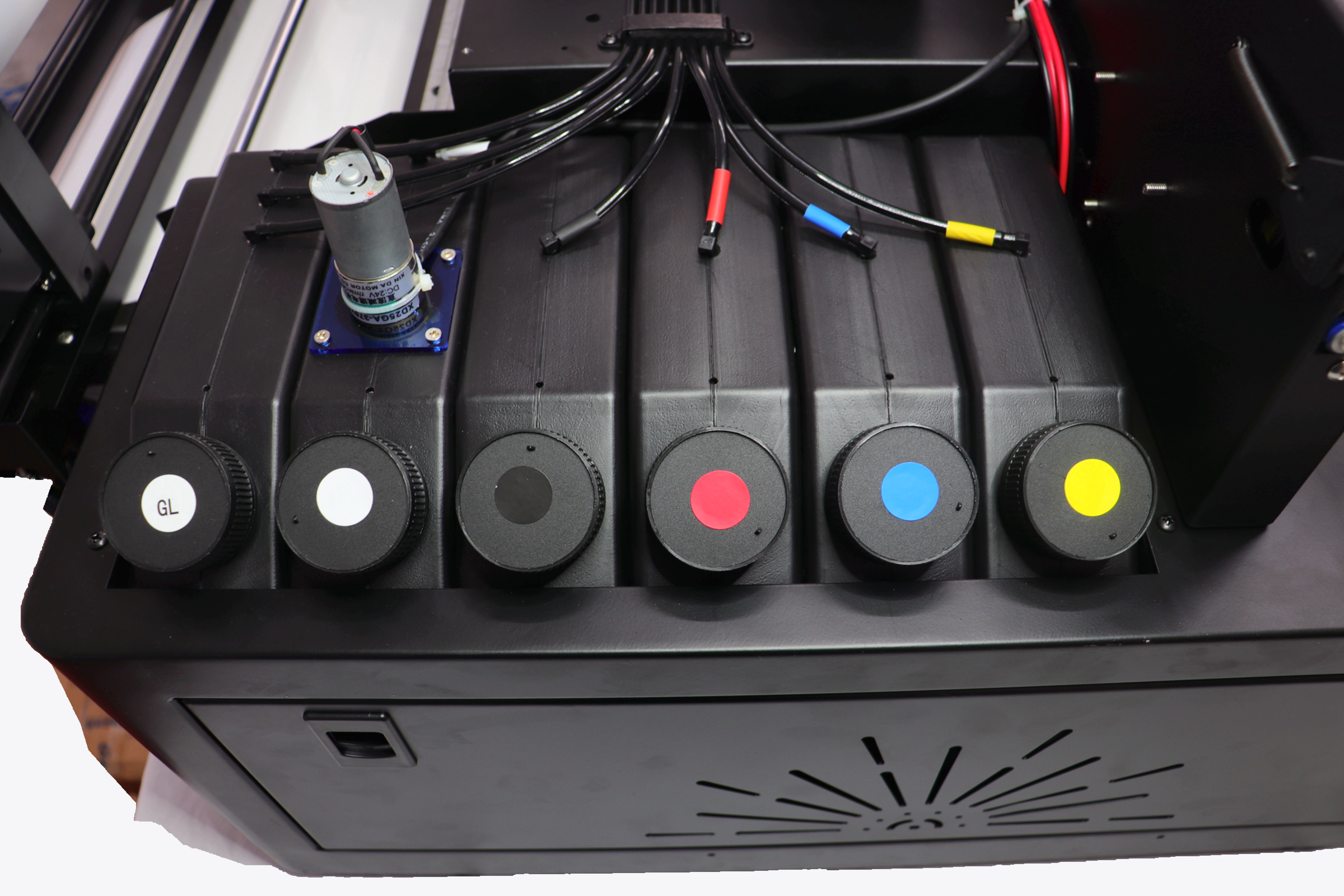
Ink supply
Actual photograph of the ink supply.
 View full image ⤢
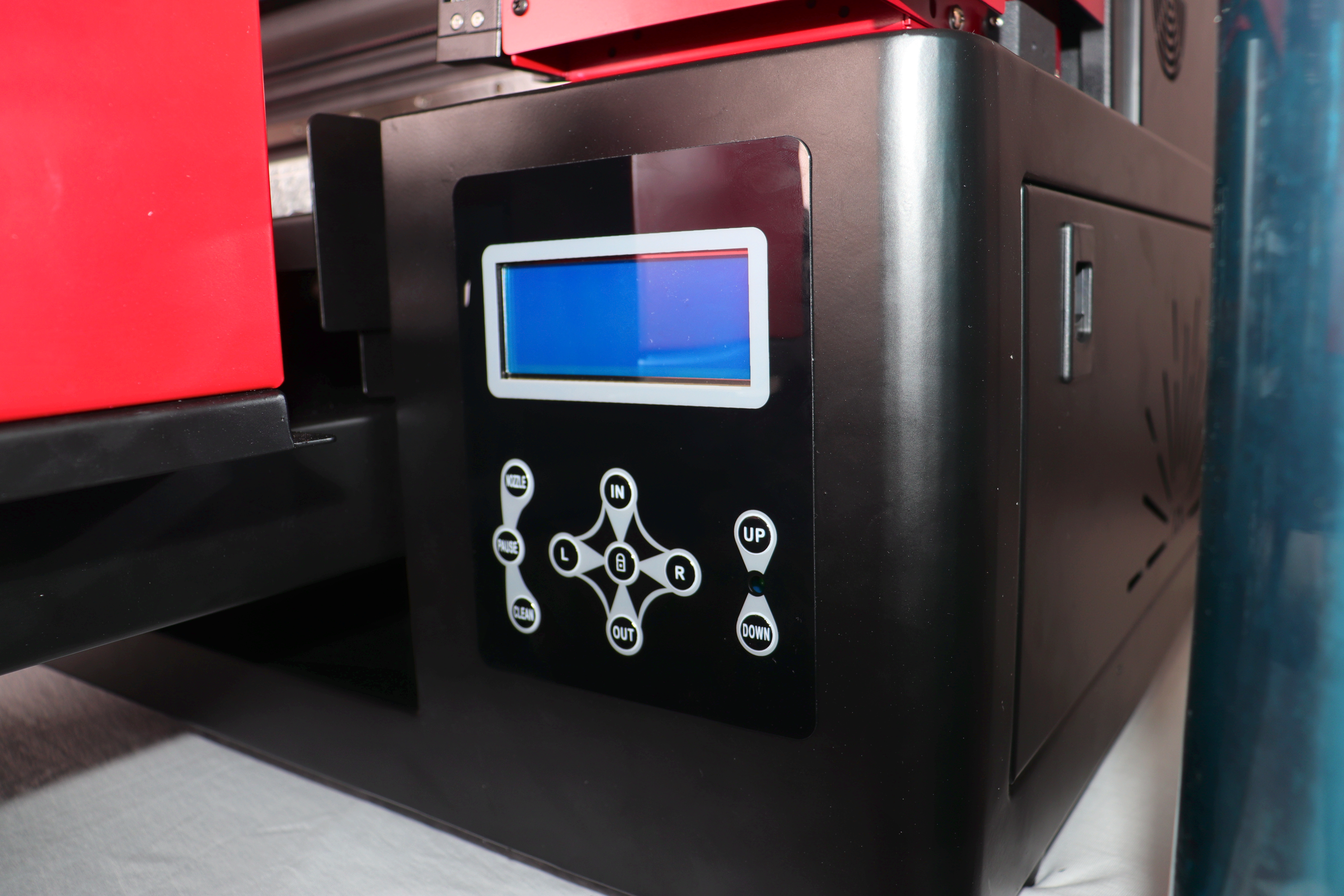
Printing controls
Follow technical training for printing and maintenance controls.
 View full image ⤢
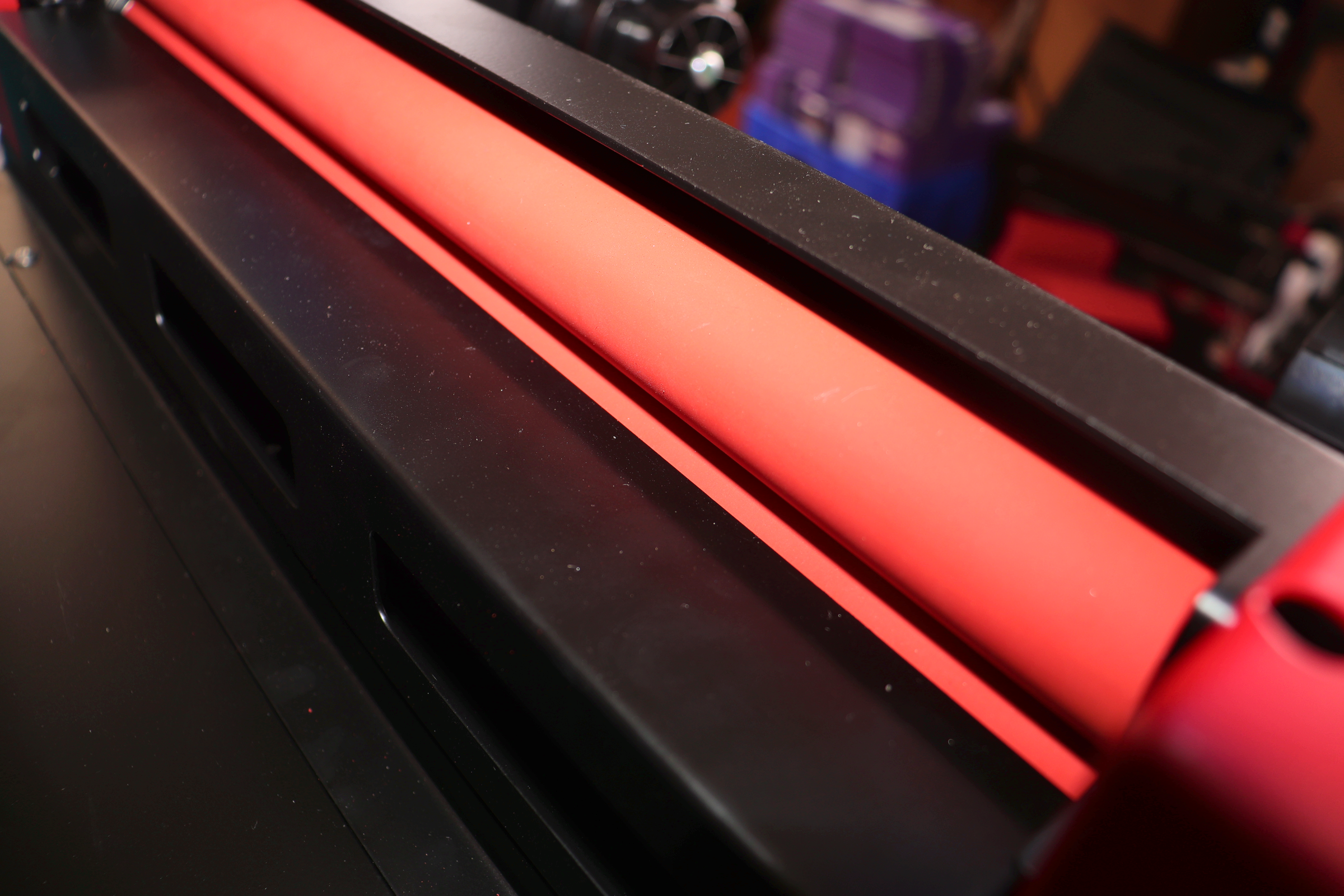
Lamination area
The rollers press the film layers together here. Follow training for film loading and adjustment.
 View full image ⤢
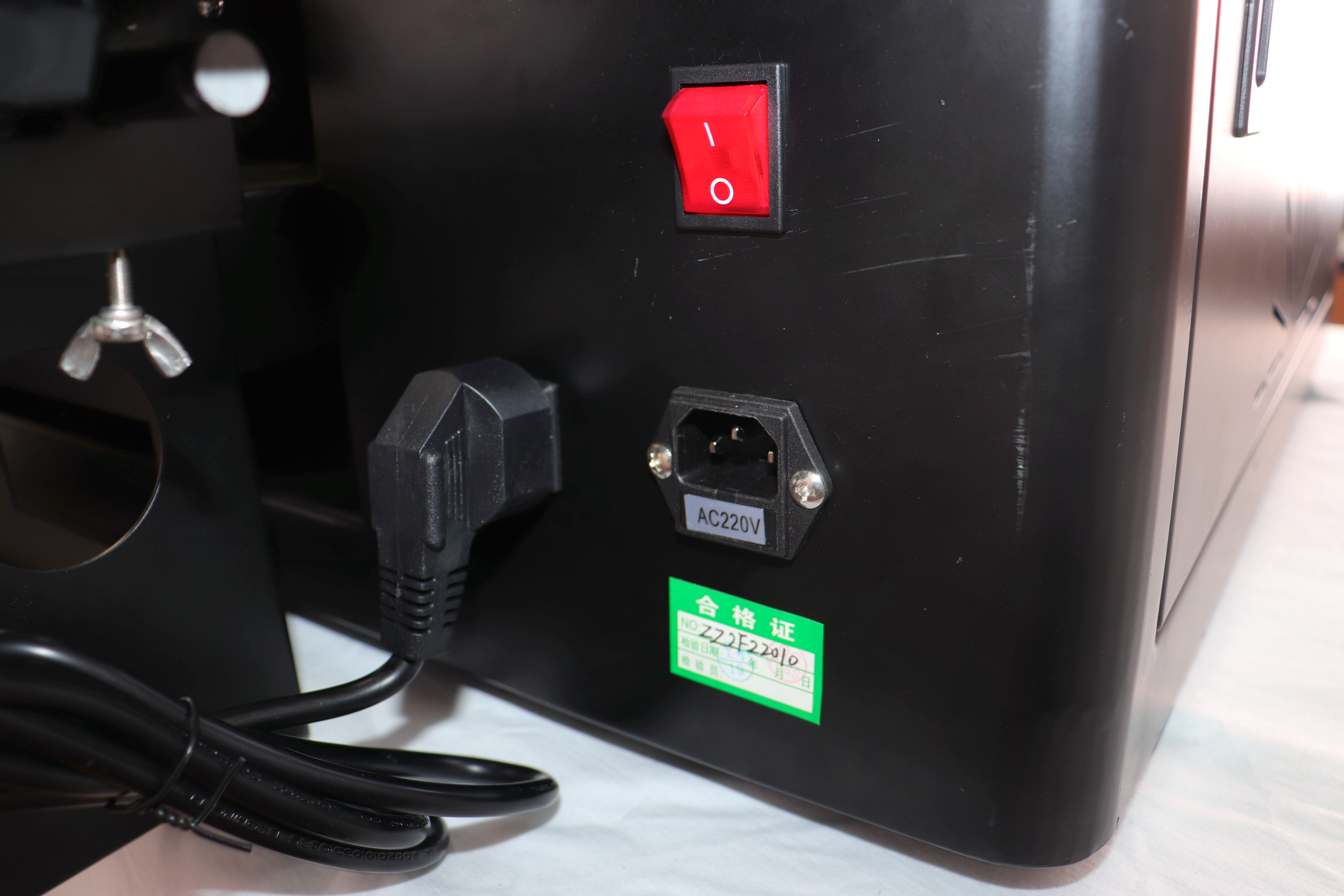
Power switch and inlet
The photo shows a 220 V configuration. Confirm voltage for your setup.
RF-ZZF · Desktop UV transfer-film printer
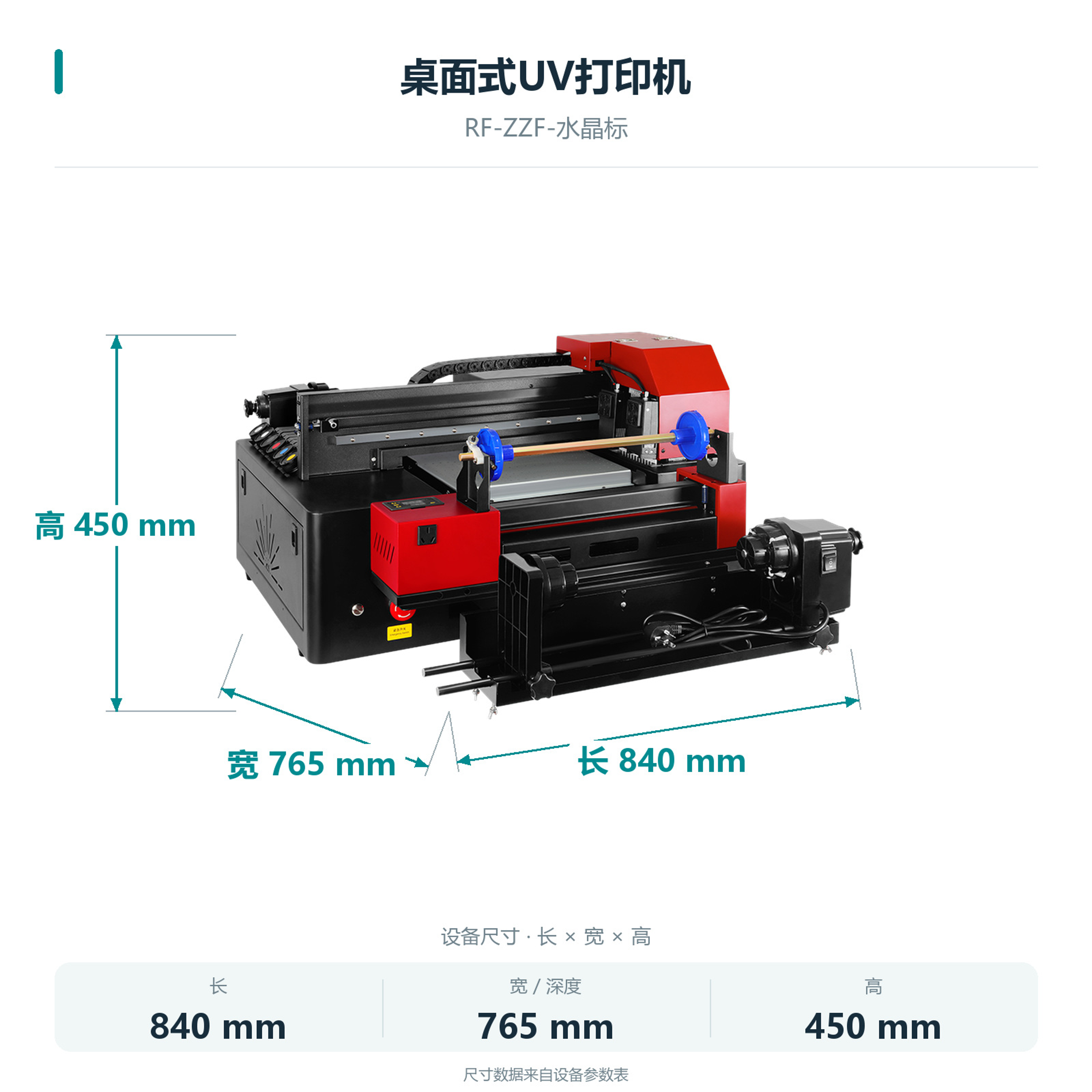
Machine dimensions
 View full image ⤢
Machine dimensions
RF-ZZF · Desktop UV transfer-film printer
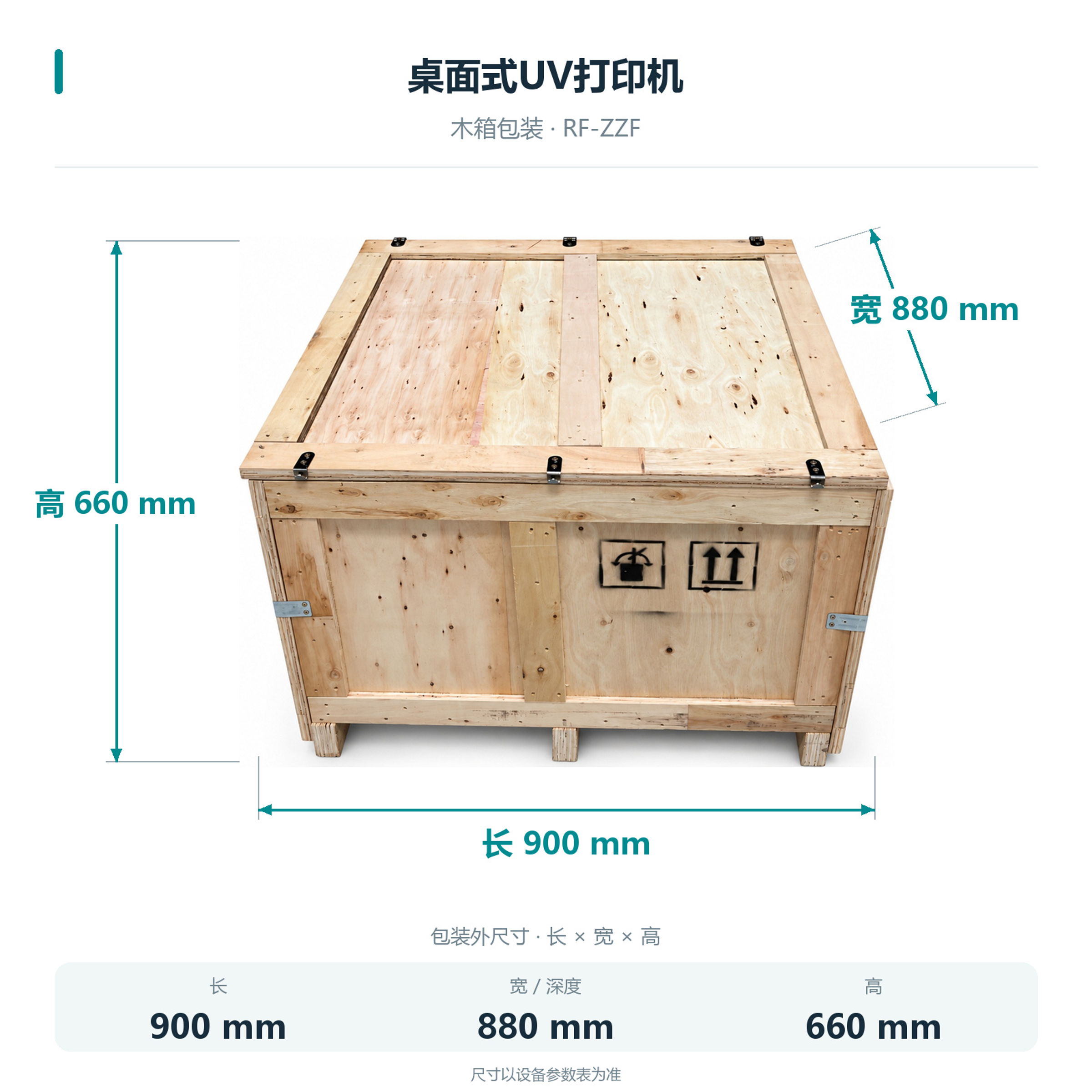
Packing dimensions
Packed dimensions: 900×880×660 mm.
 View full image ⤢
Crate dimensions
RF-ZZF · Desktop UV transfer-film printer
Installation
The body is 840×765×450 mm. Allow space for film handling, cutting, operation and maintenance.
External Windows computer
Requires an external Windows PC connected via Gigabit Ethernet.
Integrated lamination
Lamination is integrated; no separate laminator is needed.
Film and actual items
Test the film, item surface and transfer result with actual samples.
RF-ZZF · Desktop UV transfer-film printer
Maintenance
Maintain printheads, ink supply and film path according to technical service training.
Automatic head cleaning
Automatic cleaning is listed; follow training for operation.
Routine checks
Check ink and film condition before printing.
RF-ZZF · Desktop UV transfer-film printer
Free sample printing
Send item photos and artwork first. Agree on requirements before sending or bringing samples.
Free sample printing
Sample printing is free with no quantity limit. Customers cover shipping; charges for special materials and custom fixtures are confirmed after assessment.
Request free sample printing →Training and warranty details
Remote setup training is available. One-year warranty from receipt excludes printheads and consumables; customers cover warranty shipping.
View training and warranty →RF-ZZF · Desktop UV transfer-film printer
Training and warranty
Remote installation training is provided. Confirm on-site arrangements and fees with technical service.
One-year warranty
One year from receipt, excluding printheads and consumables. Customers cover warranty shipping.
On-site service
Customers cover service and travel costs. Technical service confirms the fees.