RF-60PRO · UV DTF printer
UV transfer-film printer
Print the design on A film, then apply B film with a separate laminator. Cut out the design and transfer it to the item.
Browse all equipment →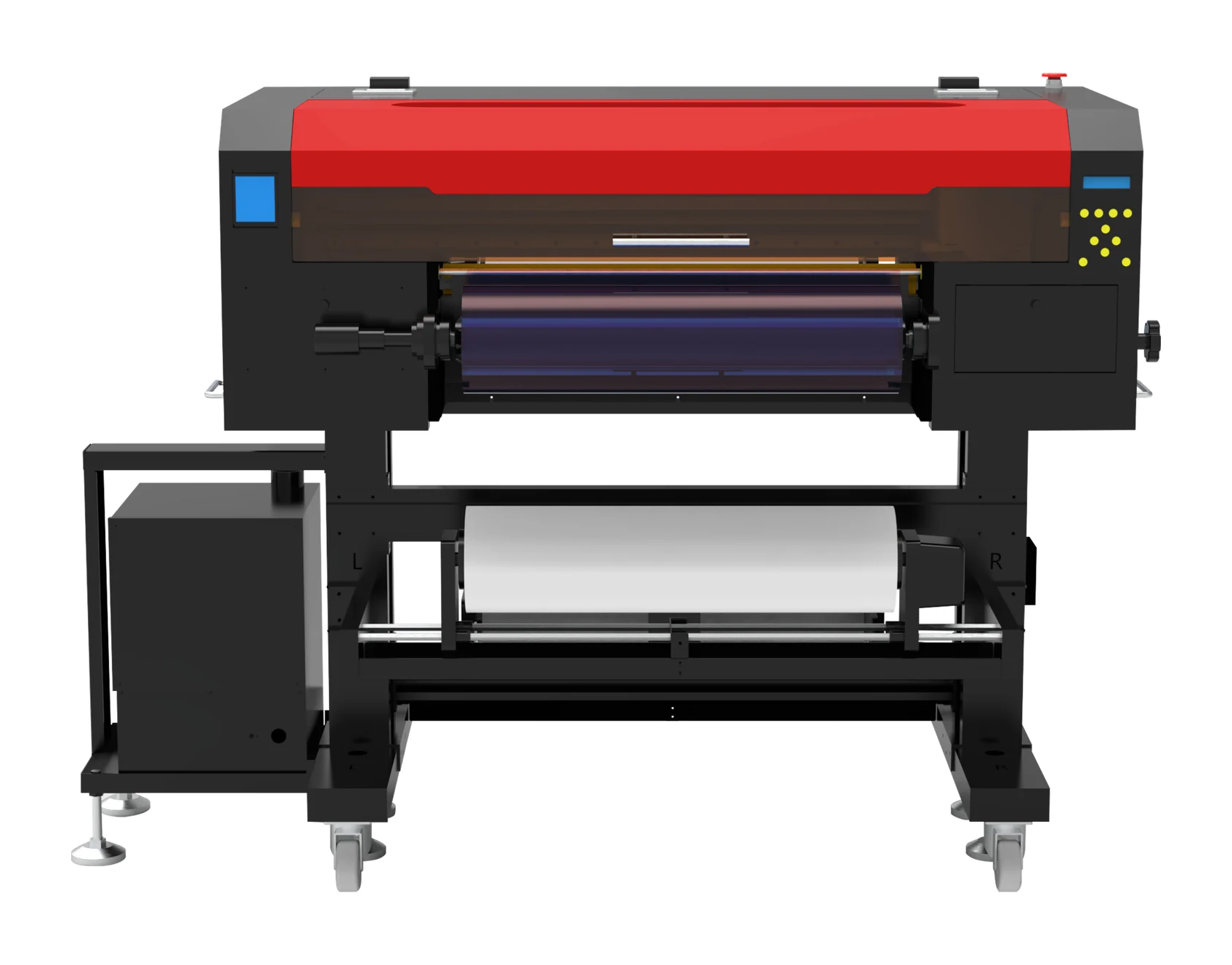
RF-60PRO · UV DTF printer
What you can print
Print film, then transfer
Print logos, text or artwork as film transfers, then apply them to product surfaces.
Check the surface
Test transfers on your actual items to check adhesion and how well they fit curved surfaces.
Separate laminator
This machine prints. Applying B film requires a separate laminator, followed by cutting and transfer.
RF-60PRO · UV DTF printer
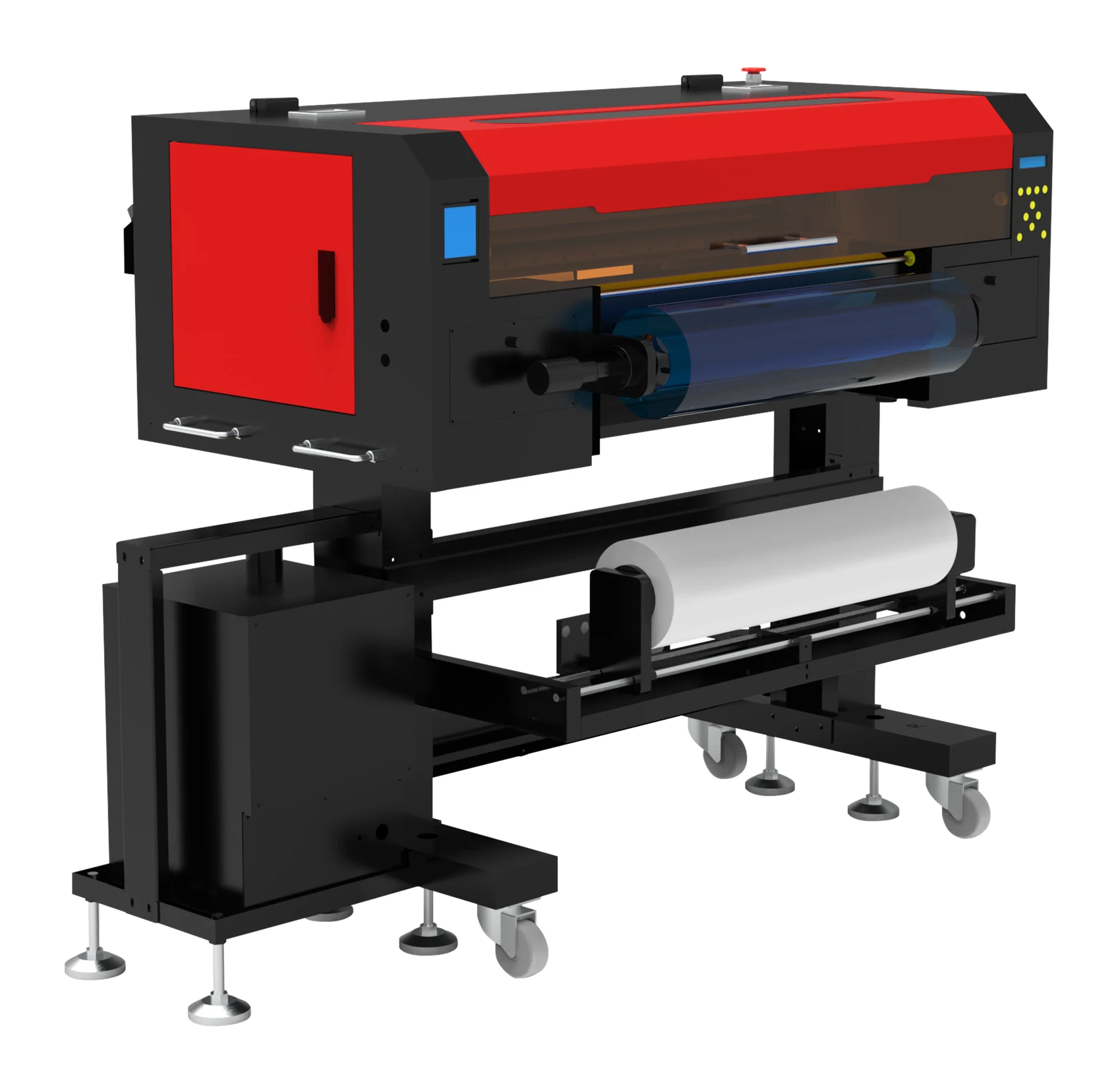
Machine views
 View image ⤢
Front-right view
Select a view above, or open the image to see more detail.
RF-60PRO · UV DTF printer
Key specifications
- Print width
- ≤620 mm
- Ink
- UV ink
- Net weight
- 149 kg
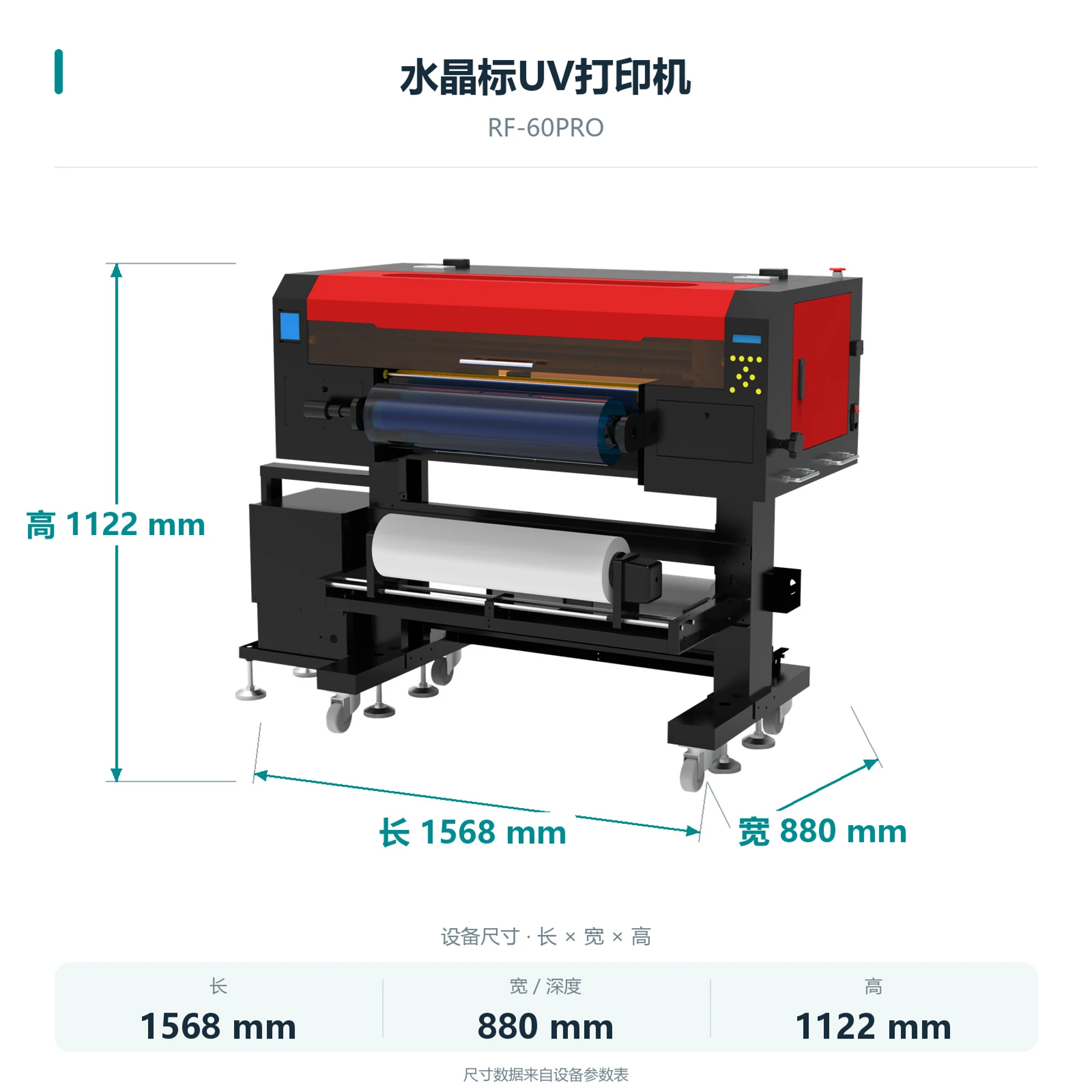
- Machine size
- 1568 × 880 × 1122 mm
- Computer setup
- External Windows PC required
- Lamination
- Separate laminator required
- Ink channels
- Color ink, white ink and varnish
- Printhead model
- EPSON-i3200(i3200U1HD UV 专用喷头)
- Printhead count
- Single head
- Printhead maintenance
- Automatic cleaning
RF-60PRO · UV DTF printer
How does the design reach the item?
Follow these five steps. Applying B film requires a separate laminator.
Process illustration
01 / 05
Print A film
Print the artwork on A film using color ink, white ink and varnish.
RF-60PRO · UV DTF printer
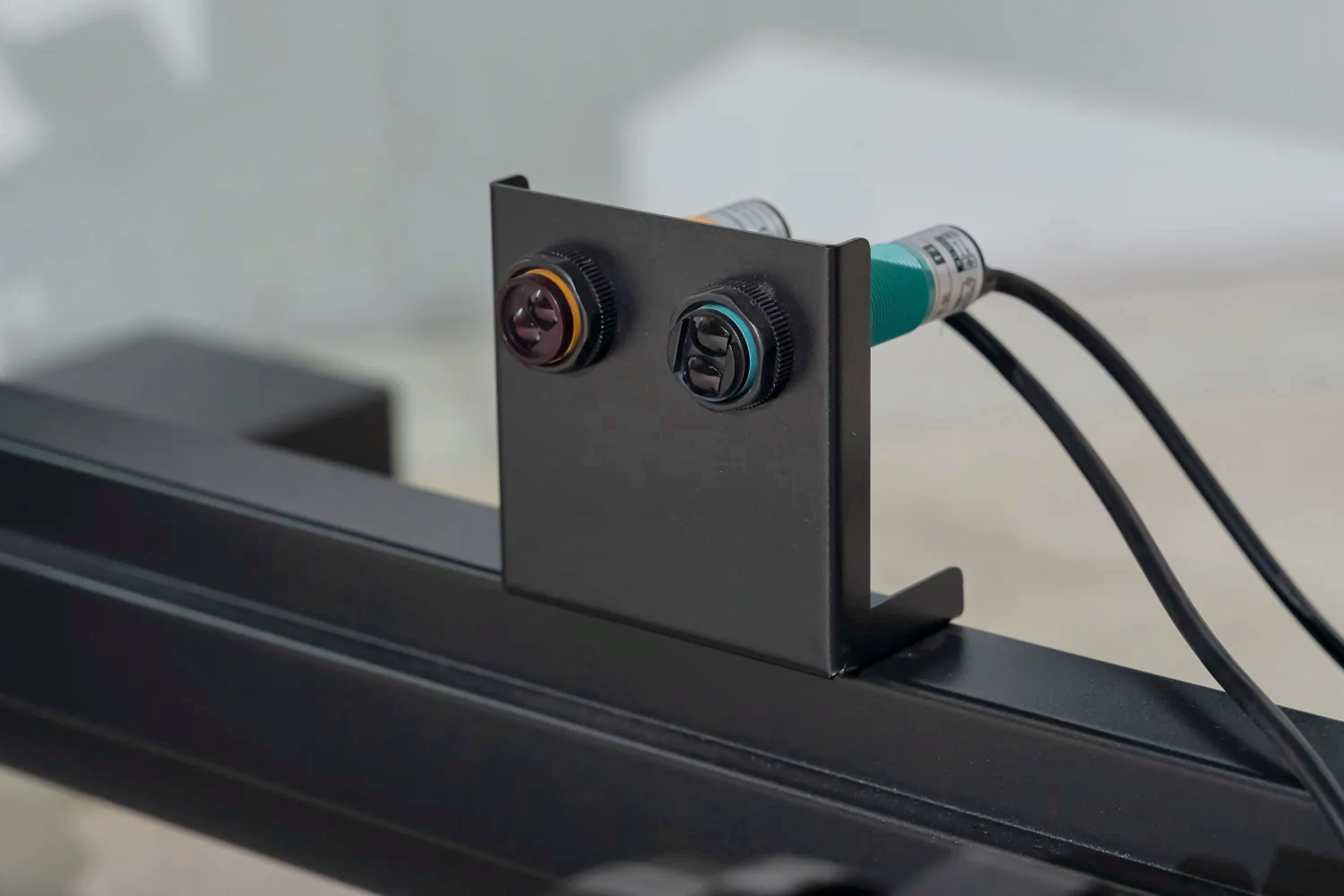
Machine details
 View full image ⤢
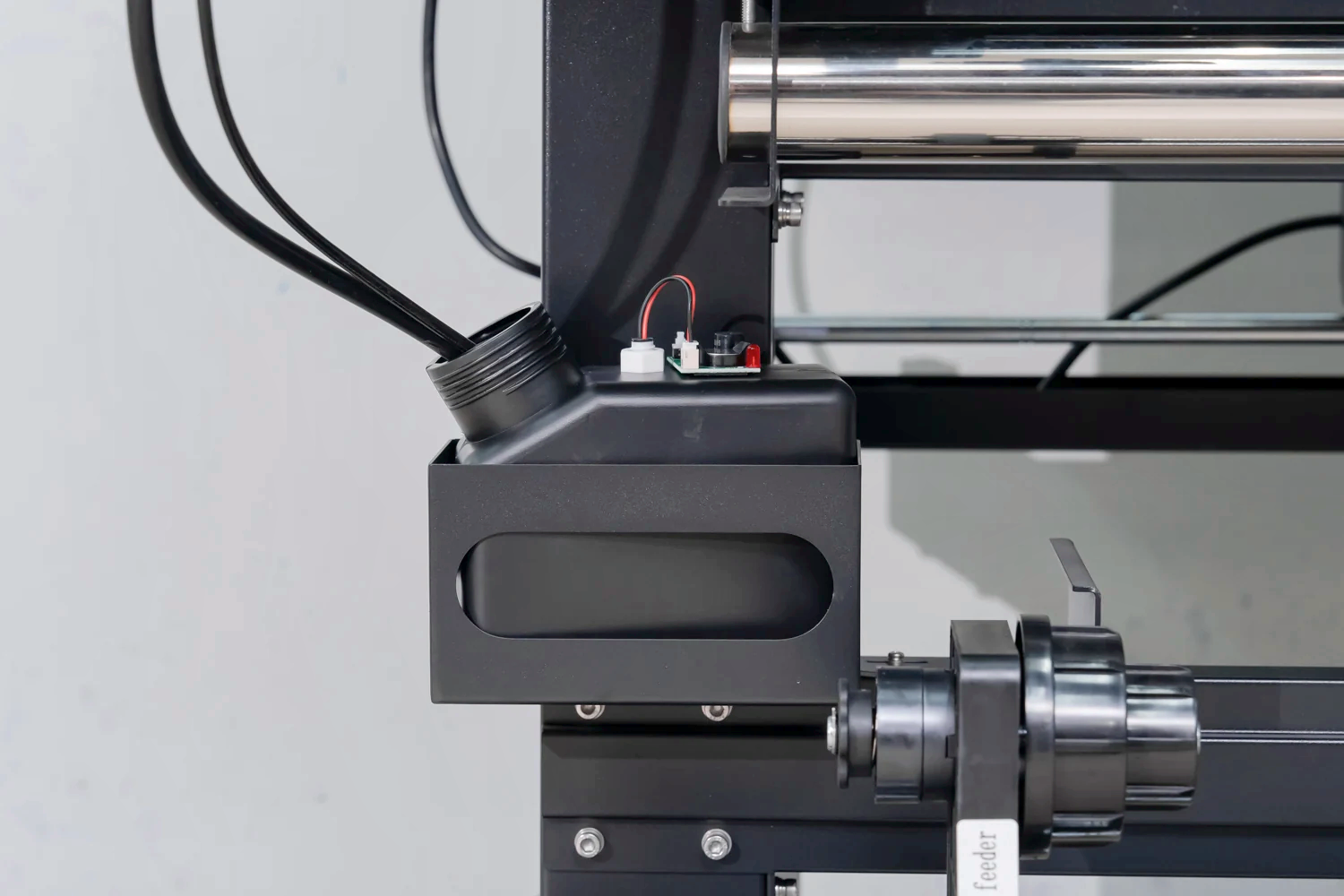
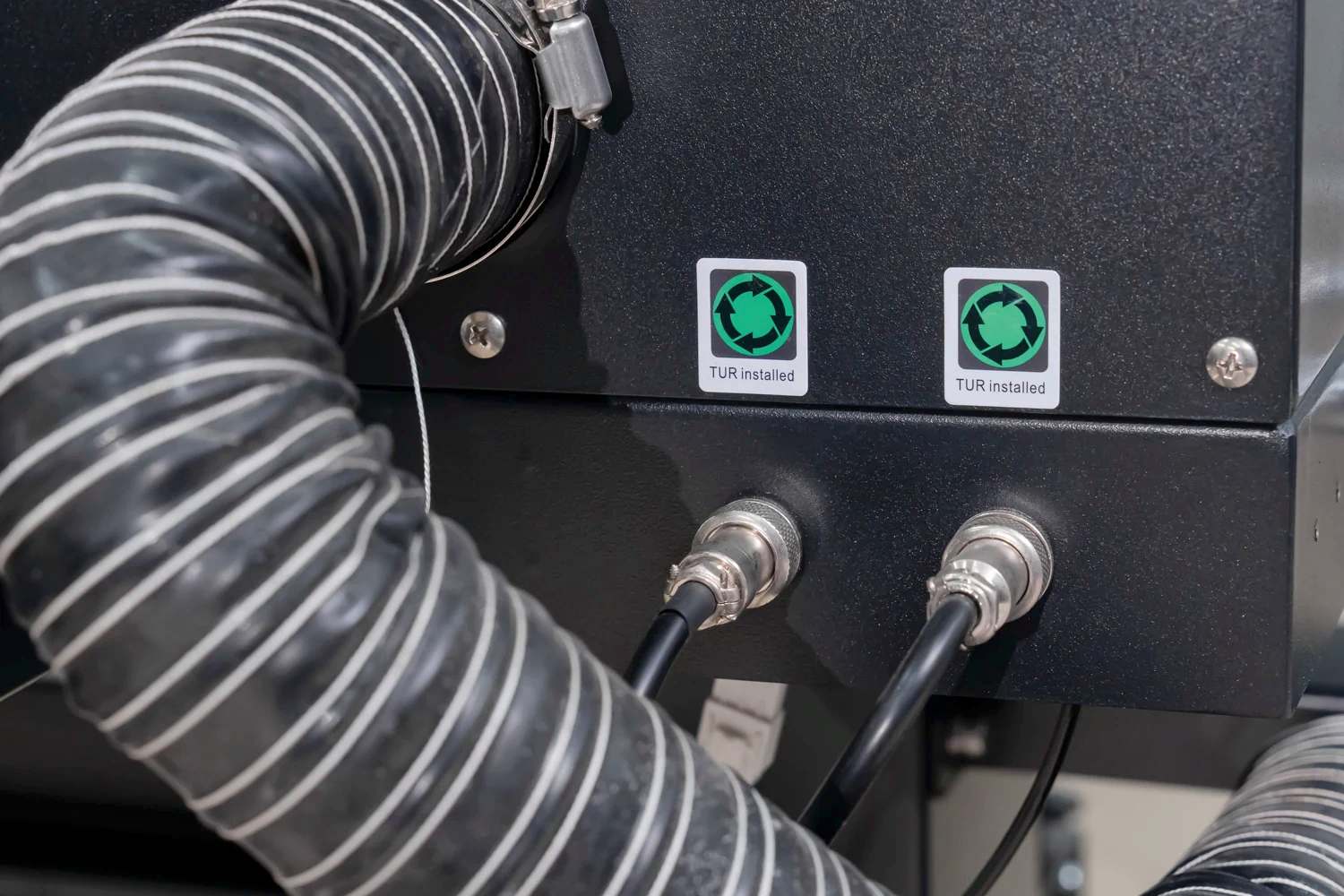
Equipment detail 1
 View full image ⤢
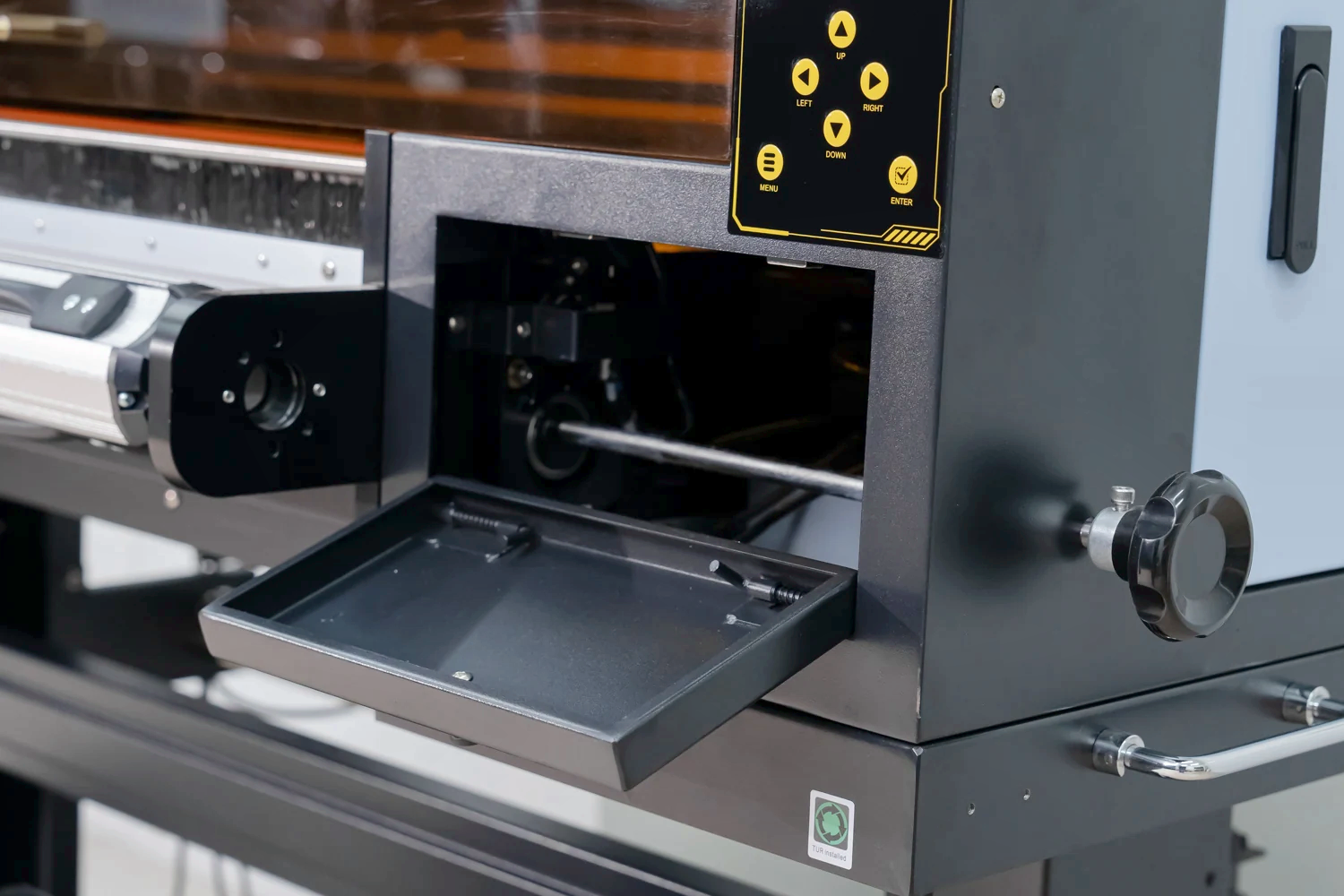
Equipment detail 2
 View full image ⤢
Equipment detail 3
RF-60PRO · UV DTF printer
Machine dimensions
 View full image ⤢
Machine dimensions
RF-60PRO · UV DTF printer
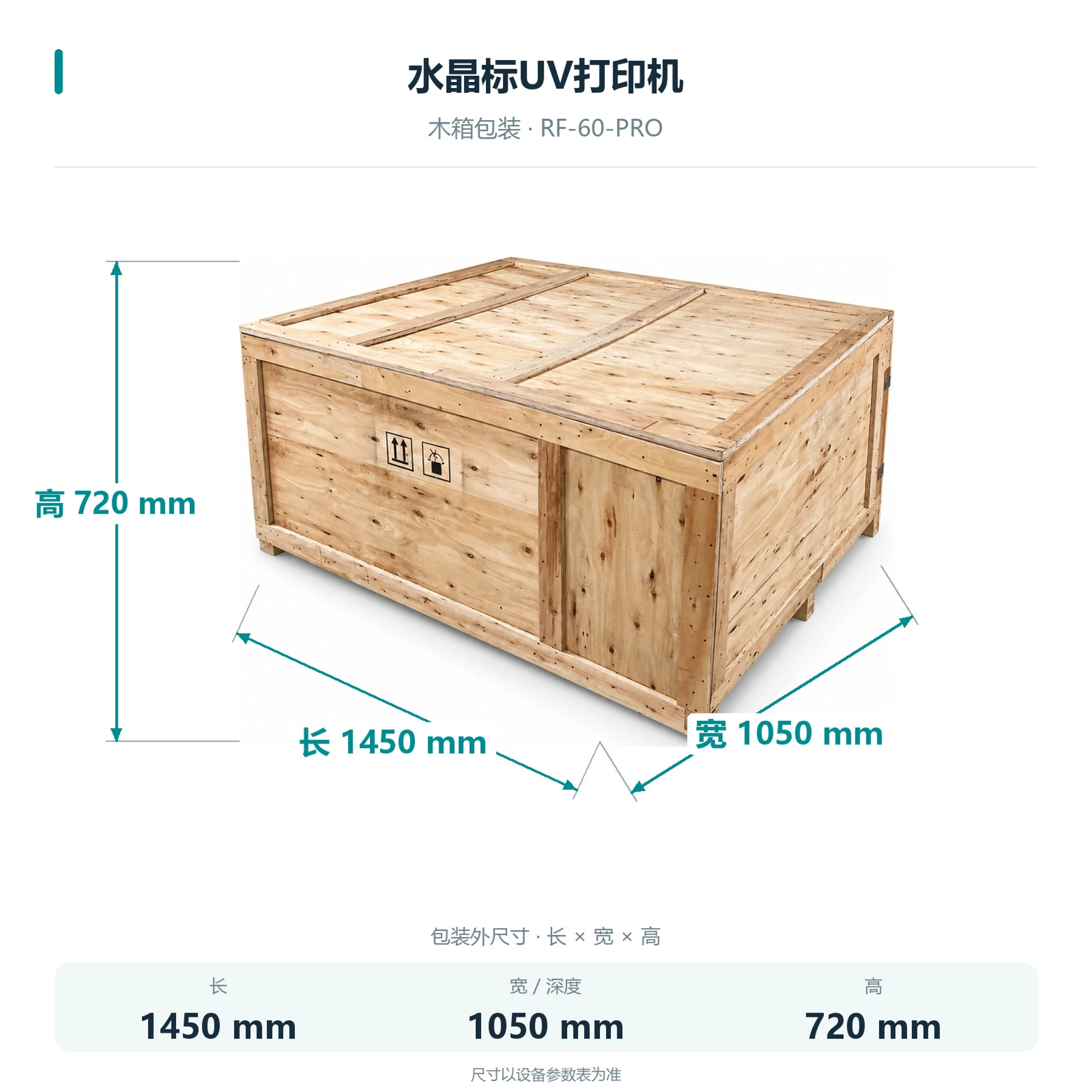
Packing dimensions
Dimensions shown are for packaging after disassembly.
 View full image ⤢
Shipping crate dimensions
RF-60PRO · UV DTF printer
Installation
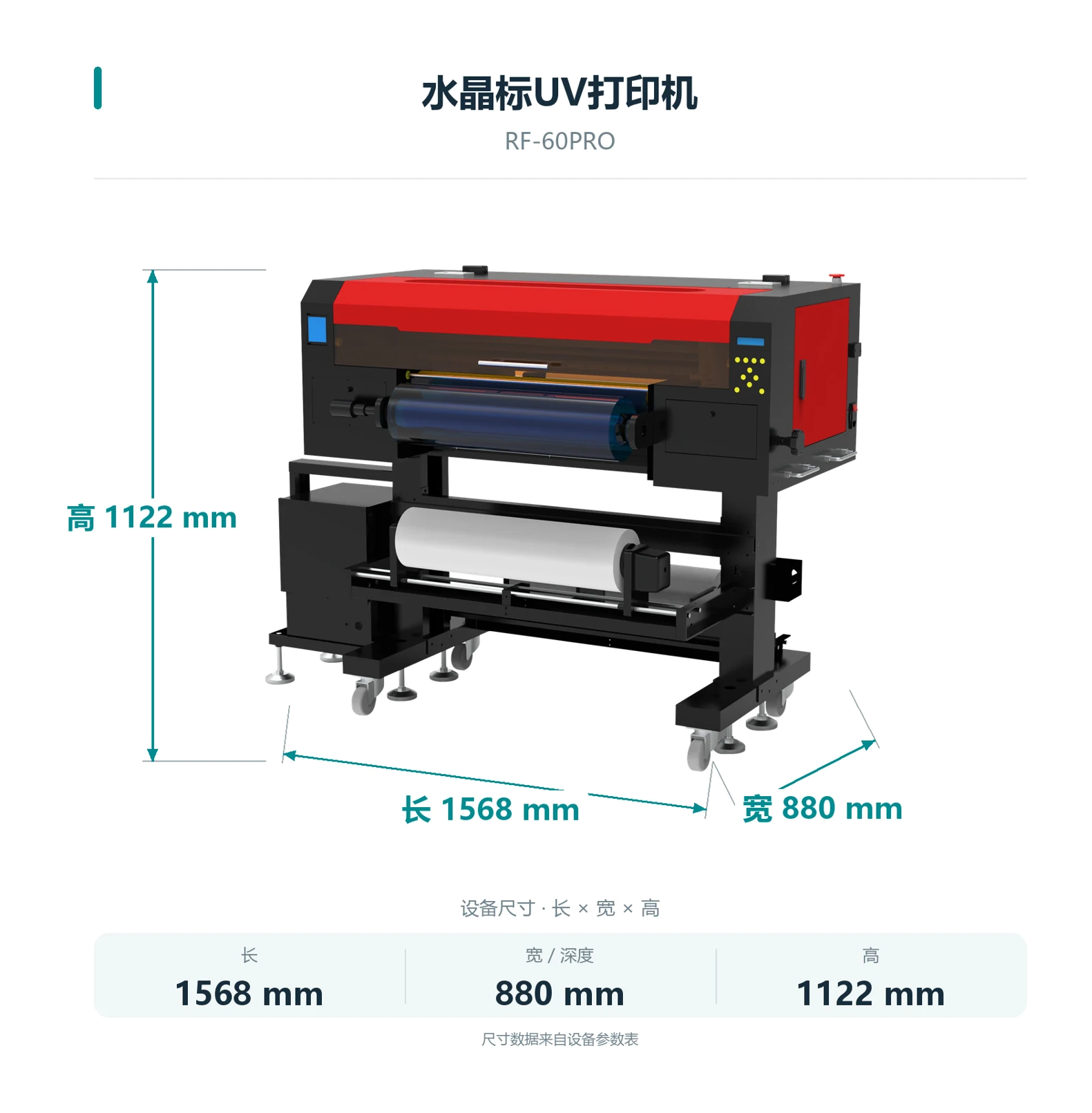
The machine measures 1568 × 880 × 1122 mm and weighs 149 kg. Allow space for film handling, operation and maintenance.
Computer and connection
An external Windows PC connects via Gigabit Ethernet.
Lamination and cutting
Provide a separate laminator and leave working space for cutting and applying transfers.
RF-60PRO · UV DTF printer
Maintenance
Follow training for printhead cleaning, white-ink circulation and stirring. Refer to the machine manual for the steps.
RF-60PRO · UV DTF printer
Free sample printing
Send item photos and artwork first. Agree on requirements before sending or bringing samples.
Free sample printing
Sample printing is free with no quantity limit. Customers cover shipping; charges for special materials and custom fixtures are confirmed after assessment.
Request free sample printing →Training and warranty details
Remote setup training is available. One-year warranty from receipt excludes printheads and consumables; customers cover warranty shipping.
View training and warranty →RF-60PRO · UV DTF printer
Training and warranty
Remote installation training is provided. Confirm on-site arrangements and fees with technical service.
One-year warranty
One year from receipt, excluding printheads and consumables. Customers cover warranty shipping.
On-site service
Customers cover service and travel costs. Technical service confirms the fees.