RF-6090Ultra · Flatbed printer
6090Ultra flatbed printer
Print designs on product surfaces. Optional camera positioning locates items and their angles to align artwork. Choose ink and finishes for the intended use.
Browse all equipment →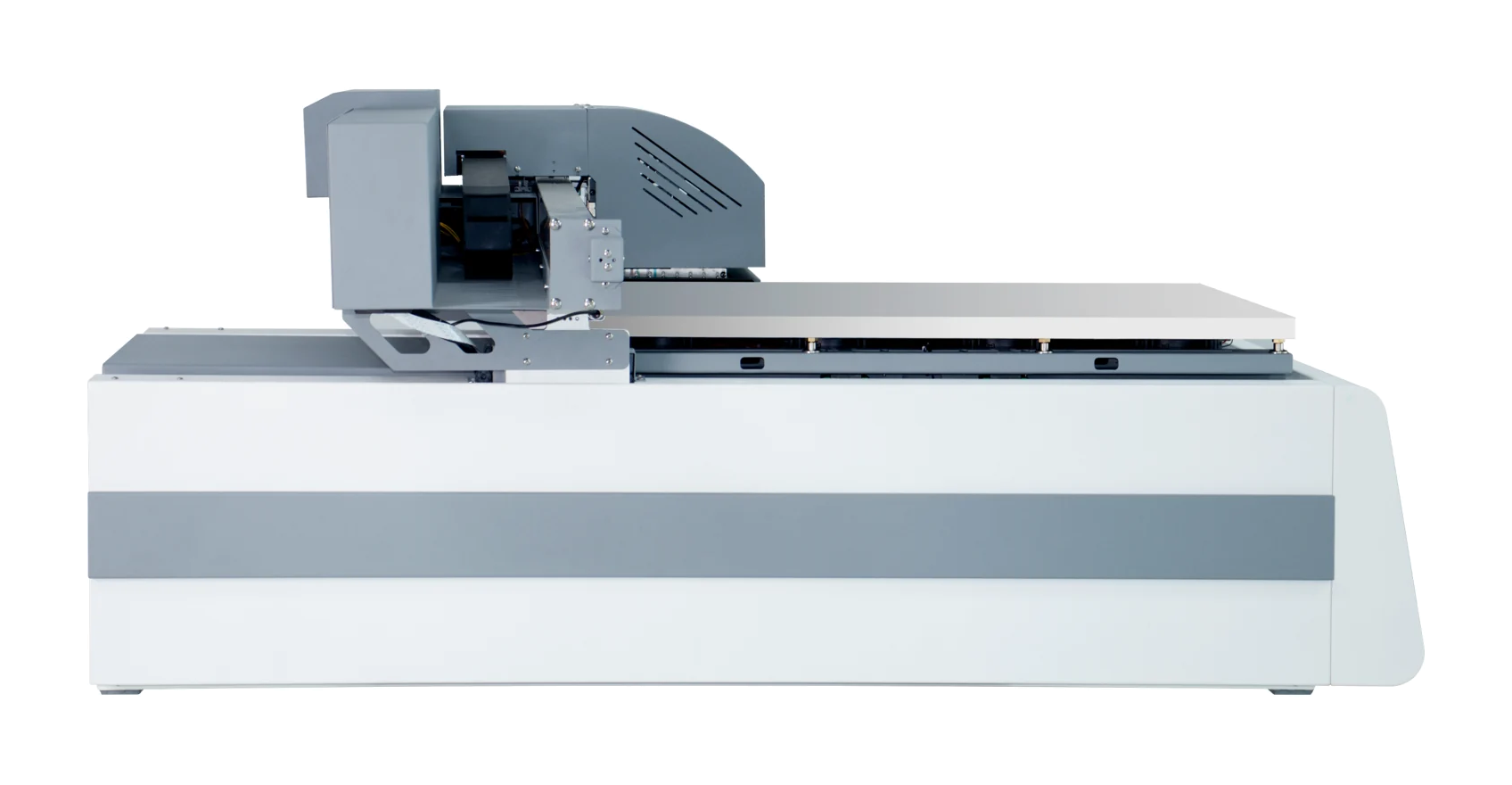
RF-6090Ultra · Flatbed printer
What you can print
Print product surfaces
Test-print to check design clarity, color and how well it holds.
Standard or vision
The vision version detects positions and angles without fixed placement.
Choose by application
Choose separate setups for UV, textile and food inks; they are not one interchangeable setup.
RF-6090Ultra · Flatbed printer
Machine views
 View image ⤢
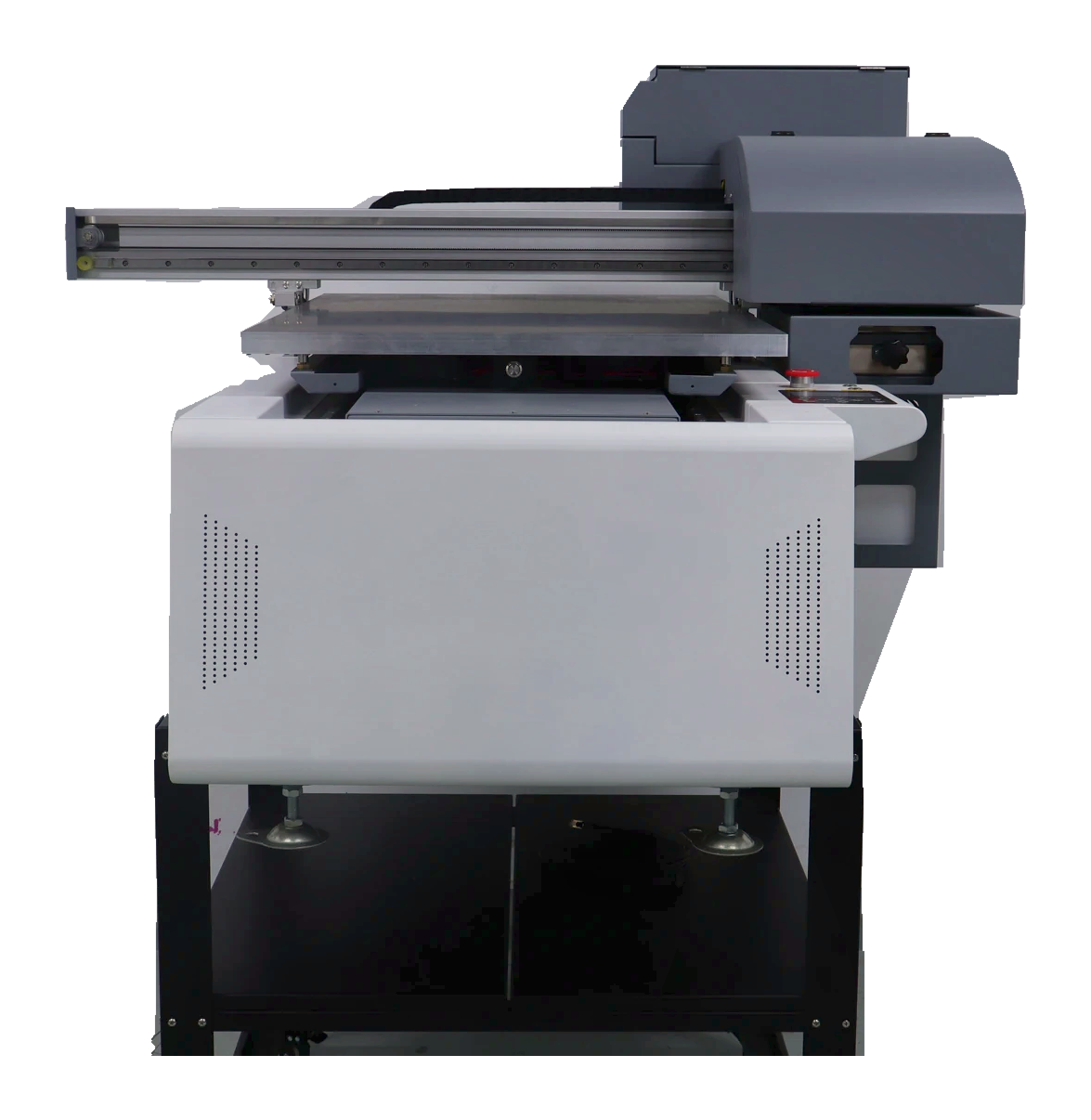
Actual front view
Shows the equipment in its photographing environment.
RF-6090Ultra · Flatbed printer
Standard placement or camera positioning?
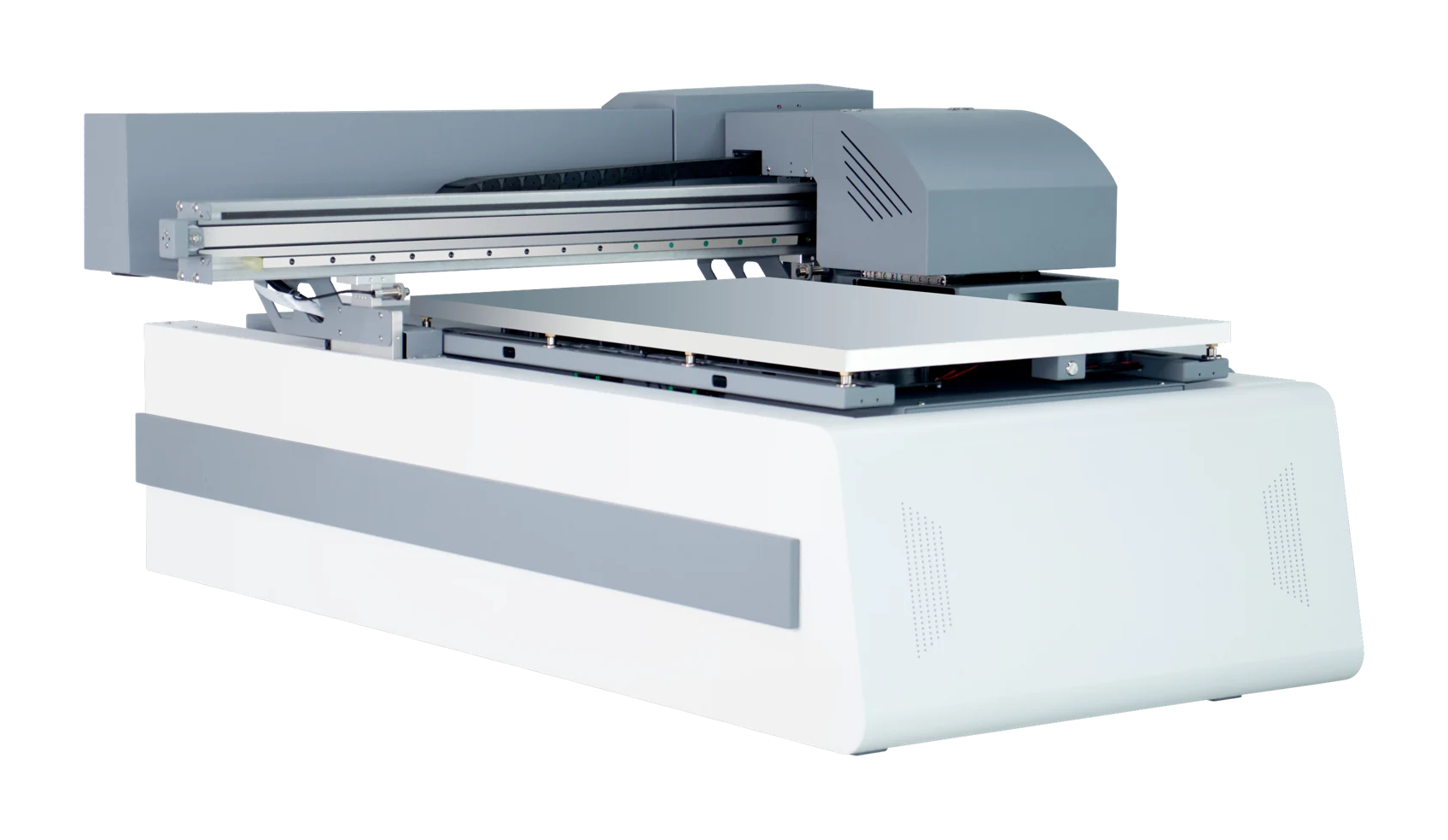
Other specifications are the same. The vision version uses a camera to locate item positions and angles, so fixed placement positions are not required.
RF-6090Ultra
Standard
The standard configuration. Review item holding and print placement during sample testing.
- Print area
- 600 × 900 mm
- Item height
- 0–200 mm
- Other specifications
- The same for both versions
Vision positioning · Process illustration
See how the artwork finds its place.
Items do not need fixed placement positions. Assess holding methods using actual items.
RF-6090Ultra · Flatbed printer
Choose the setup for your intended finish.
Confirm three or four heads, UV/textile/food inks, and white ink, varnish or foil effects separately for the intended use.
Print configuration
Share materials and desired results to confirm printheads and ink.
Cloud printing and scan codes
Cloud printing and mobile scanning need optional software. Confirm ordering features, licensing and costs.
RF-6090Ultra · Flatbed printer
Key specifications
- Print area
- 600 × 900 mm
- Item height
- 0–200 mm
- Net weight
- 165 kg
- Machine size
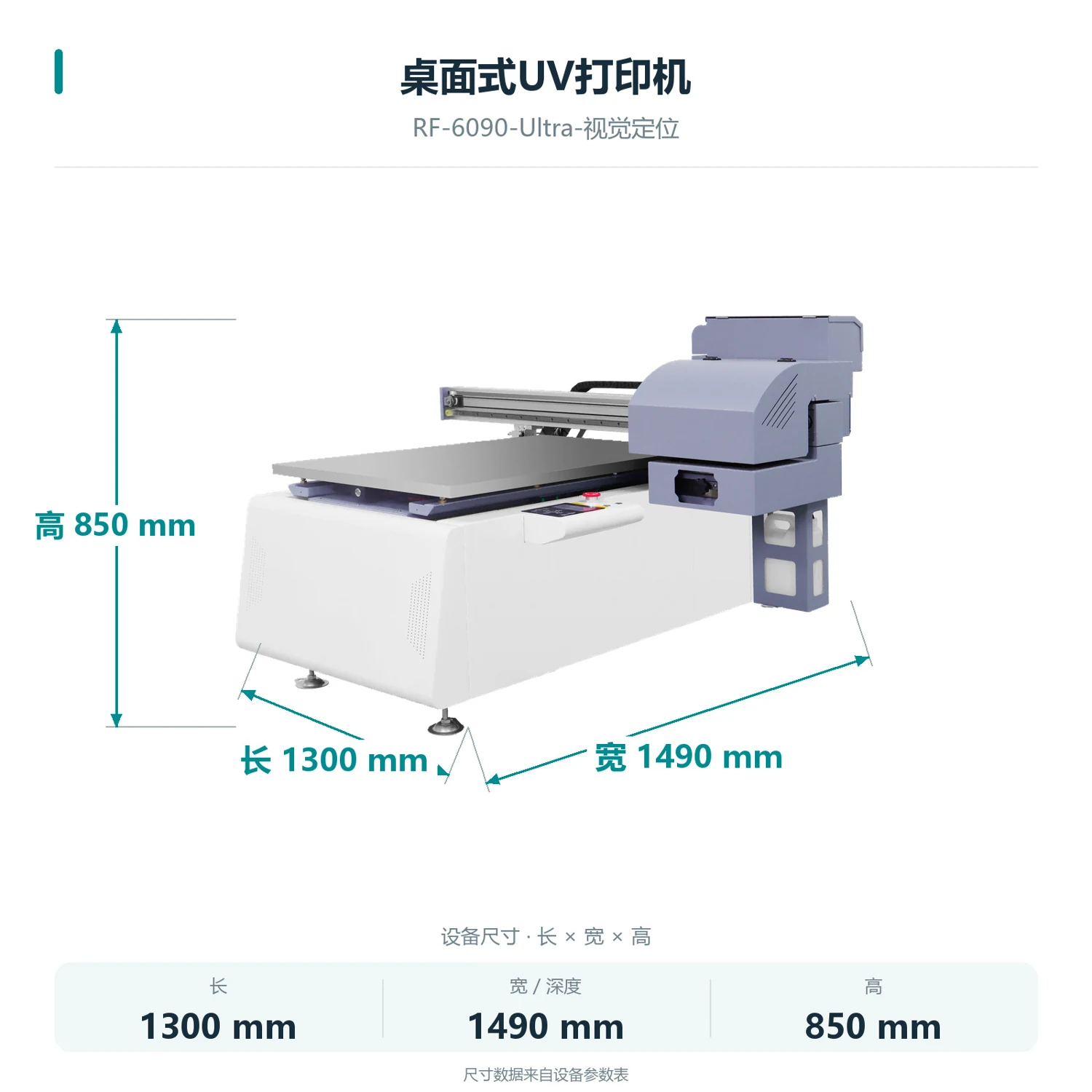
- 1300 × 1490 × 850 mm
- Ink setup
- UV / textile / food; separate configurations
- Computer setup
- External Windows PC required
- Positioning
- Standard / camera vision positioning
- Vacuum platform
- Included
RF-6090Ultra · Flatbed printer
How do you load, print and collect?
- 01
Prepare items and artwork
Prepare actual items and artwork. Confirm material, dimensions and print placement.
- 02
Check holding and placement
Load and hold the items. Check placement on the standard version; the vision version uses its camera to locate positions and angles.
- 03
Confirm on the computer and print
Check artwork and settings on the external Windows PC, then start printing.
- 04
Collect and check the result
Collect the item and check artwork placement, color and how well the print holds.
RF-6090Ultra · Flatbed printer
Machine details
 View full image ⤢
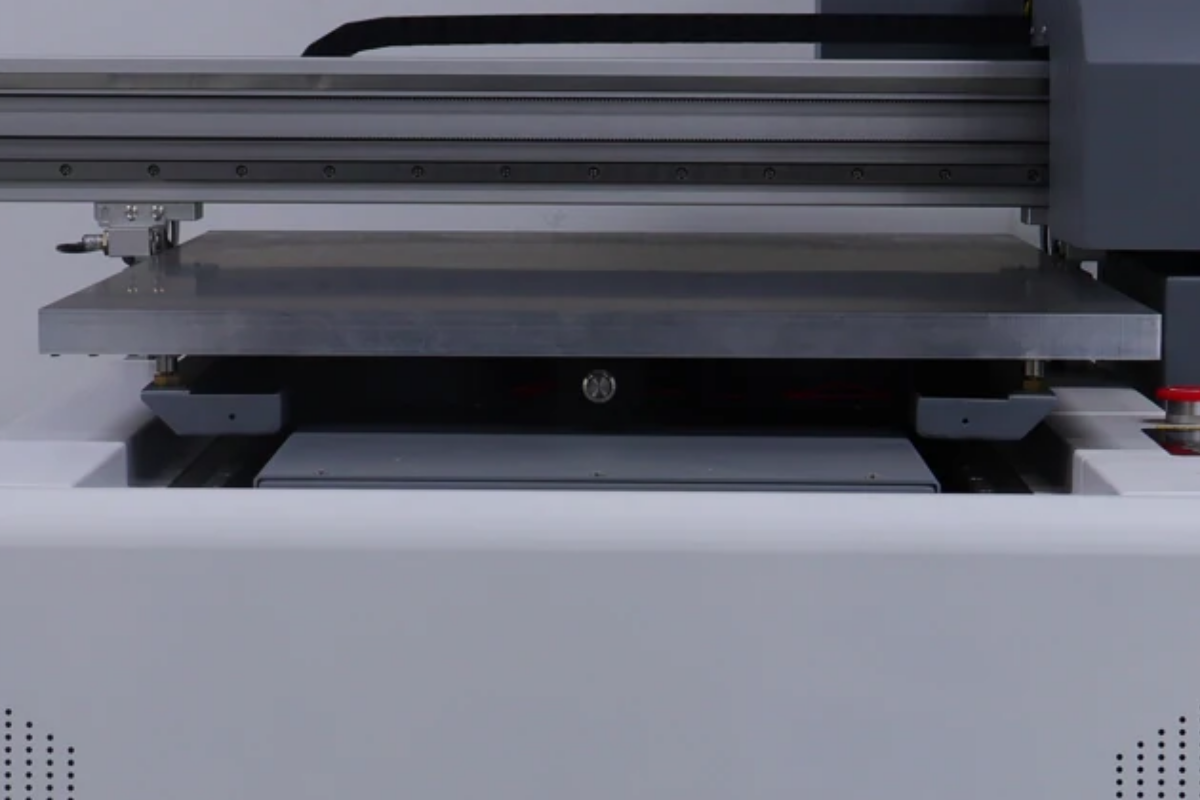
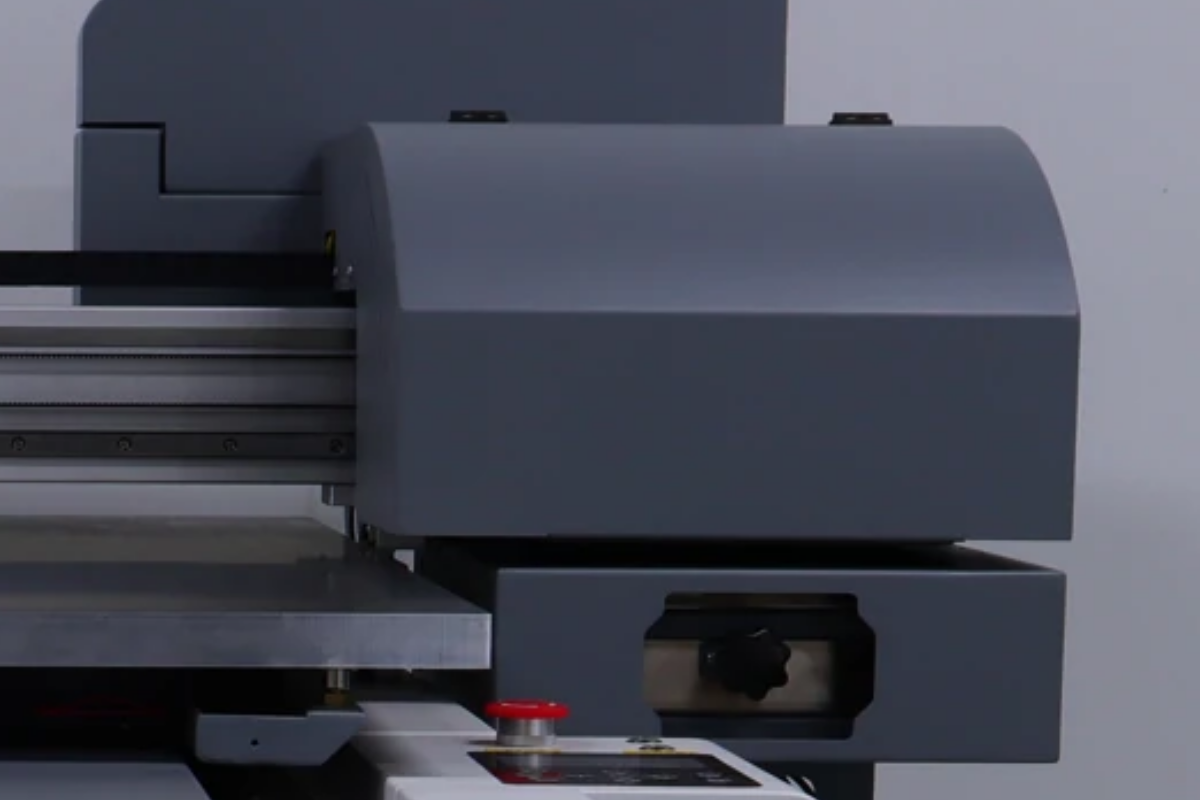
Print platform · photograph detail
Use suitable holding methods for your items.
 View full image ⤢
Front structure · photograph detail
RF-6090Ultra · Flatbed printer
Machine dimensions
 View full image ⤢
Machine dimensions
RF-6090Ultra · Flatbed printer
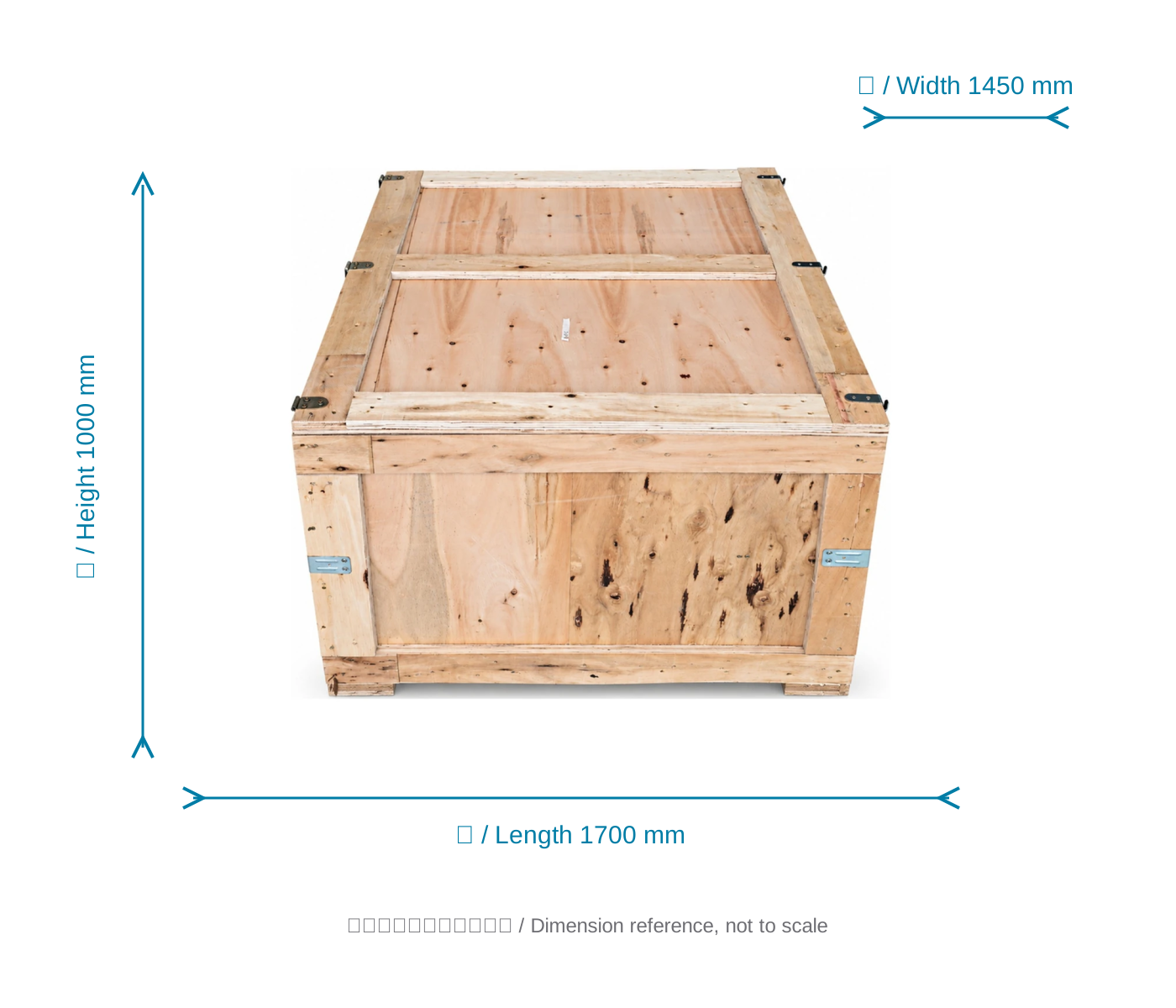
Packing dimensions
View the crate with dimensions from the specification sheet.
 View full image ⤢
Shipping crate dimension reference
RF-6090Ultra · Flatbed printer
Installation
The machine measures 1300 × 1490 × 850 mm and weighs 165 kg. Allow additional space for operation, items and maintenance.
Computer and connection
An external Windows PC connects via Gigabit Ethernet.
Placement and holding
The standard vacuum table uses suction to help hold flat materials. Test holding methods for other items.
RF-6090Ultra · Flatbed printer
Free sample printing
Send item photos and artwork first. Agree on requirements before sending or bringing samples.
Free sample printing
Sample printing is free with no quantity limit. Customers cover shipping; charges for special materials and custom fixtures are confirmed after assessment.
Request free sample printing →Training and warranty details
Remote setup training is available. One-year warranty from receipt excludes printheads and consumables; customers cover warranty shipping.
View training and warranty →RF-6090Ultra · Flatbed printer
Training and warranty
Remote installation training. Contact technical service for on-site arrangements and fees.
Remote training
Remote installation training is provided. Confirm on-site arrangements and fees with technical service.
One-year warranty
One year from receipt, excluding printheads and consumables. Customers cover warranty shipping.