RF-GF2
Rotary golf ball printer
Rotate golf balls to print wraparound designs. For balls 43 mm in diameter; other diameters require customization. Test actual balls first.
Browse all equipment →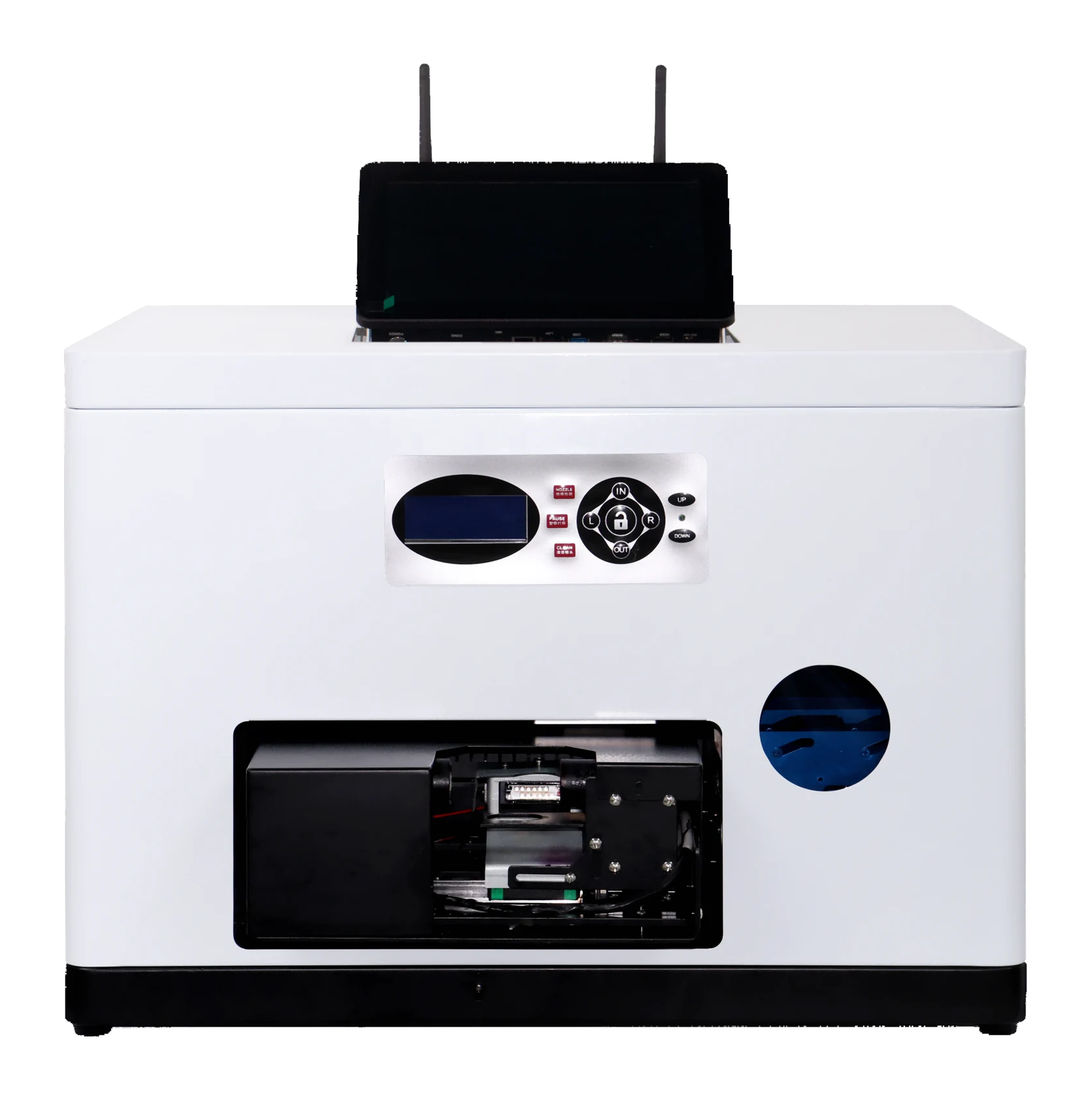
RF-GF2
What you can print
Rotary printing
Rotate the ball for wraparound artwork.
Check ball diameter
For φ43 mm balls; customize for other diameters.
Check your design
Test actual balls to check placement, color and how well the design holds.
RF-GF2
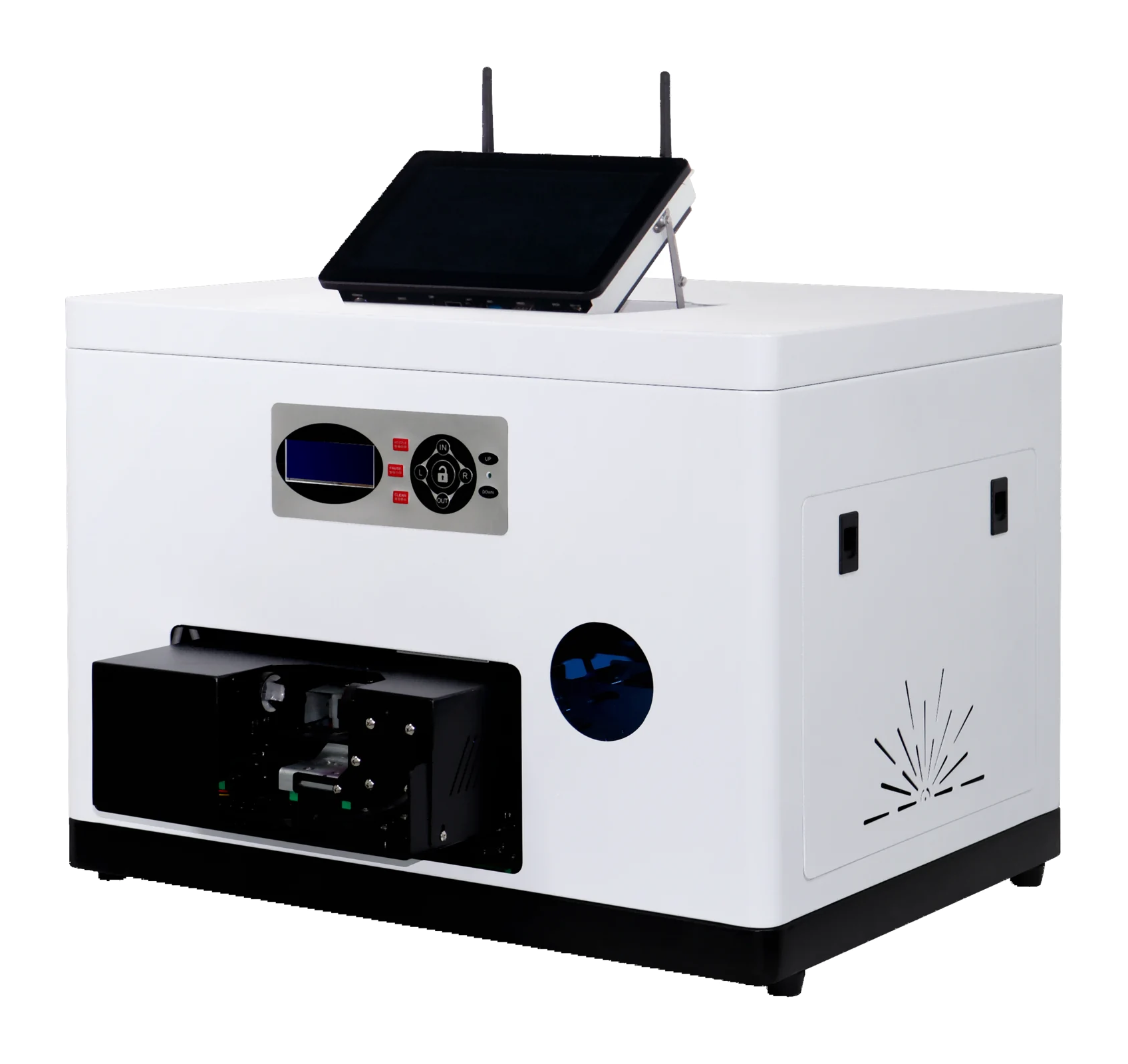
Machine views
 View image ⤢
Front-right view
Select a view above, or open the image to see more detail.
RF-GF2
Key specifications
- Print area
- 135 × 24 mm; listed ball Ø43 mm
- Ball diameter
- φ43 mm; other diameters require customization
- Ink and finish
- UV ink; CMYK color
- Computer setup
- 10.1-inch touchscreen computer included
- Machine size
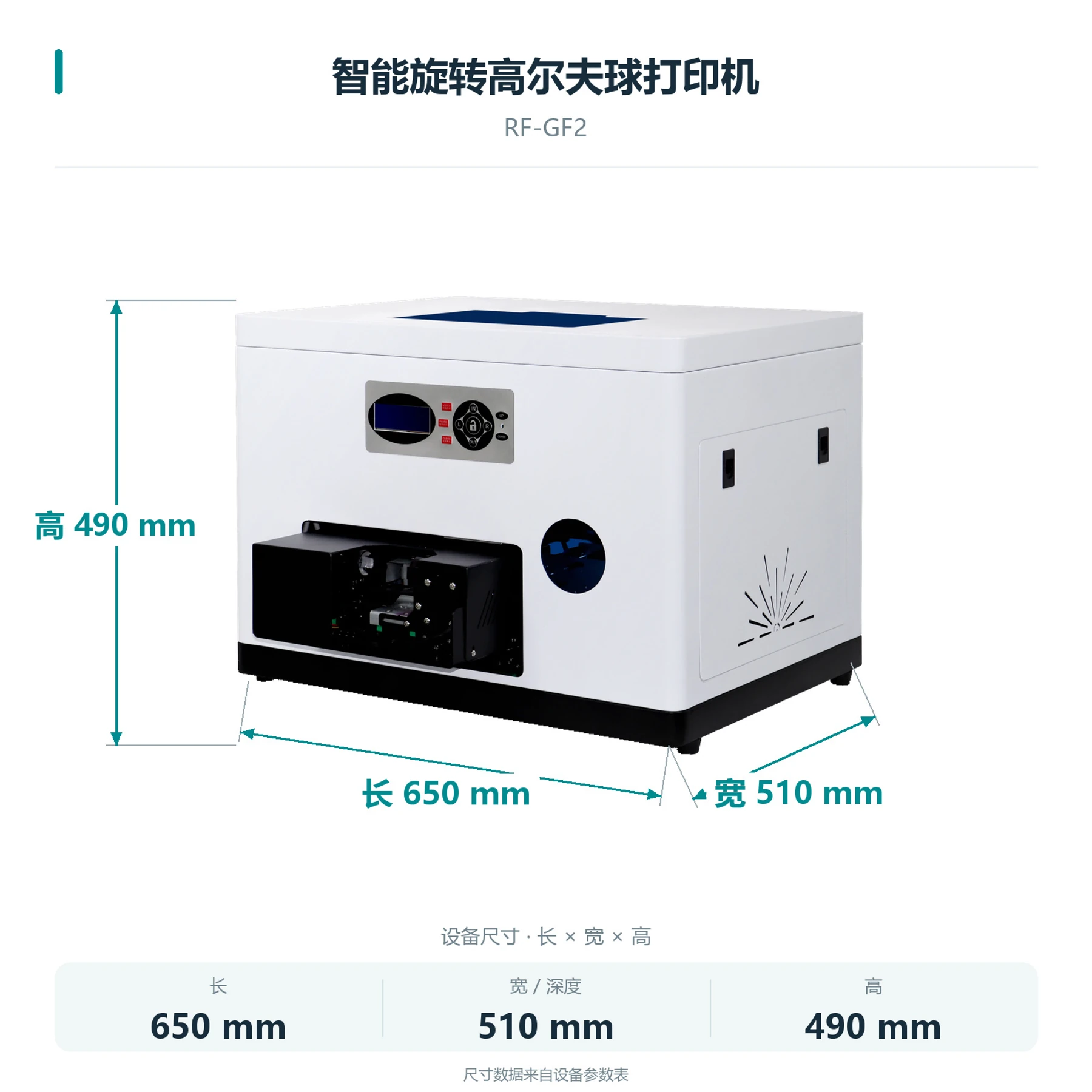
- 650×510×490 mm
- Net weight
- 51.0 KG
- Printhead model
- EPSON-F1080
- Printhead count
- Single head
- Printhead maintenance
- Automatic / manual cleaning
- Power supply
- AC 220 V / 110 V, 50–60 Hz
RF-GF2
Load the ball, then confirm the design and print.
- 01
Prepare items and artwork
Provide actual balls and artwork. Confirm the surface material, design size and placement.
- 02
Hold and print
Hold the ball with a matching fixture, check artwork on the touch computer and print.
- 03
Collect and check
Collect the ball and check artwork placement, color and how well the design holds.
RF-GF2
What is needed to operate it?
Computer and operation
10.1-inch touchscreen computer included
How to hold the ball
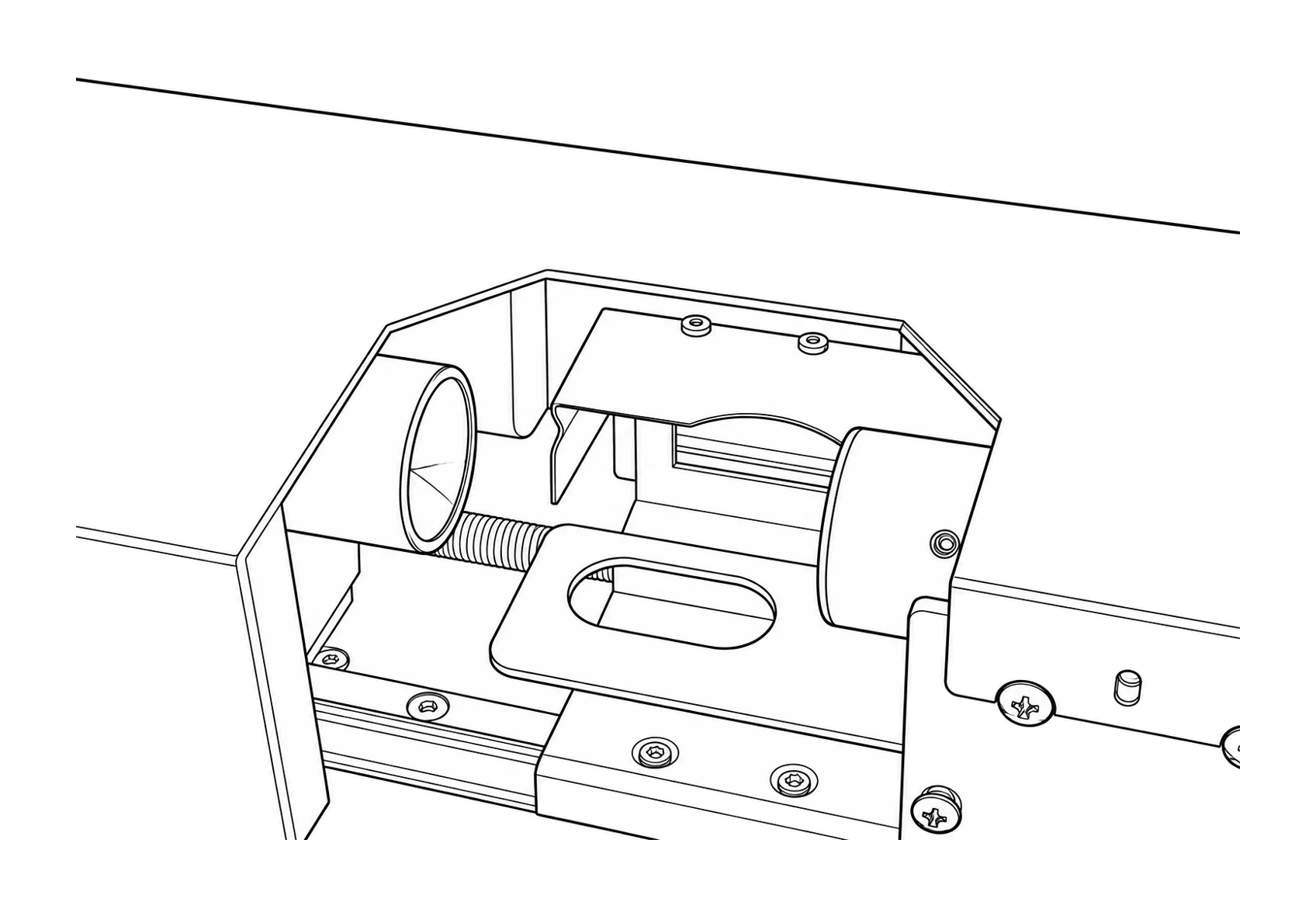
Fixtures hold the ball in place. Test actual balls for dimensions and artwork placement.
RF-GF2
Machine details
 View full image ⤢
Rotary fixture diagram
RF-GF2
Machine dimensions
 View full image ⤢
Machine dimensions
RF-GF2
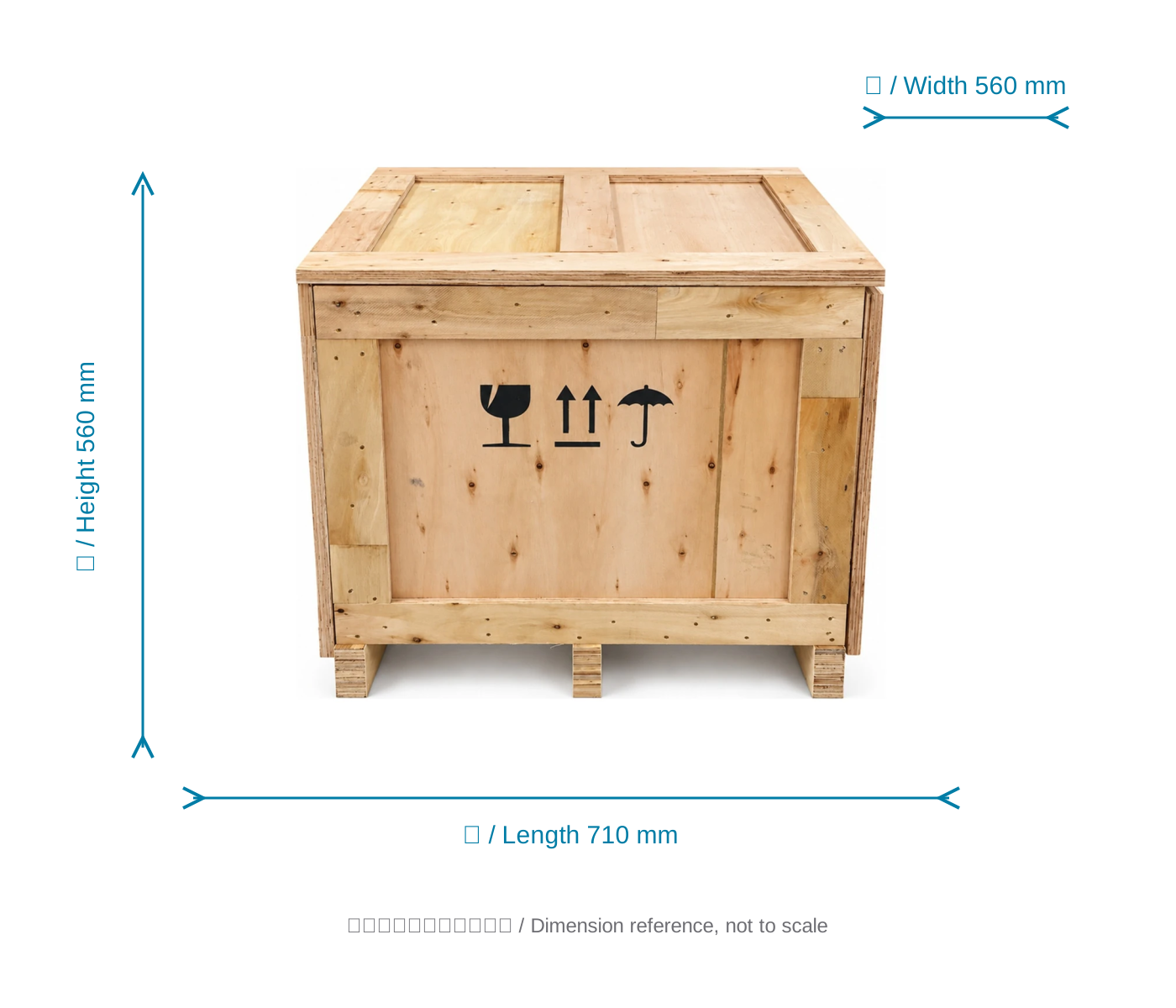
Packing dimensions
View the crate with dimensions from the specification sheet.
 View full image ⤢
Shipping crate dimension reference
RF-GF2
Free sample printing
Send item photos and artwork first. Agree on requirements before sending or bringing samples.
Free sample printing
Sample printing is free with no quantity limit. Customers cover shipping; charges for special materials and custom fixtures are confirmed after assessment.
Request free sample printing →Training and warranty details
Remote setup training is available. One-year warranty from receipt excludes printheads and consumables; customers cover warranty shipping.
View training and warranty →